📘 Corporate AI training: our free roadmap for a successful rollout
Download our AI roadmap
★★★★★
4,9/5 sur Google
🔌 Connect Claude to Pennylane: our step-by-step setup guide
Download the Claude x Pennylane guide★★★★★
4,9/5 sur Google
.svg)

How VIAVEÏS trains its executive committee on Copilot to run telecoms across 4,400 km of motorway
Copilot training for VIAVEÏS, the telecoms subsidiary of VINCI Autoroutes: the executive committee sees Copilot live. 900+ companies supported.

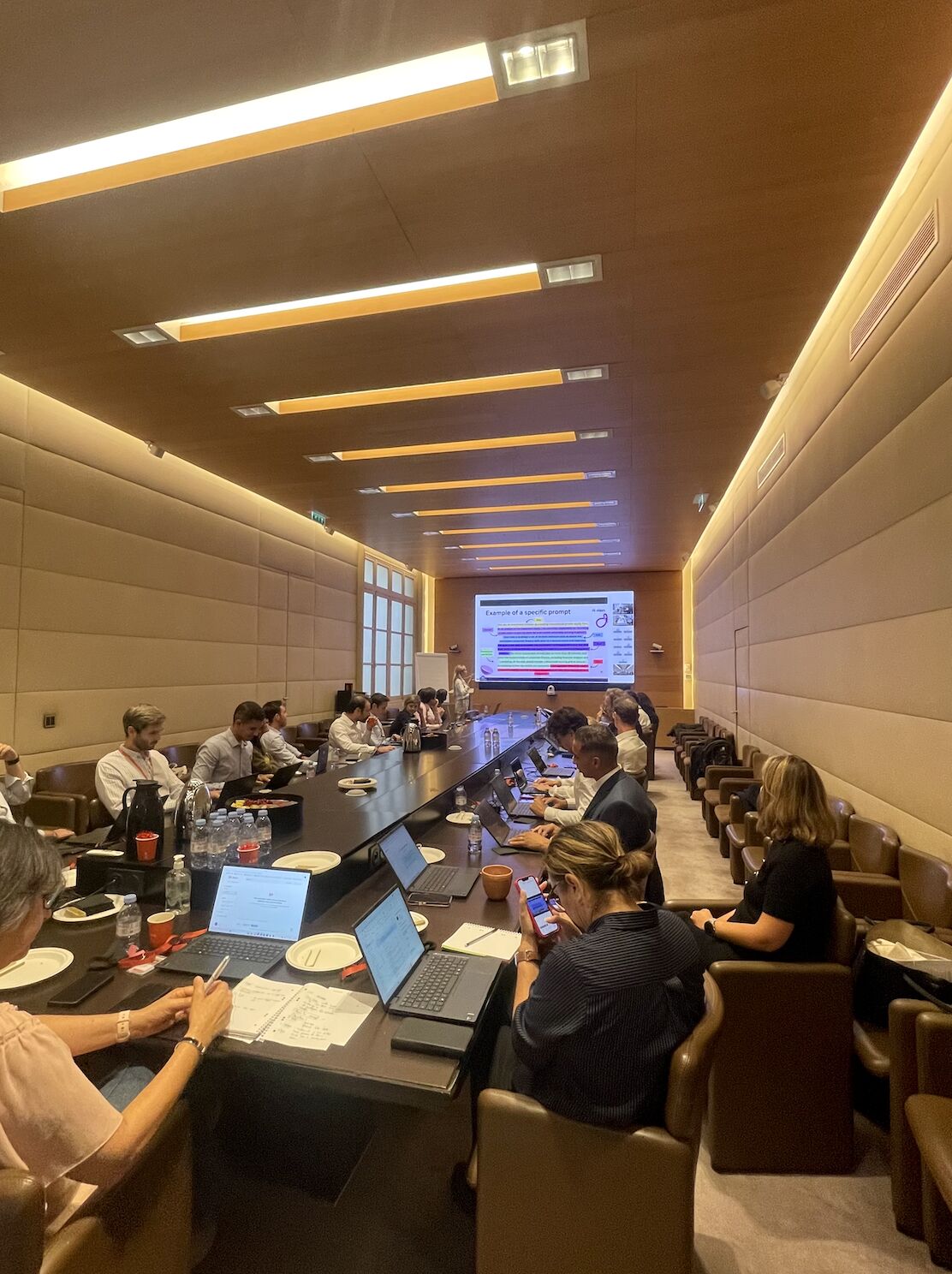
On 20 October 2026, at L’Archipel, VINCI’s head office in La Défense, AI Sisters launched its AI programme with VIAVEÏS, the telecoms subsidiary of VINCI Autoroutes, starting with its executive committee.
The topic: Microsoft Copilot, shown live in the company’s own Microsoft 365 environment and built on the questions its leaders face.
Turning Copilot into a working tool for leadership
For a long time Copilot disappointed many companies. Licences bought at scale, and employees who mostly used it to summarise a Teams meeting or rephrase an email. Over the past few months Microsoft has improved it a lot, especially in Excel, Word and PowerPoint.
The challenge set for AI Sisters: show the VIAVEÏS executive committee how to really use Copilot in its daily work, beyond the best-known features.

Beyond meeting summaries
Move from the two or three uses everyone knows to analysis, drafting and steering.

Very different teams
Projects, contracts, finance, engineering: each department has its own documents and its own questions.

Staying in Microsoft 365
Work in the tools teams already use, without endless exports and copy-pasting.

Licences are not enough
Rolling out Copilot does not mean people know how to use it. That is where many deployments fell short.
Your executive committee has Copilot licences but barely uses them?
We start from your own files and show them live what Copilot changes in their day.








Our Copilot training programme for VIAVEÏS
A three-step programme that starts with the executive committee. We don’t teach everyone the same prompts: each team sees what it can really do with AI. That is the idea behind our Copilot training for companies.
Live demos
We worked in VIAVEÏS’s Microsoft 365 environment, on use cases tied directly to its leaders’ responsibilities. They saw what Copilot can do on their own topics.
Step 1: the executive committee and managers
Discover what Copilot can do and spot the strategic uses. This session opened the programme on 20 October.
Step 2: an AI Show for all employees
Show the whole company, in concrete terms, what AI can bring to everyday work.
Step 3: role-based workshops
Go deeper into each team’s own use cases, with its documents and processes.
Executive committee first, then the whole company?
An AI Show for everyone, workshops by role: we build the path with you.
Copilot use cases for an executive committee
Examples that speak to leaders, worked through in Microsoft 365.

Legal: analysing contracts
→ Compare dozens of contract amendments and surface the differences
→ Find clauses across a set of documents
→ Prepare a summary of points to check, with the lawyer keeping final sign-off
Leadership: structured monitoring
→ Follow regulatory news, the market and competitors
→ Surface the important information and its possible impact on the company
→ Set up some recurring monitoring with Microsoft 365 automation
Projects: making better use of data
→ Analyse budget tracking, progress, deadlines and blockers
→ Build clearer steering materials
→ See quickly where the problems are and which decisions to make
Finance and what’s new in Copilot
→ In Excel, compare budget and actuals, isolate the biggest gaps, prepare the committee summary
→ Copilot Cowork: hand over a multi-step task, such as preparing an executive committee meeting
→ Copilot Code: build a contract tracker or a small dashboard by describing the need
These new features are at different stages of rollout, and some are still in early access.
The results of the Copilot training at VIAVEÏS
Buying licences is not enough. A company can have Copilot’s latest features and still use it as an email spellchecker. What makes the difference is how teams are trained, how use cases are chosen and how AI fits into existing processes. After the executive committee, the programme continues with all VIAVEÏS teams.
Before and after the session


Before: Copilot limited to its best-known uses. The starting point: go beyond the features everyone already knows.
With AI Sisters: role-based use cases, shown live. Legal, monitoring, finance, projects: every demo starts from a leader’s responsibility, inside VIAVEÏS’s Microsoft 365 environment.


Before: amendments compared by hand. Finding a clause or a change, one document at a time, before any analysis can start.
With Copilot: a summary ready to check. Copilot spots the changes and finds the clauses. The lawyer keeps final sign-off and spends the time on analysis.
of motorway network covered by VIAVEÏS telecom infrastructure
first audience of the programme, ahead of the whole company
use cases worked through in everyday tools, with no exports or copy-pasting
Copilot Cowork, Copilot Code: where to start?
Let’s talk about your Microsoft 365 tools and your priority use cases.
Got it. An AI Sisters expert will email you to plan your AI training.
Your email didn't go through. Check the address, or write to us at contact@aisisters.ai.
An expert will reply to scope your AI training, with no commitment.
VIAVEÏS is the telecoms subsidiary of VINCI Autoroutes. It works on the telecom infrastructure of 4,400 km of motorway network, with very different teams: projects, contracts, finance, engineering.
A programme built around your roles and your tools, pre-audit included.
Got it. An AI Sisters expert will email you to plan your AI training.
Your email didn't go through. Check the address, or write to us at contact@aisisters.ai.
An expert will reply to scope your AI training, with no commitment.

“Great training and a very practical audit: we are already seeing tangible gains.”
“AI Sisters supported 150 Webedia employees with truly exceptional shows and workshops. Extremely hands-on, and the productivity gains are already very measurable.”
“Two brilliant training sessions with AI Sisters. Titouan was excellent: highly personalised, relaxed and accessible. The team demystified a subject that seemed so complex. Thank you!”
“It was really great: AI Sisters supported the entire IT department with immediate impact. I recommend them 100%.”
“An unforgettable experience: dynamic, practical and directly useful day to day. The teams are still talking about it!”

“A very dynamic, practical day, perfectly suited to our challenges. The teams came away with tools and ideas to put into practice the very next day.”
Organise an AI Show
A few details to help us prepare your tailored Show. Our team will get back to you quickly.
Industry
How VIAVEÏS trains its executive committee on Copilot to run telecoms across 4,400 km of motorway
VIAVEÏS is the telecoms subsidiary of VINCI Autoroutes. It works on the telecom infrastructure of 4,400 km of motorway network, with very different teams: projects, contracts, finance, engineering.

Banking / Private Equity / M&A
How Mérieux Equity Partners trains four teams on Claude and makes 10 business skills reliable
Mérieux Equity Partners invests in healthcare companies, through private equity and venture capital. The fund brings together investment teams (Buy-out and Venture Capital), investor relations and support functions.


Hospitality
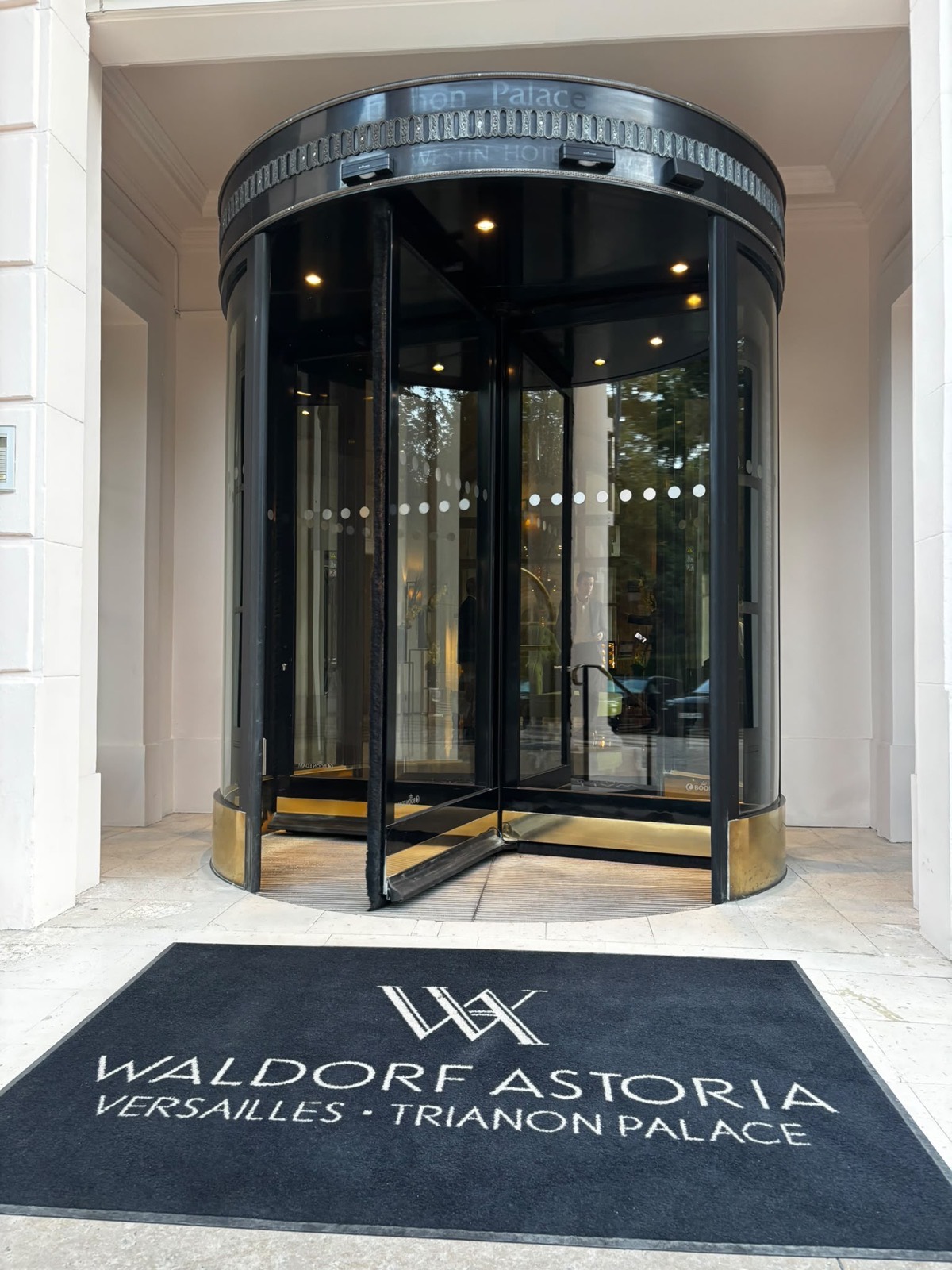
How the Trianon Palace brought the whole company into generative AI
A Hilton group palace hotel in Versailles. Around 200 employees, about a hundred of whom work on digital tools every day.

Tech & Electronics
How Econocom introduces 380 salespeople and CIOs to generative AI in two days
Econocom is a European digital transformation group: €2.9 billion in revenue in 2025, nearly 8,700 employees and a presence in 16 countries. For 50 years, it has supported companies with their equipment, IT services and financing.

Health & Pharma
AI training in pharma: Alexion's AI ambassadors build their own assistants
Alexion Pharma France is the AstraZeneca subsidiary dedicated to rare diseases, based in Levallois-Perret. It has around 200 employees in France, 220 including Belgium.
Profiles range from medical and sales teams to support functions, in a highly regulated environment.
Banking / Private Equity / M&A
AI training for private equity: Ciclad's Invest team moves from prompts to skills
Ciclad is an LBO fund specialising in French SMEs, with expertise in buyout and succession capital. Its Invest team works on long, sensitive documents: information memoranda, tax returns, data rooms and due diligence reports.


Industry
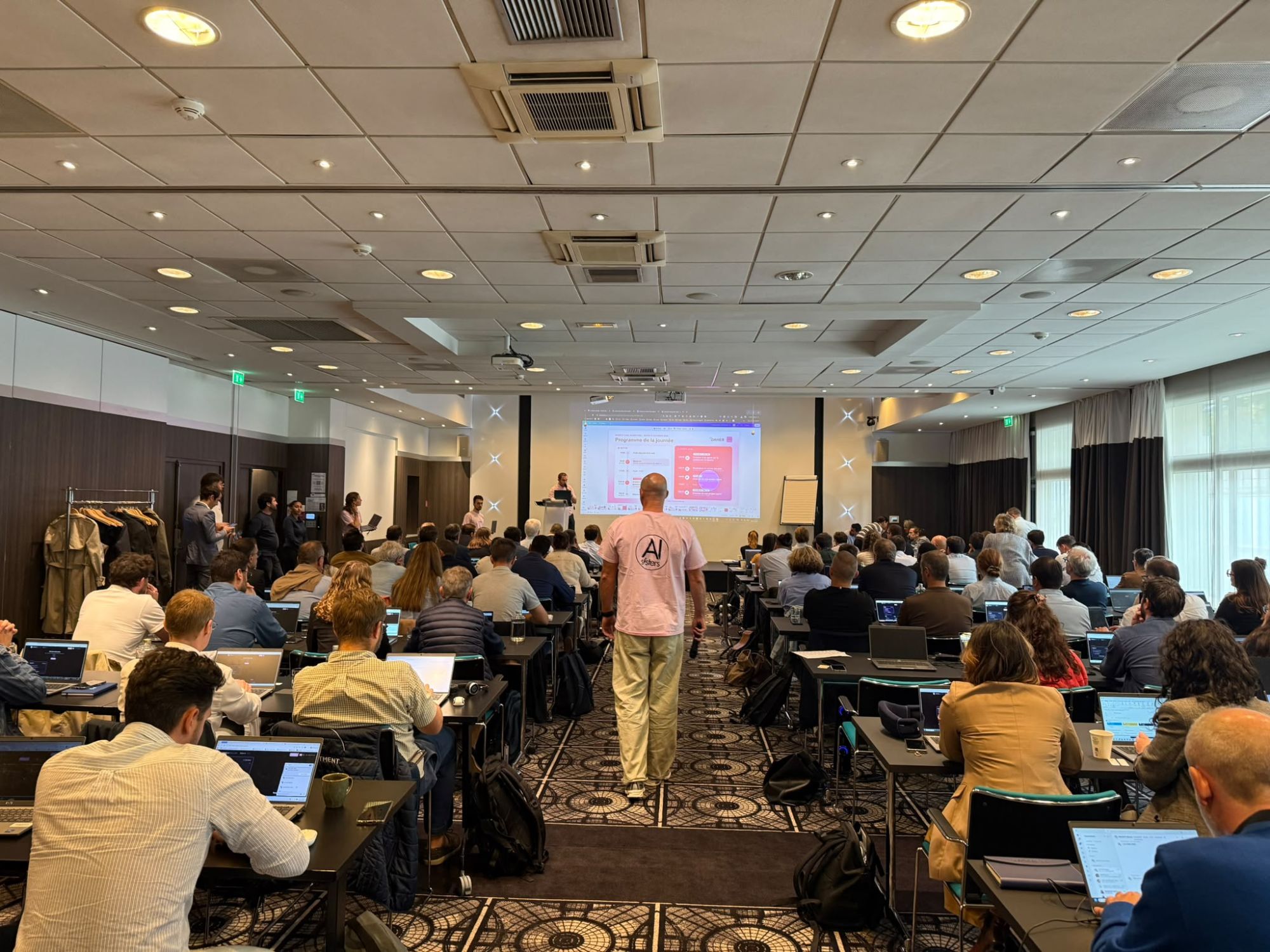
AI training for support functions: 108 Daher employees build their own Copilot agent
Daher Business Support (DBS) is the support functions division of the Daher group, a player in aerospace and industrial logistics.
It brings together the HR, finance, accounting, IT, legal, procurement and communications teams. Different roles with one thing in common: lots of documents, data and processes where generative AI can save time.

Health & Pharma
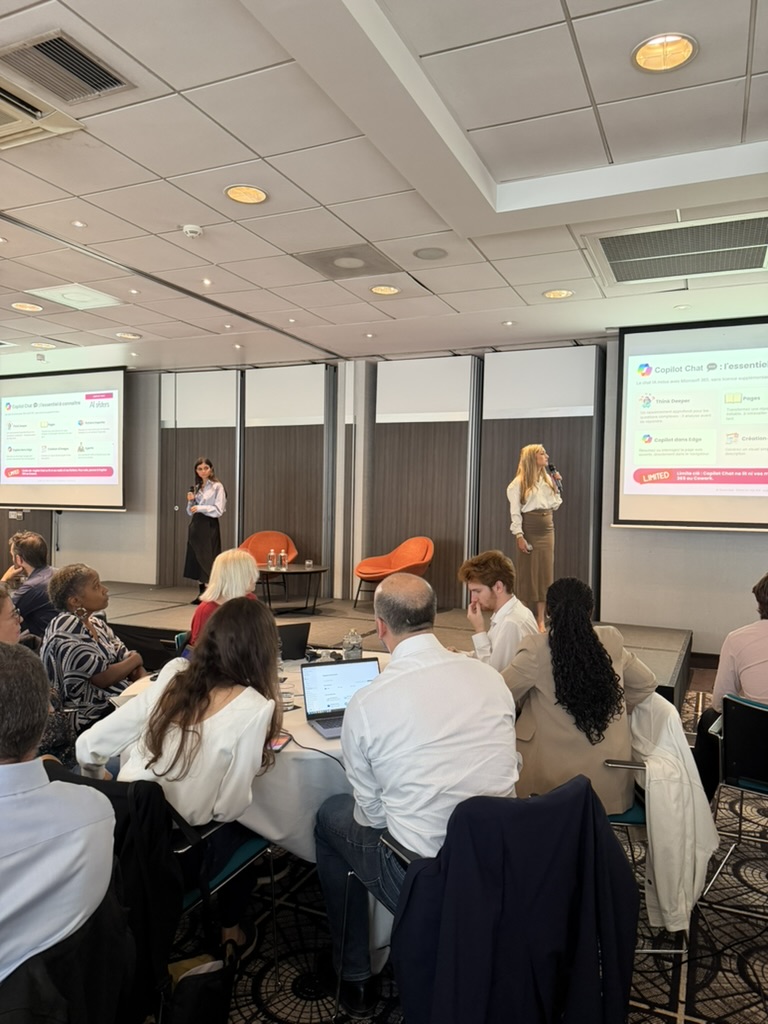
AI agents in finance: how 200 Ipsen employees built their own Copilot agents
IPSEN is a global biopharmaceutical group specialising in oncology, rare diseases and neuroscience. Its finance, procurement and IT teams work in a regulated environment, where figures and the format of deliverables leave no room for approximation.

Hospitality
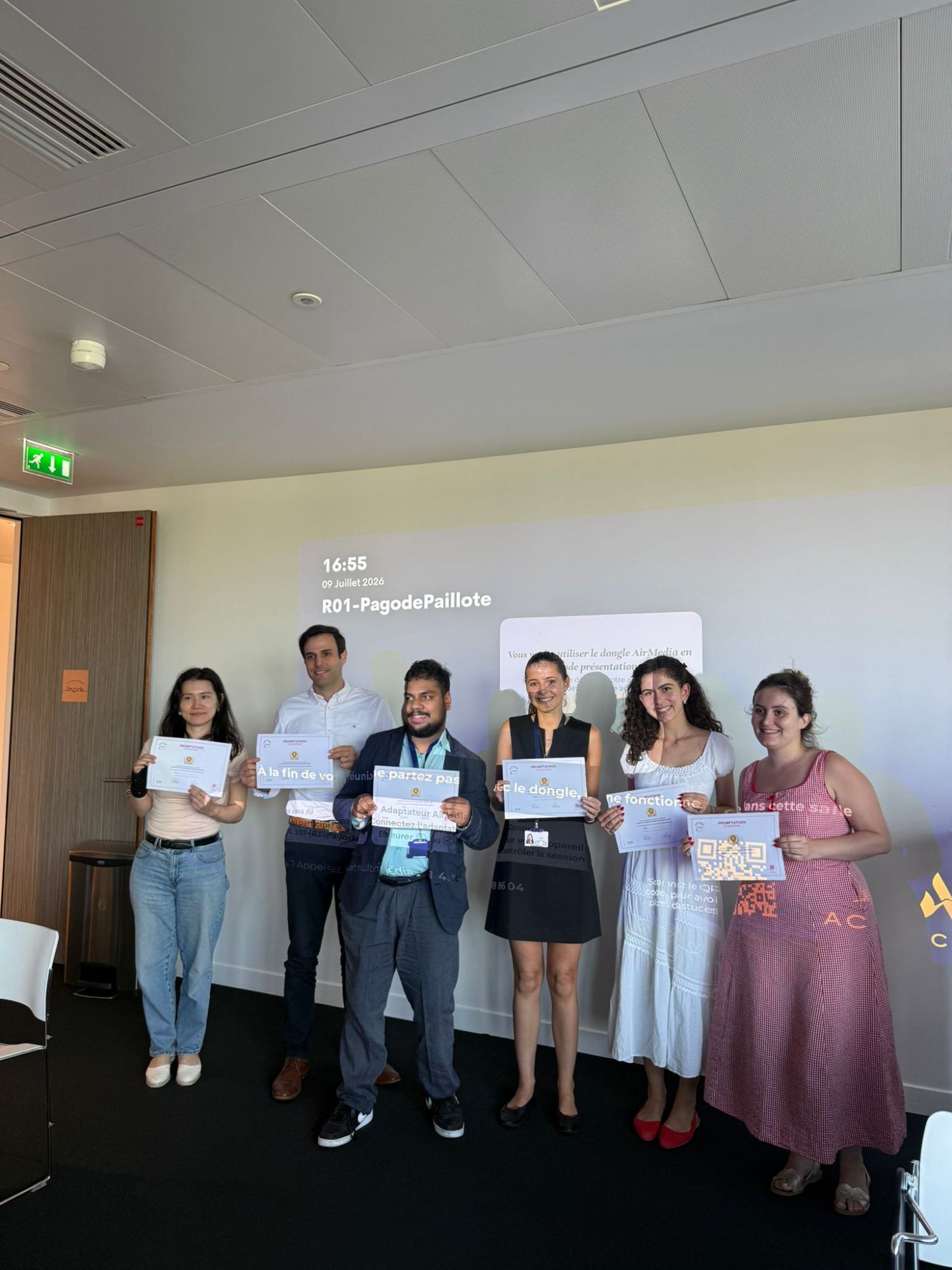
AI training for CSR teams: the AI Show and Promptathon for Accor’s Sustainability Department
Accor is an international hospitality group.
Its Sustainability Department brings together 35 to 45 employees across 6 teams, including Diversity-Disability-Inclusion, Marketing, Sustainable Energy and Performance.
The teams already have Accor GPT, the group’s in-house AI, the Claude add-ins for Excel and PowerPoint and Claude Code.
Tech & Electronics
AI training for HR: Samsung Electronics France's Promptathon
Samsung Electronics France is the French subsidiary of the Samsung Electronics group.
Its Human Resources department supports teams day to day on topics where data is among the most sensitive in the company: pay, employee relations, internal promotions and onboarding of new joiners.
For two years, Samsung Electronics France has been rolling out generative AI with AI Sisters, one department after another. After the teams trained in previous sessions, it was HR's turn.


Tech & Electronics
High-tech AI training: Samsung equips 120 managers
Samsung Electronics France is the French subsidiary of the Samsung Electronics group, active in consumer electronics and technology solutions: smartphones, TVs, connected home appliances and professional equipment.
AI Sisters has been supporting Samsung Electronics France for more than a year on an AI programme rolled out across the year: training, role-based workshops, ambassador sessions and short formats. The Lunch & Learn is one of these formats, designed specifically with the Samsung teams to embed AI in day-to-day work without taking up entire days.

Energy
Copilot AI training: TotalEnergies' HR Promptathon
TotalEnergies is one of the world's five largest energy groups, operating in more than 130 countries. The GRP People & Services division brings together the group's strategic HR functions: talent development, HRBP, training, internal communications and Support functions. These teams, spread across several roles and regions, drive the organisation's transformation projects day to day.


Communication · Luxury
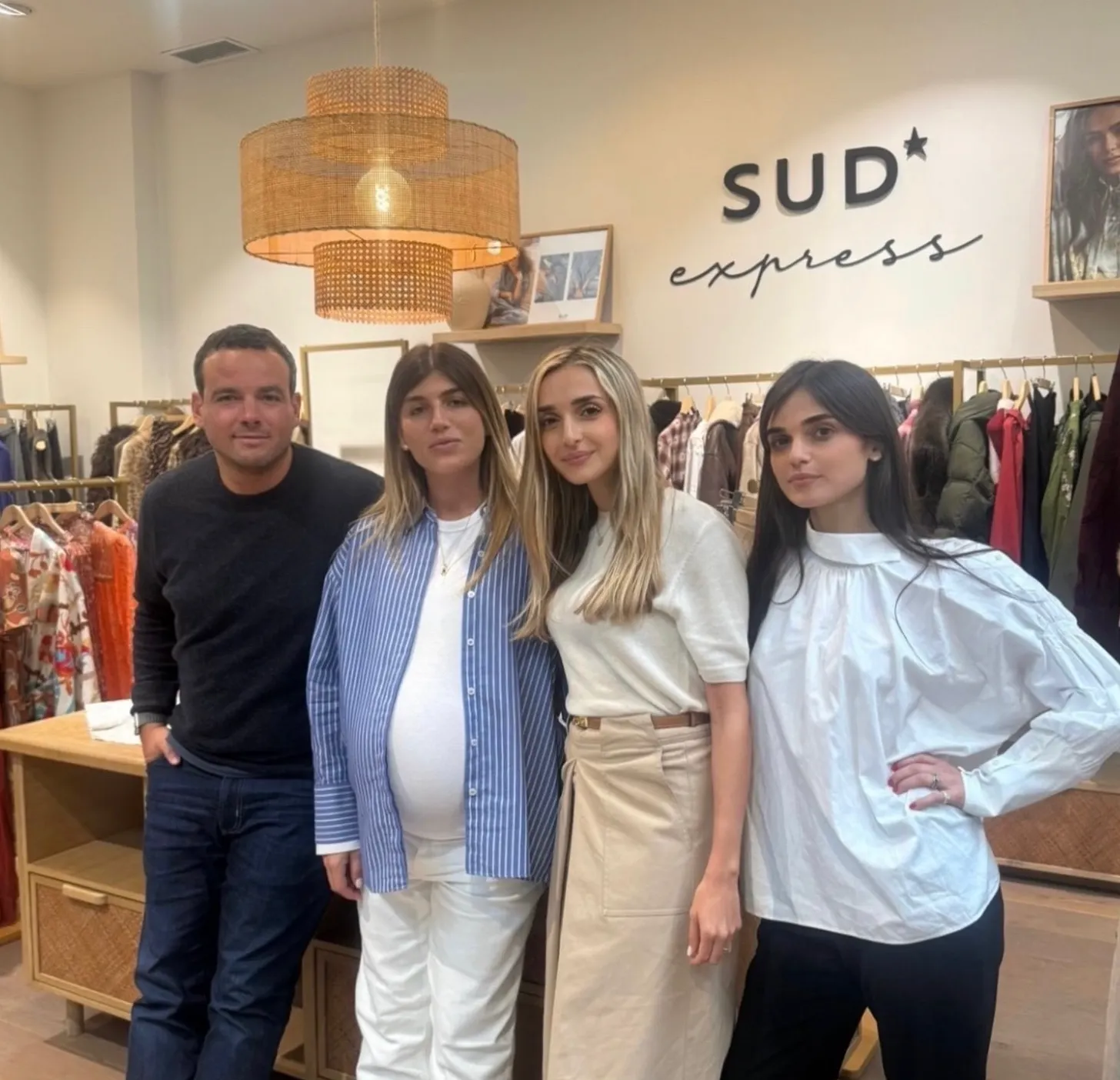
Retail AI Training: Sud Express gathers its headquarters around Claude
Sud Express is a French women's ready-to-wear brand founded in 1987, with 95 owned stores across the country. Positioned in the accessible-premium segment, it targets women aged 25 to 45 and relies on regularly refreshed seasonal collections, with a strong Parisian identity and an active omnichannel network — boutiques, department store concessions, and e-commerce.

Other
Early Childhood AI Training: Babilou Empowers Its Teams with AI
Babilou is one of Europe's leading private nursery operators, with over 1,000 establishments in some fifteen countries. Founded on the conviction that the first 1,000 days of life are crucial, the group has built itself around a demanding educational project, driven by teams dedicated daily to children and families. With several thousand employees, Babilou faces the same transformation challenges as large organizations: gaining efficiency without losing humanity.


Energy
AI training for the energy sector: Albioma takes action with its finance teams
Albioma is an independent power producer committed to the energy transition, operating biomass, solar and geothermal plants in France and internationally. Its finance teams handle sensitive data and complex accounting processes every day, in an environment with strict regulatory and confidentiality requirements.
.jpeg)

Insurance & Mutuals
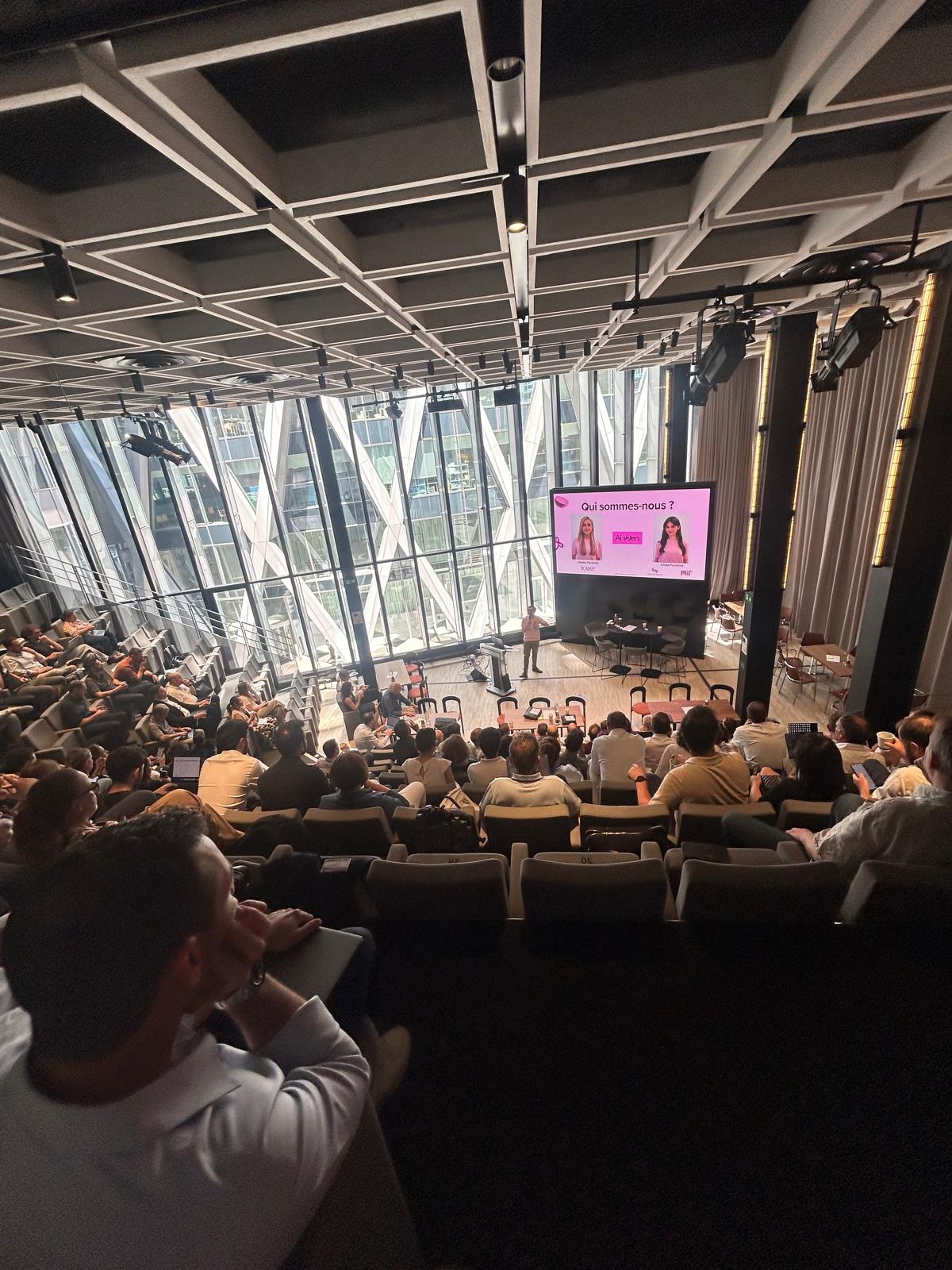
Meilleurtaux Agentathon: 93 employees build their own AI agents in 3 hours
Meilleurtaux is one of the leading players in lending and insurance in France. Every day, its teams handle complex financing applications, insurance contracts and demanding customer relationships. In a sector where processing speed and quality of advice make the difference, generative AI is a major strategic lever to speed up processes and free up time for higher-value work.

Media / Advertising / Audiovisual
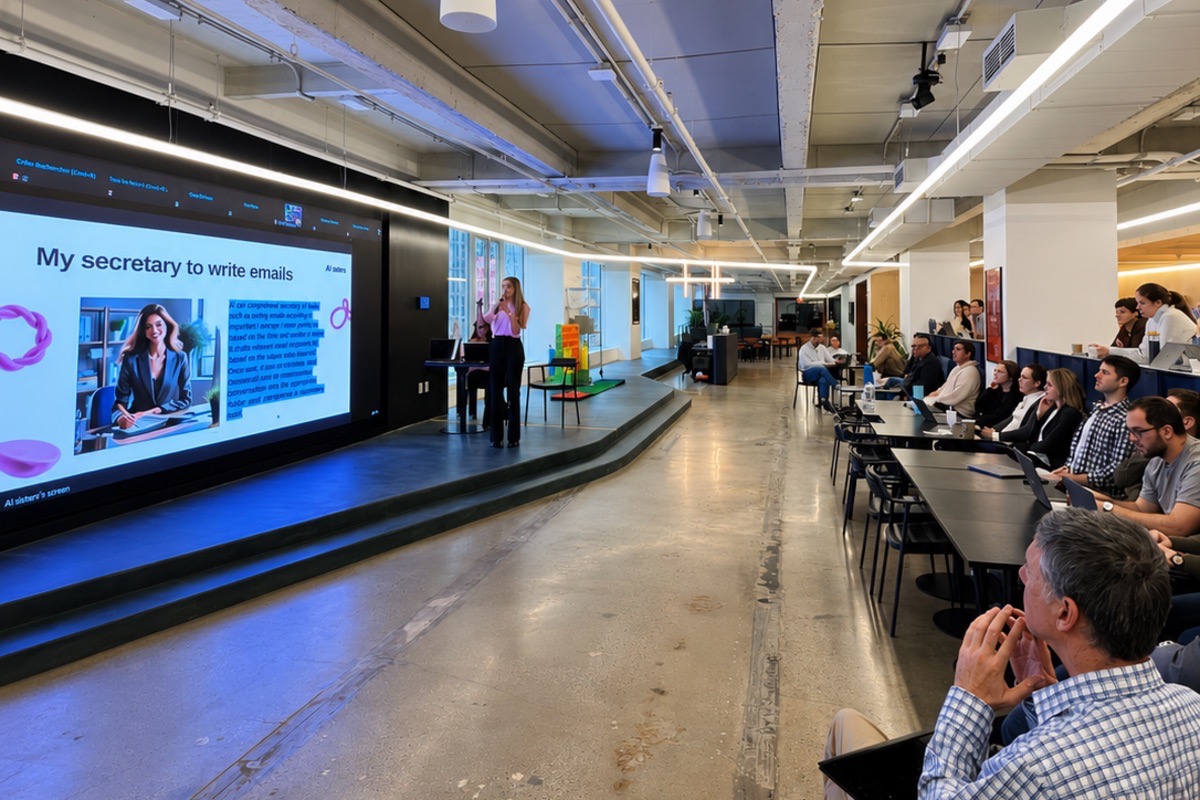
AI week in New York: Fubo trains 250 employees in the United States
Fubo is the US leader in sports streaming. The company broadcasts sports and entertainment content in the United States, with teams spread across the whole country.

Media / Advertising / Audiovisual
Show + AI Audit: TV5Monde customizes its ChatGPT uses
TV5 Monde is the international French-language channel. Its editorial teams, production crews, and on-air staff produce and broadcast multi-platform content to a global audience, within a continuously evolving media sector.

Banking / Private Equity / M&A
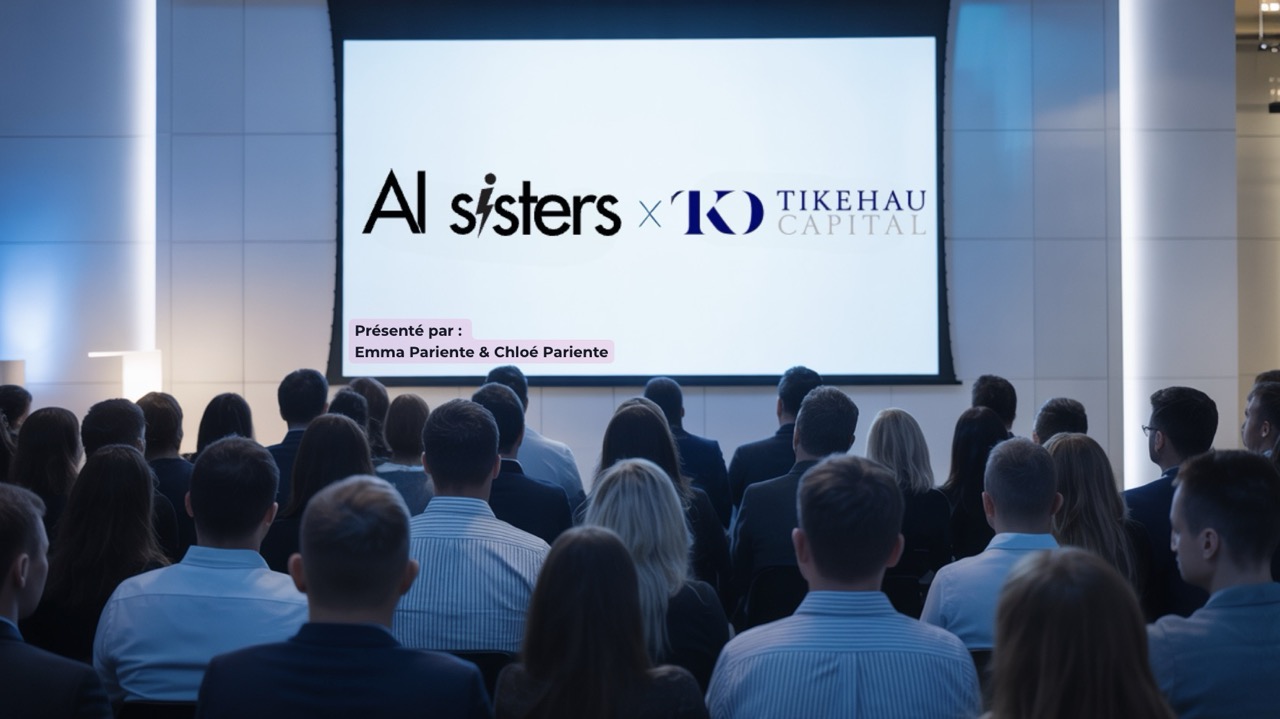
AI training for private equity: Tikehau trains 700 employees in generative AI
Tikehau Capital is a major player in Private Equity and Private Debt in Europe. The group recently rolled out its own secure internal LLM (“Lagoon”) and is deploying generative AI as a strategic lever across its 700+ employees.

Health & Pharma
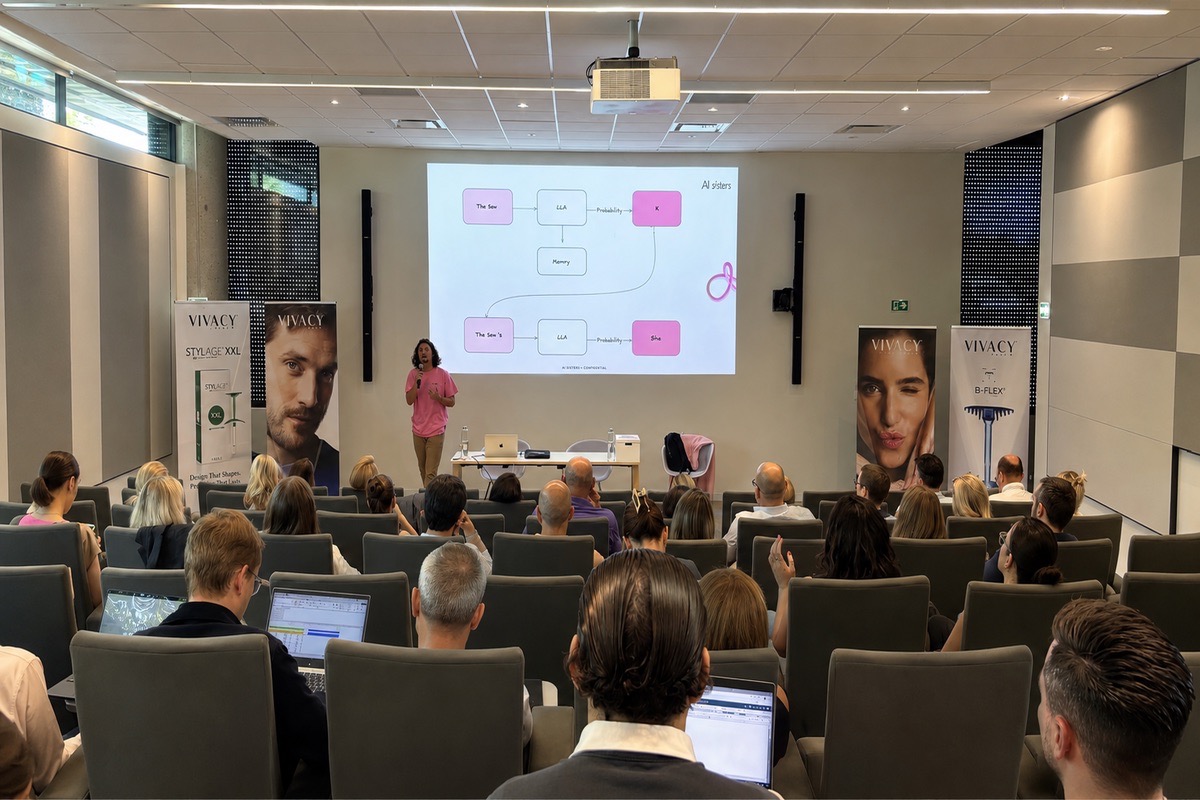
AI training for aesthetic medicine: Vivacy sharpens its sales pitch
Vivacy is a leading French laboratory in aesthetic medicine. Known for its Stylage® range and IPN-Like technology, the laboratory works with dermatologists and cosmetic surgeons in demanding markets where scientific and commercial argument is central.

Real Estate
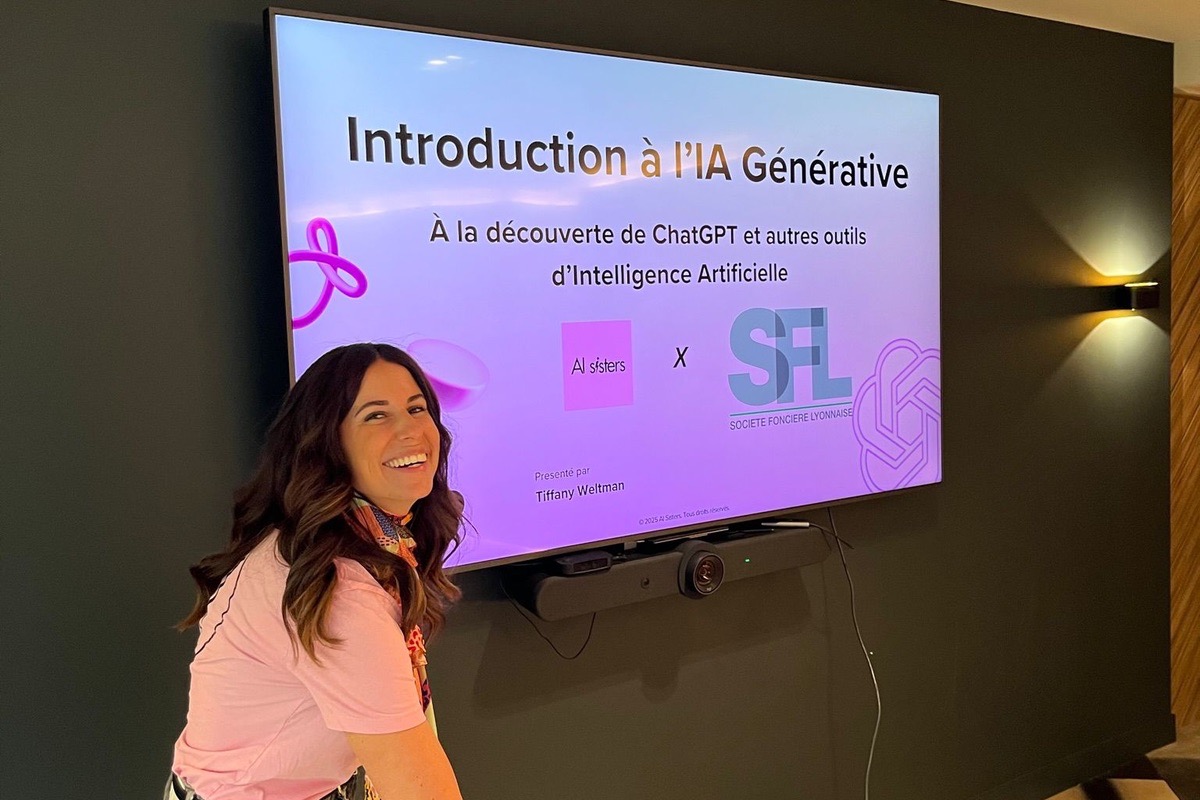
AI Show for real estate: SFL rolls out AI across its teams
SFL - Société Foncière Lyonnaise is a major player in commercial real estate (office property). The group supports its tenants and investors on prestigious assets in a sector where asset value and property management are key issues.

Hospitality
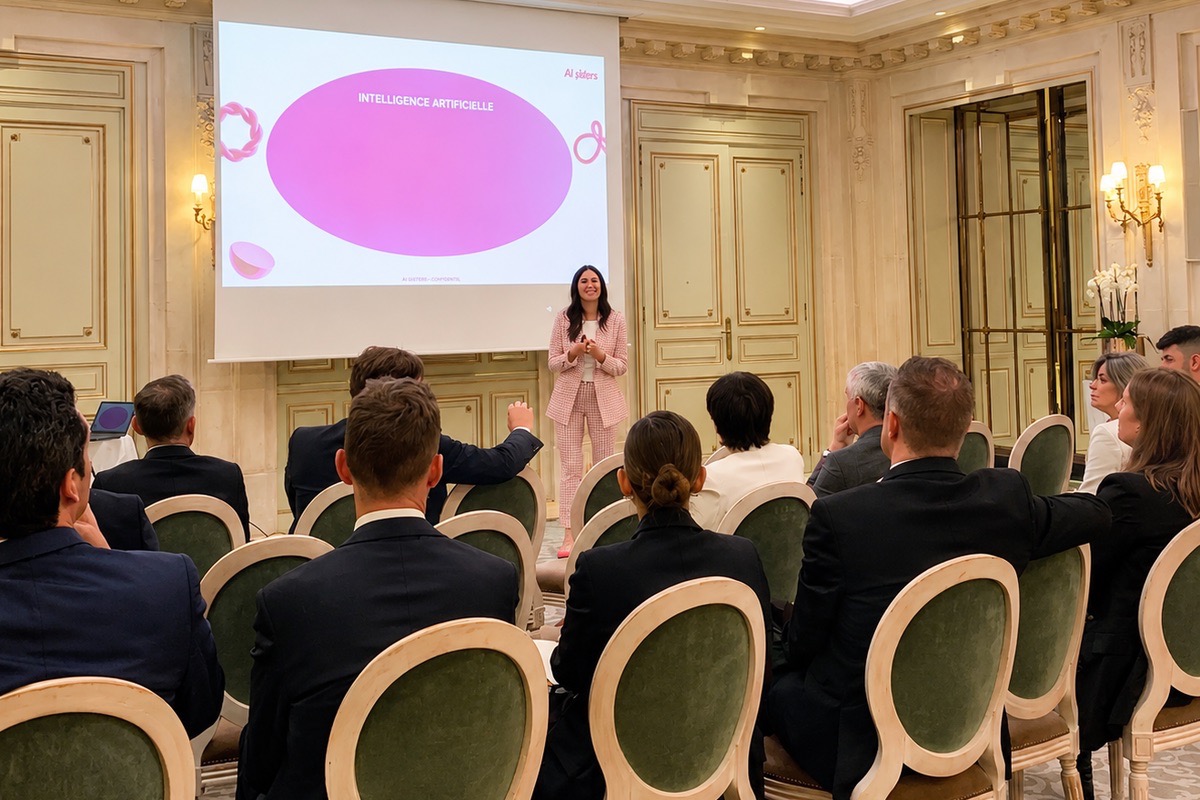
AI Show at a Parisian palace hotel: Le Meurice discovers generative AI
Le Meurice is an iconic institution of Parisian hospitality, located on rue de Rivoli facing the Tuileries Garden. This 5-star hotel in the Dorchester Collection has embodied French elegance and the Parisian art of living for more than two centuries. Every detail counts, service excellence makes the difference, and people are at the heart of the guest experience.

Media / Advertising / Audiovisual
AI in Media Showcase: Prisma Media Deploys AI Across 8 Departments
Prisma Media is one of the French leaders in the media and publishing sector. The group operates numerous strong brands and supports its teams in the evolution of digital tools.


Hospitality
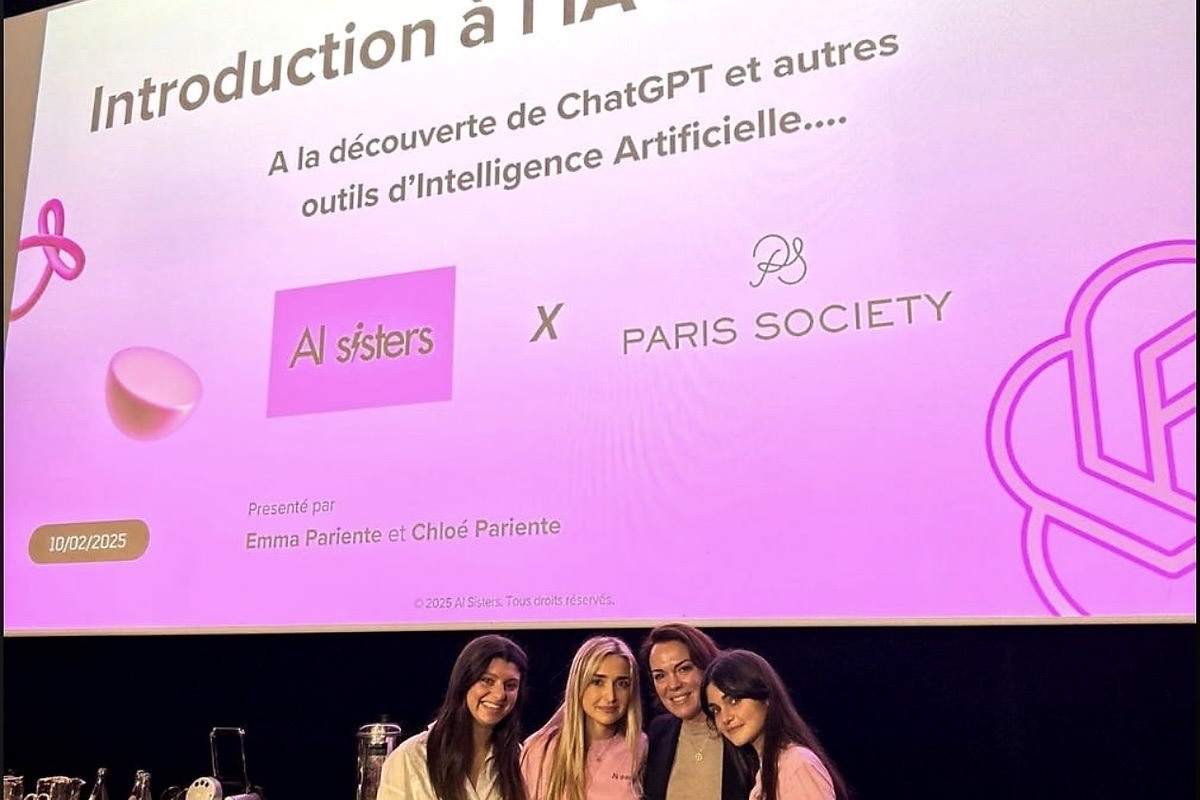
Hospitality AI Show: Paris Society trains its teams in generative AI
Paris Society is a major player in premium hospitality in France. The group operates several venues and concepts, in a sector where excellence and attention to detail are paramount.

Banking / Private Equity / M&A
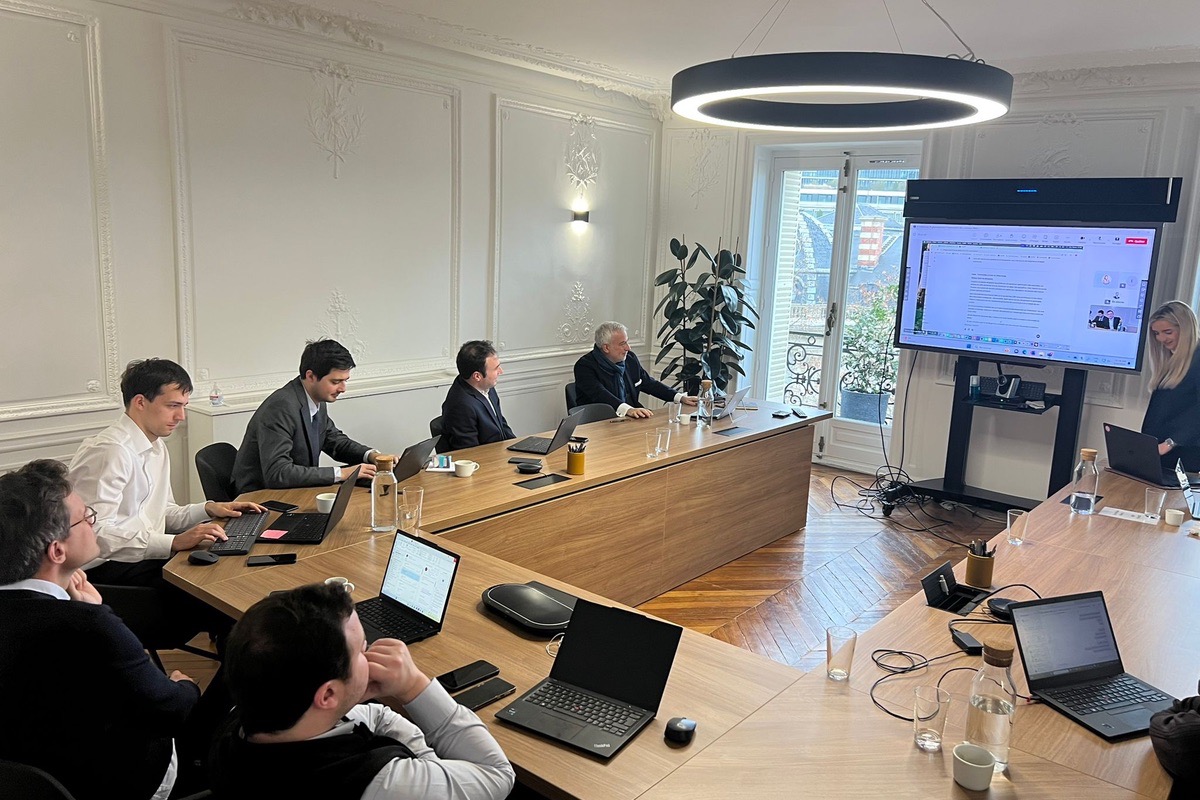
AI training for M&A: NewCo MidCap speeds up its deal process
NewCo M&A MidCap is a key player in mergers and acquisitions for wealth management firms. A boutique specialising in the MidCap segment, NewCo offers its clients tailored support through the strategic stages of a sale, acquisition or fundraising.

Hospitality
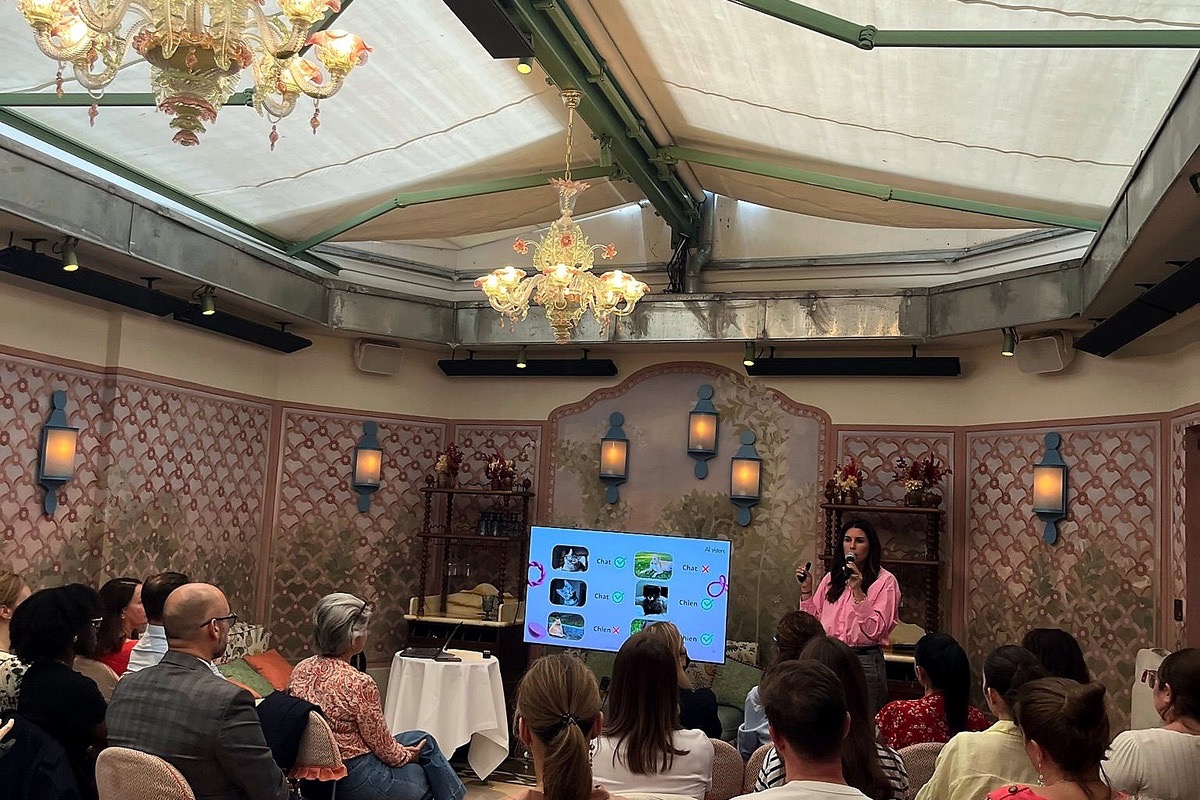
AI training for luxury hotels: Maison Pariente in Saint-Tropez
Maison Pariente is a French family-run hotel group behind a collection of 5-star houses: Lou Pinet in Saint-Tropez and Crillon le Brave in Provence. Each property embodies a distinctive vision of hospitality: understated luxury, authenticity, refinement and warmth.

Banking / Private Equity / M&A
Private Equity AI Show: Chequers Capital simplifies its due diligence
Chequers Capital is a Private Equity firm. In a financial environment where fast, well-informed decisions are essential, the fund is exploring the potential of AI to optimise its processes.
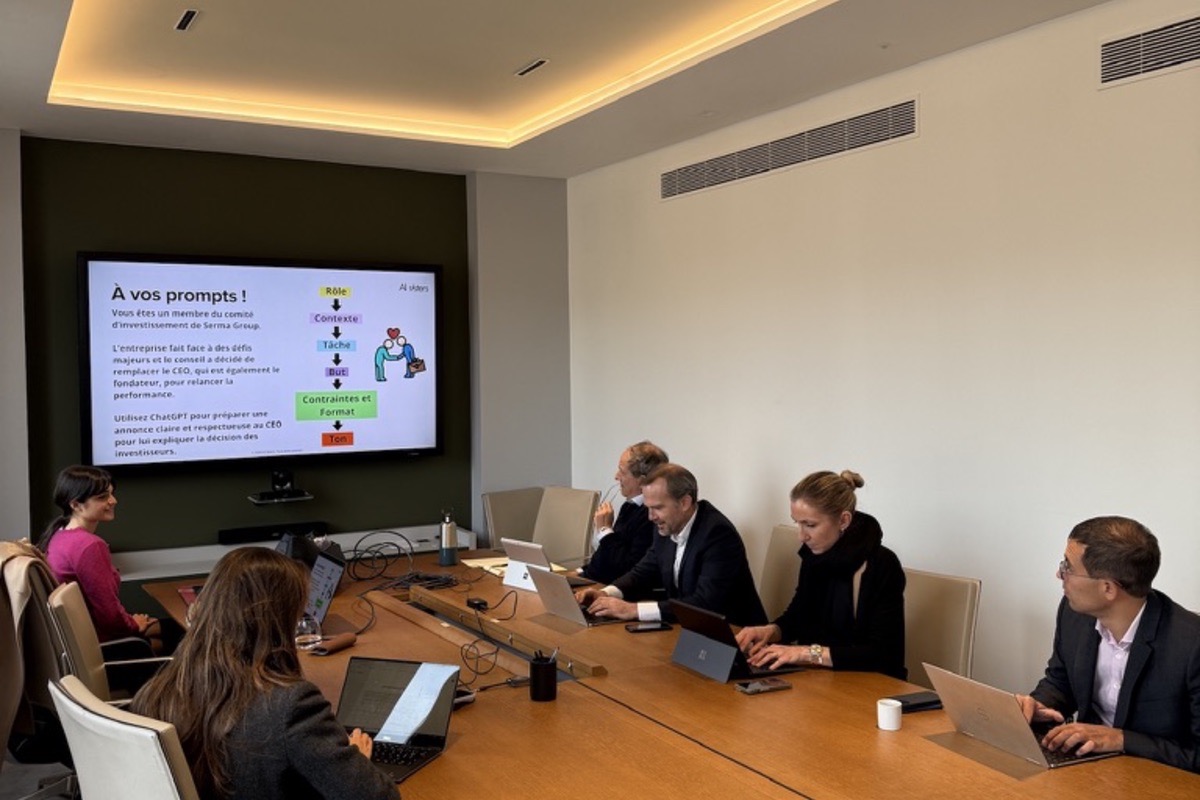

Banking / Private Equity / M&A
Private equity AI Show: Capza trains its deal teams
Capza is a leading private equity firm in Europe. Its deal, operations and support teams help portfolio companies grow and transform.
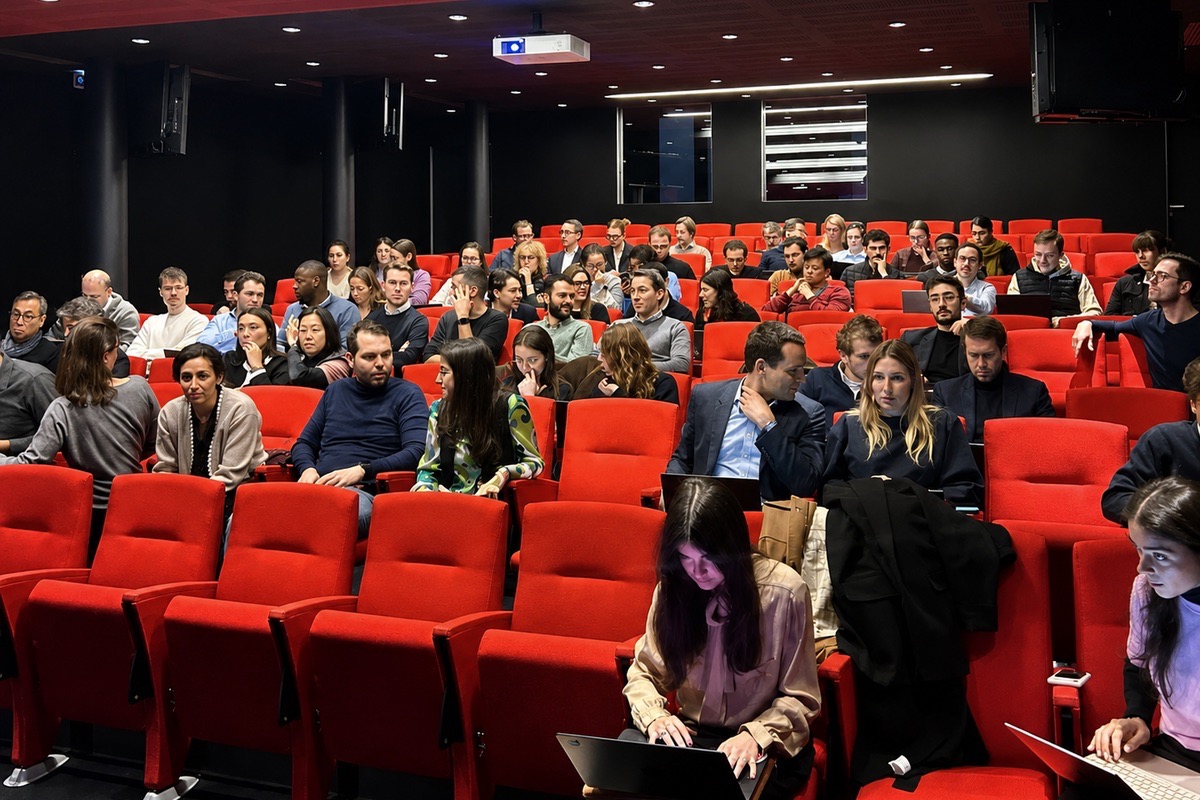

Insurance & Mutuals
Media AI Show: Audiens trains its teams in generative AI
Audiens is the leading mutual insurer for the French media sector. It supports culture and media professionals with their social protection and their day-to-day working lives.
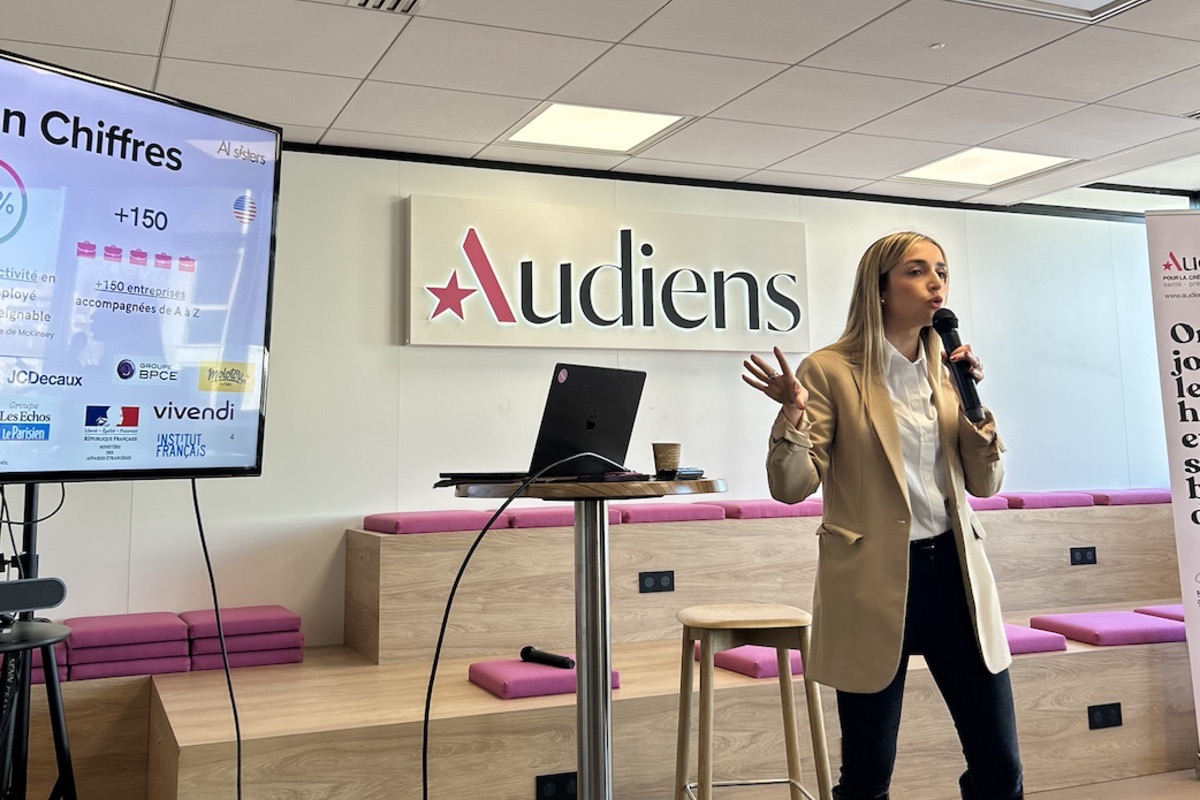

Consulting Agencies
AI training for communications: Sopra Steria upskills its teams in AI
Sopra Steria is a European leader in technology consulting and digital services. Its communications teams carry the company's image and support its major strategic projects, including The Famous Project.
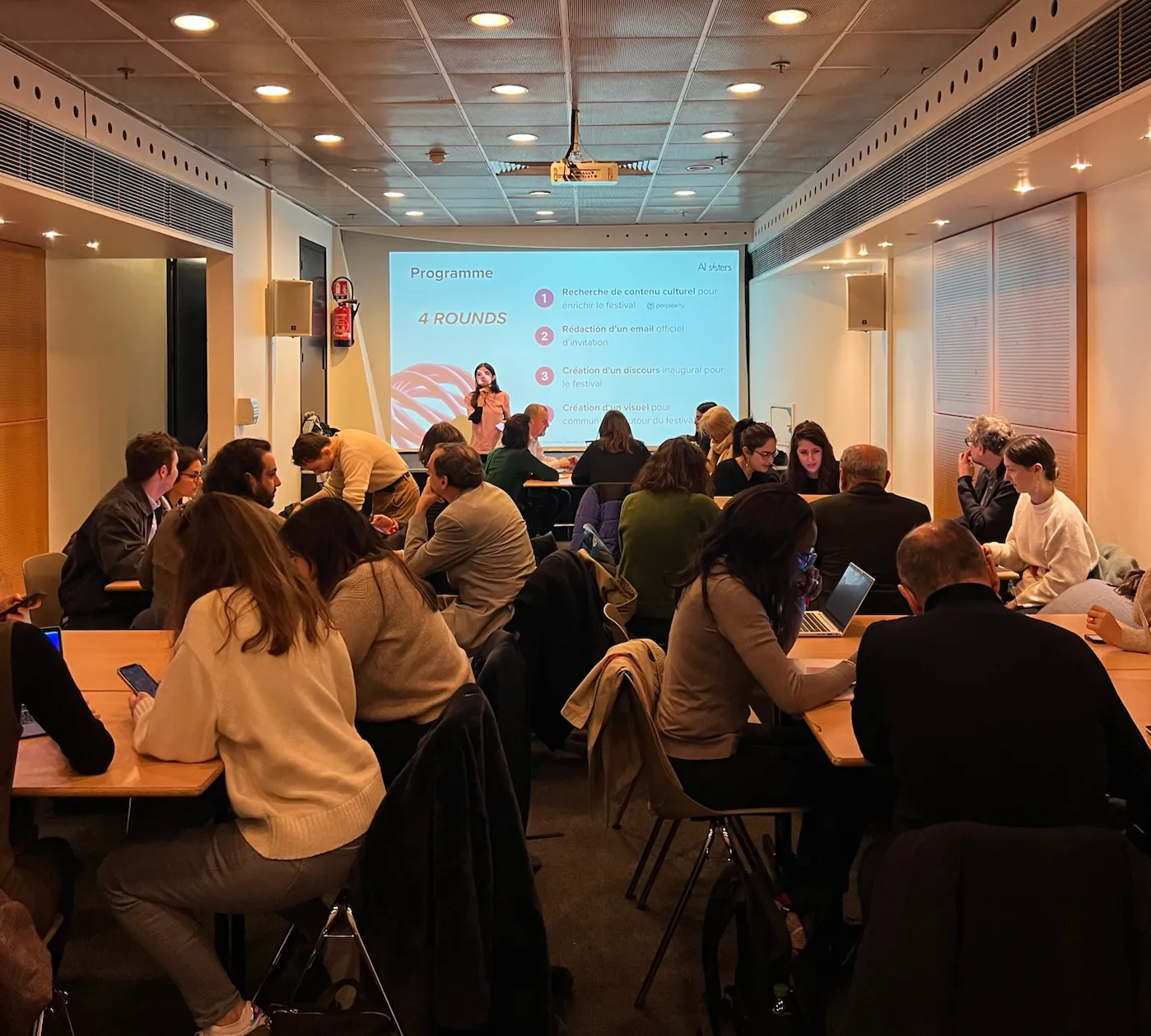

Insurance & Mutuals
AI training for insurance: Adenes trains 340 managers
Adenes is the leader in post-loss claims assessment. Every day, its experts handle complex cases (policyholders, insurers, contractors) that demand rigour, precision and responsiveness.

Health & Pharma
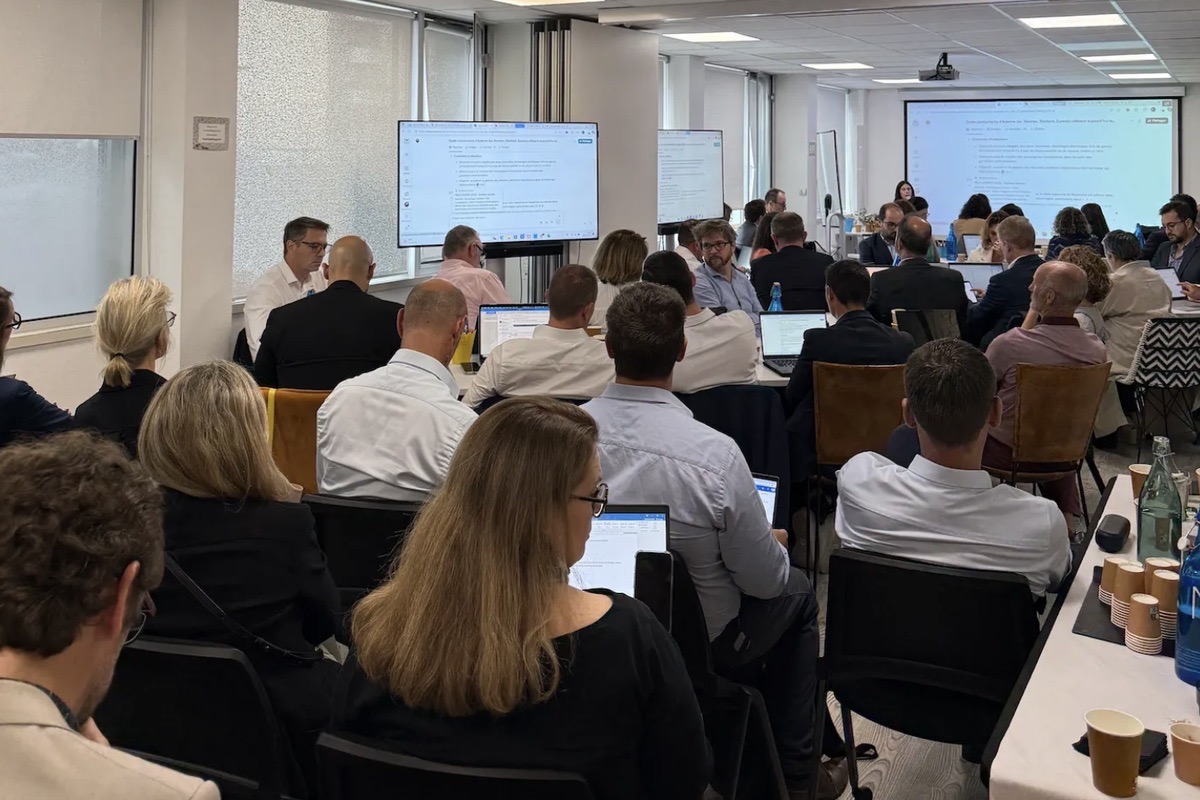
AI training for pharma finance: IPSEN trains 80 Finance team members
IPSEN is a global biopharmaceutical group specialising in oncology, rare diseases and neuroscience. Its Finance teams, based across Europe, support the group's growth in a regulated and demanding environment.
Hospitality
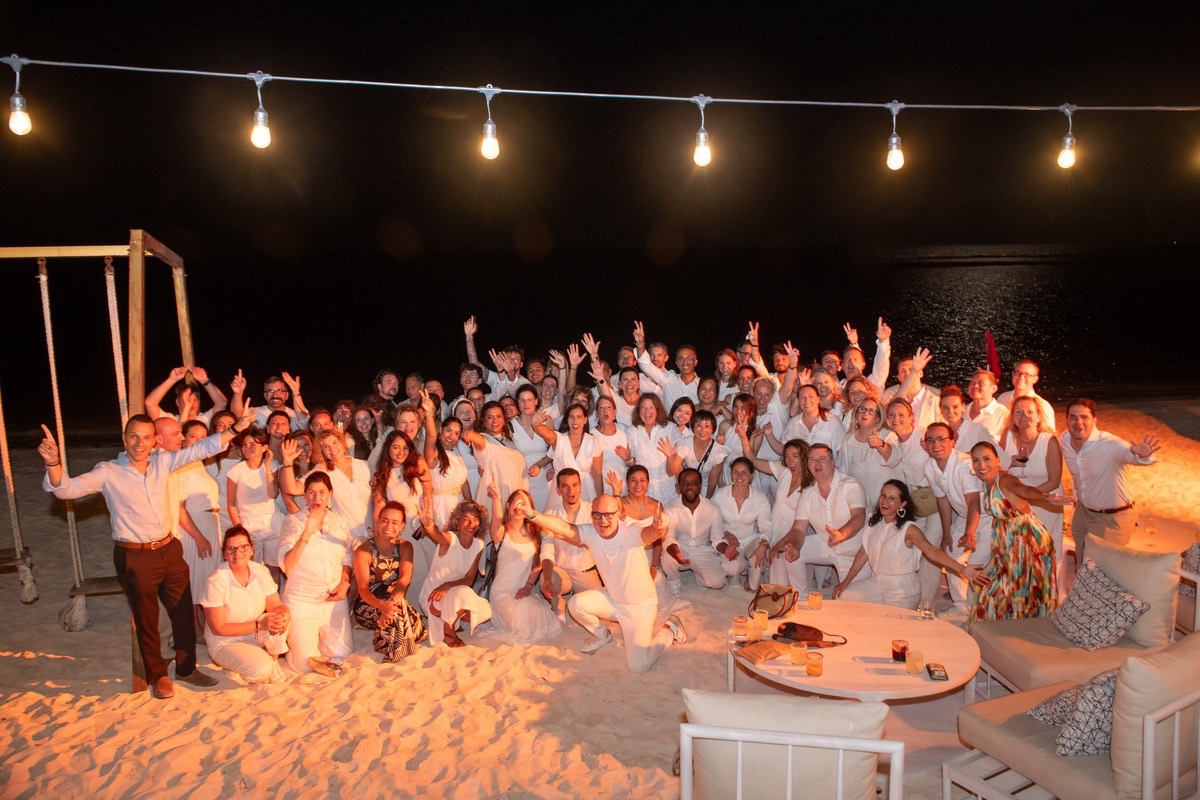
AI training for hospitality: Accor trains 80 Sales leaders in Cancún
Accor is a global leader in hospitality with more than 5,500 hotels and residences around the world. Its Luxury & Lifestyle division brings together the group's premium and lifestyle brands, supported by international B2B Sales teams.
Education & Institutions
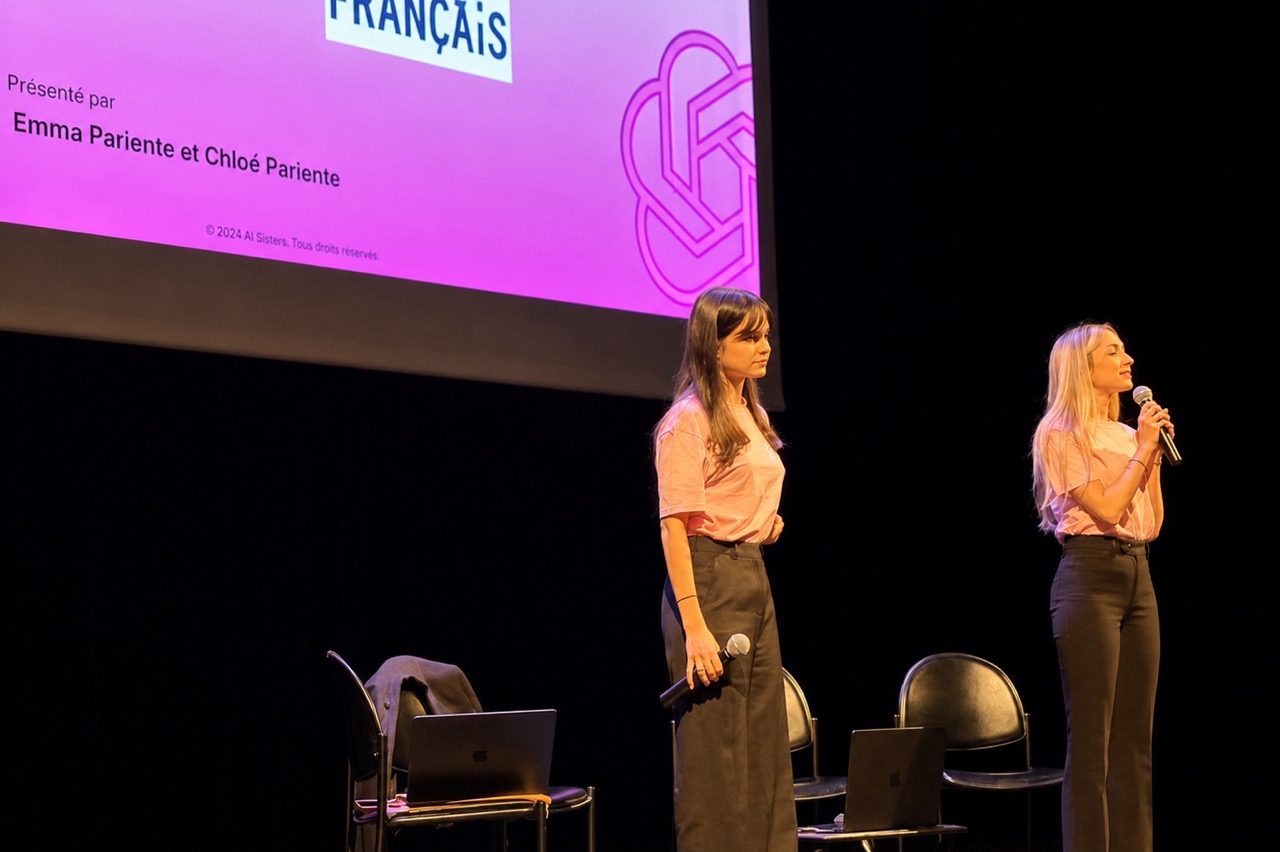
AI conference for culture: the Institut Français trains 130 employees
The Institut Français is the leading operator of France's cultural action abroad. Its cultural and administrative teams promote French culture internationally through a worldwide network of institutions.

Tech & Electronics
AI Training: Samsung Electronics France supports its teams
Samsung Electronics France is the French subsidiary of the Samsung group, theworld leader in consumer electronics and digital technologies.
Operating internationally, the group places innovation and new technologies at the heart of its development strategy.
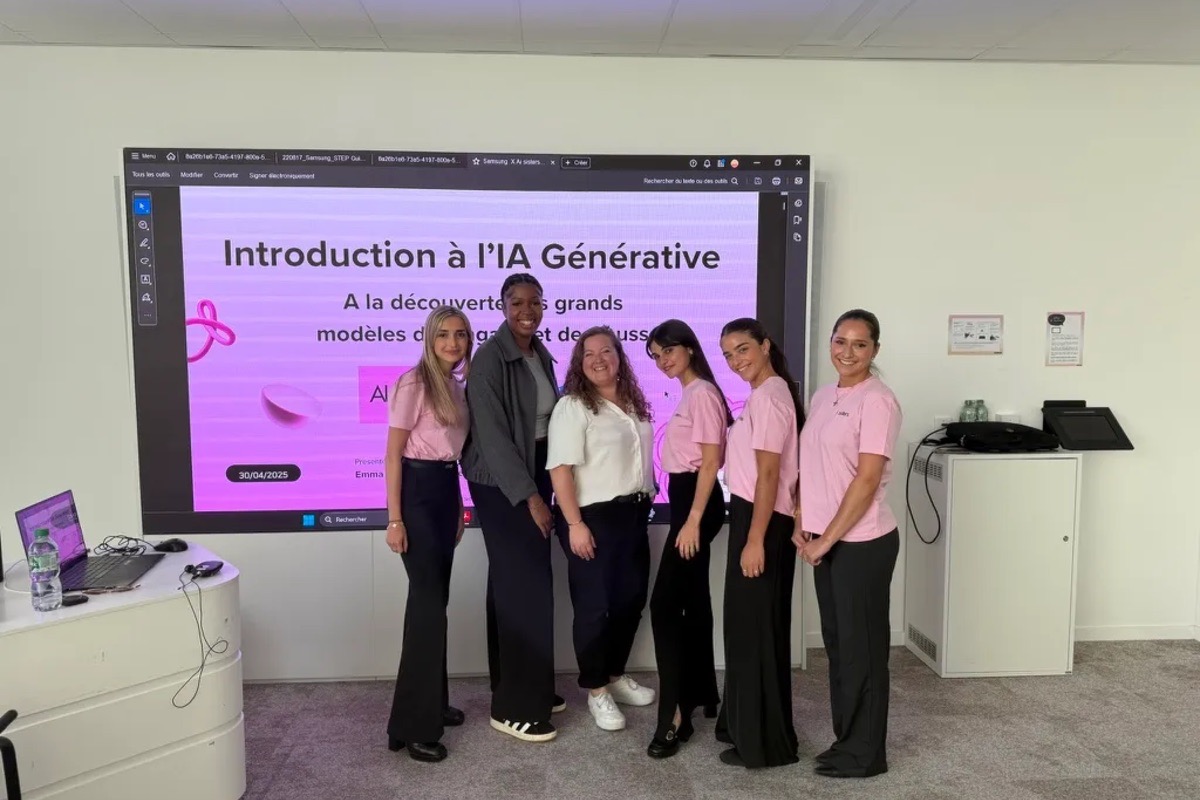

Hospitality
AI Show for hospitality: Hôtel du Collectionneur gets trained
Hôtel du Collectionneur is part of The Gate Collection. A high-end Parisian hotel known for its style and service, it welcomes a demanding international clientele.


Media / Advertising / Audiovisual
AI training for broadcasting: Satisfaction Group trains its teams in generative AI
Satisfaction Group is one of the leaders in TV production in France, chaired by Arthur (Jacques Arthur Essebag), an iconic figure of French television. The group produces content for French channels and operates in a fast-changing audiovisual sector.
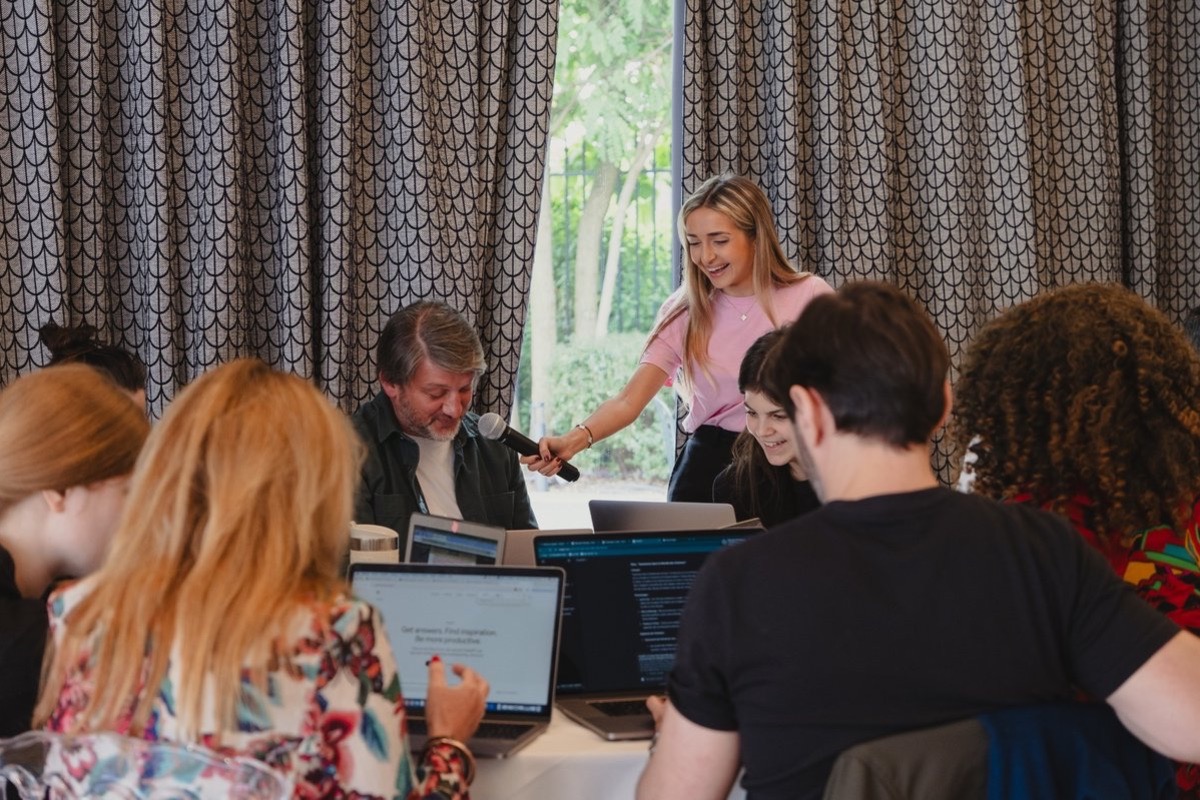

Industry
AI Promptathon: Monnoyeur trains its 27 international communicators
Monnoyeur is an international industrial group specializing in equipment and services for construction, energy, and material handling, with a strong culture of safety and innovation, the group operates in 23 countries.
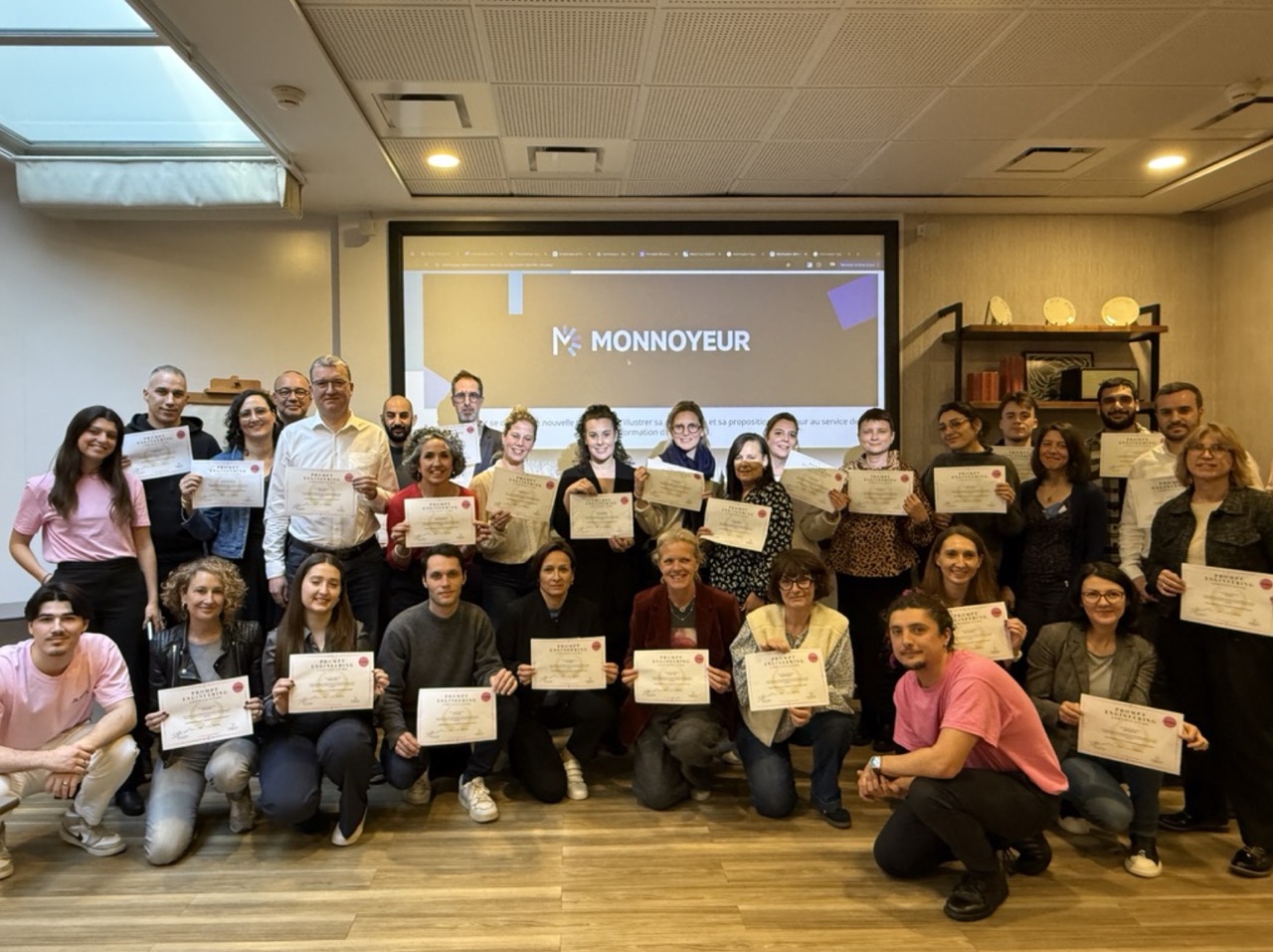

Industry
AI Promptathon for telecoms: Circet introduces its English-speaking teams to generative AI
Circet is the number one in fixed and mobile telecoms infrastructure services. In a sector where innovation is key, the company works on complex, international technical projects.
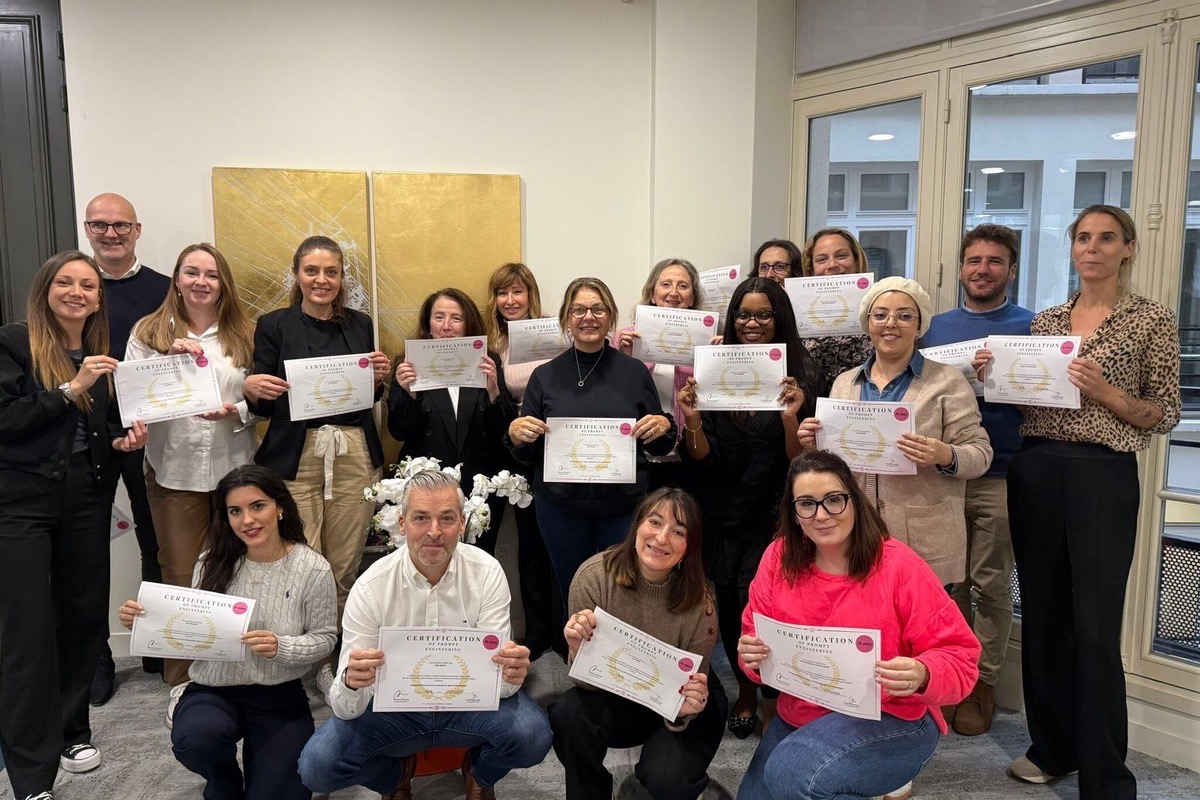

Education & Institutions
AI Promptathon for education: 300 teachers embrace AI
This leading Paris school brings together 300+ teachers and administrative staff around a shared educational mission. With AI transforming every sector (including education), the school wanted its teams to be ahead of the curve on the educational use of generative AI.
Tech & Electronics
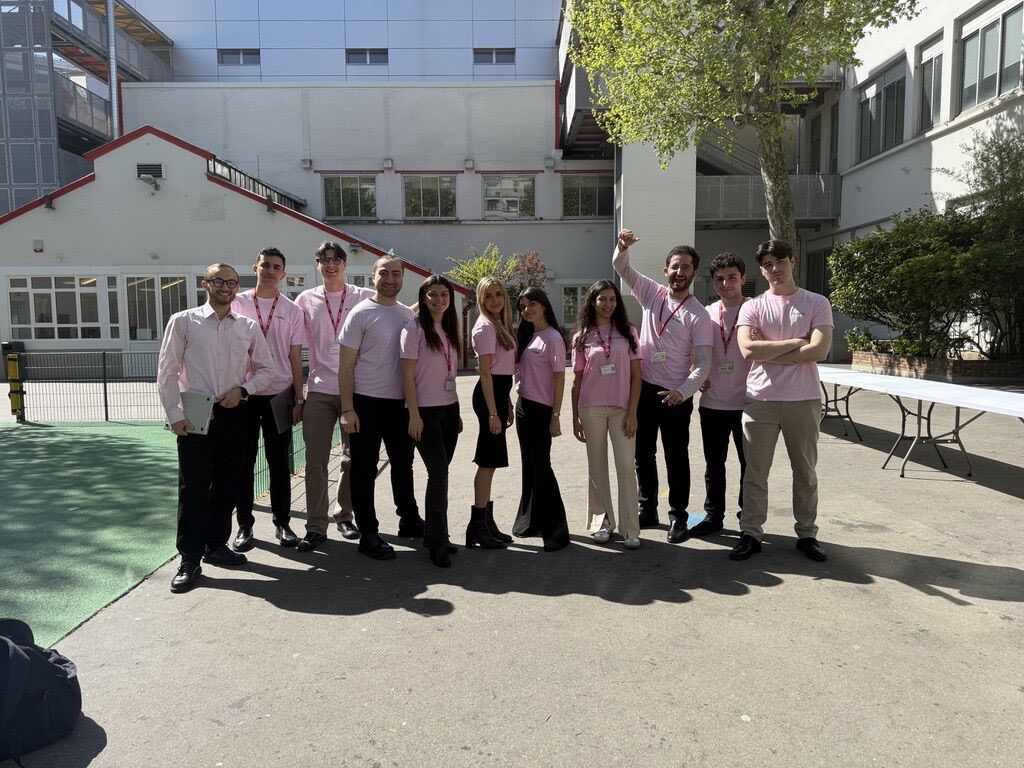
AI Business Workshops: Samsung trains three teams — Data, Marketing, and Legal — in generative AI
Samsung Electronics France is the French subsidiary of the Samsung group, theworld leader in consumer electronics and digital technologies.
Operating internationally, the group places innovation and new technologies at the heart of its development strategy.
Communication · Luxury
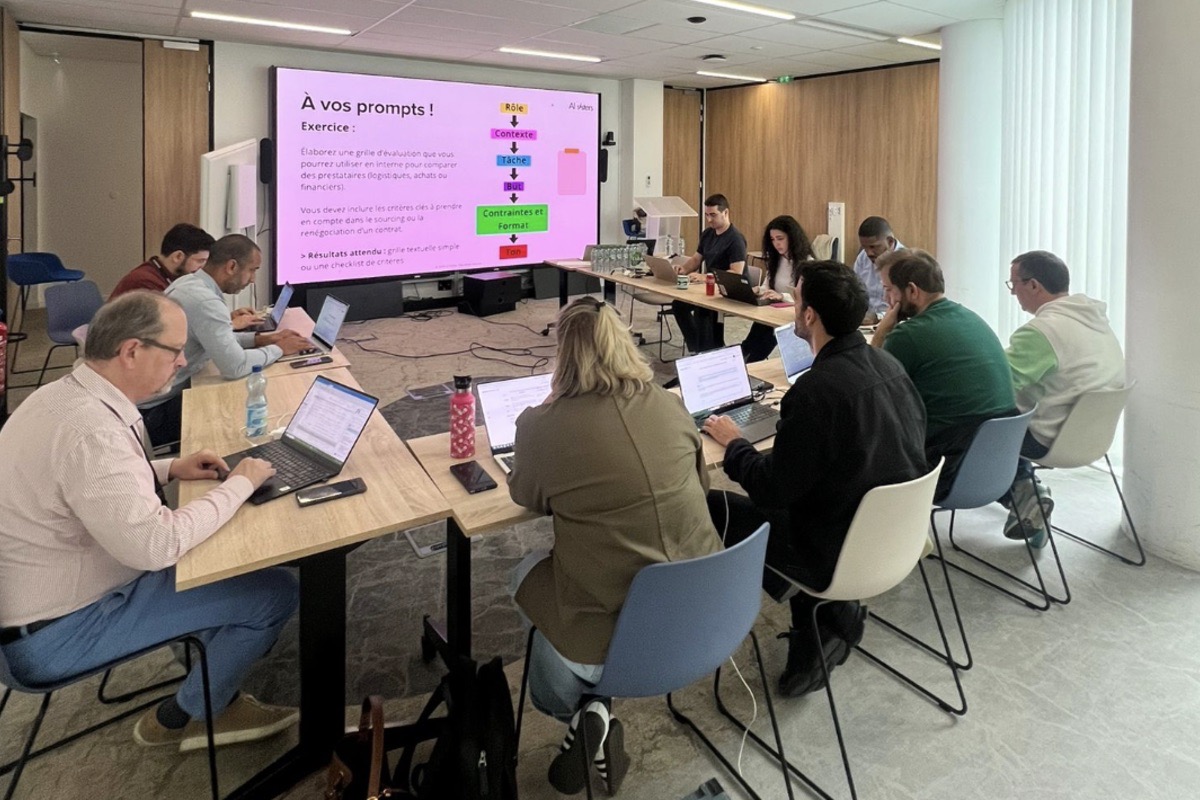
AI training for HR: Havas trains 40 HR professionals in generative AI
Havas Group is a major global player in communications and consulting. Its HR teams support an international workforce spread across the world, with significant challenges in recruitment, onboarding and talent management.

Media / Advertising / Audiovisual
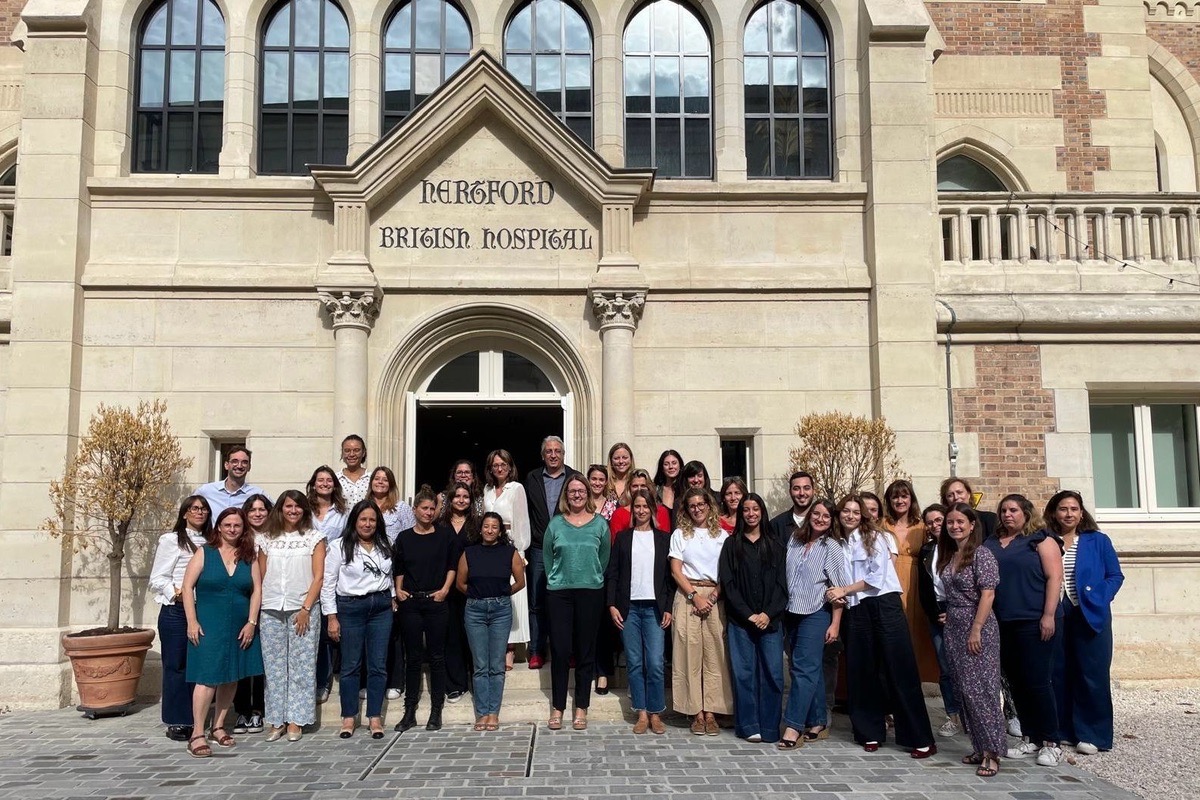
AI workshops for media: Webedia trains three business teams in generative AI
Webedia is the leader in online entertainment. In a constantly changing digital environment, the company aims to embed AI at the heart of its business to maximise team efficiency while adapting to the sector's new challenges.


Media / Advertising / Audiovisual
AI workshops for the press: Les Échos - Le Parisien bring AI into their editorial processes
Les Échos - Le Parisien is a major player in the French media sector, a constantly changing industry where adopting innovative technologies is essential to improve efficiency and open up new creative perspectives.
Media / Advertising / Audiovisual
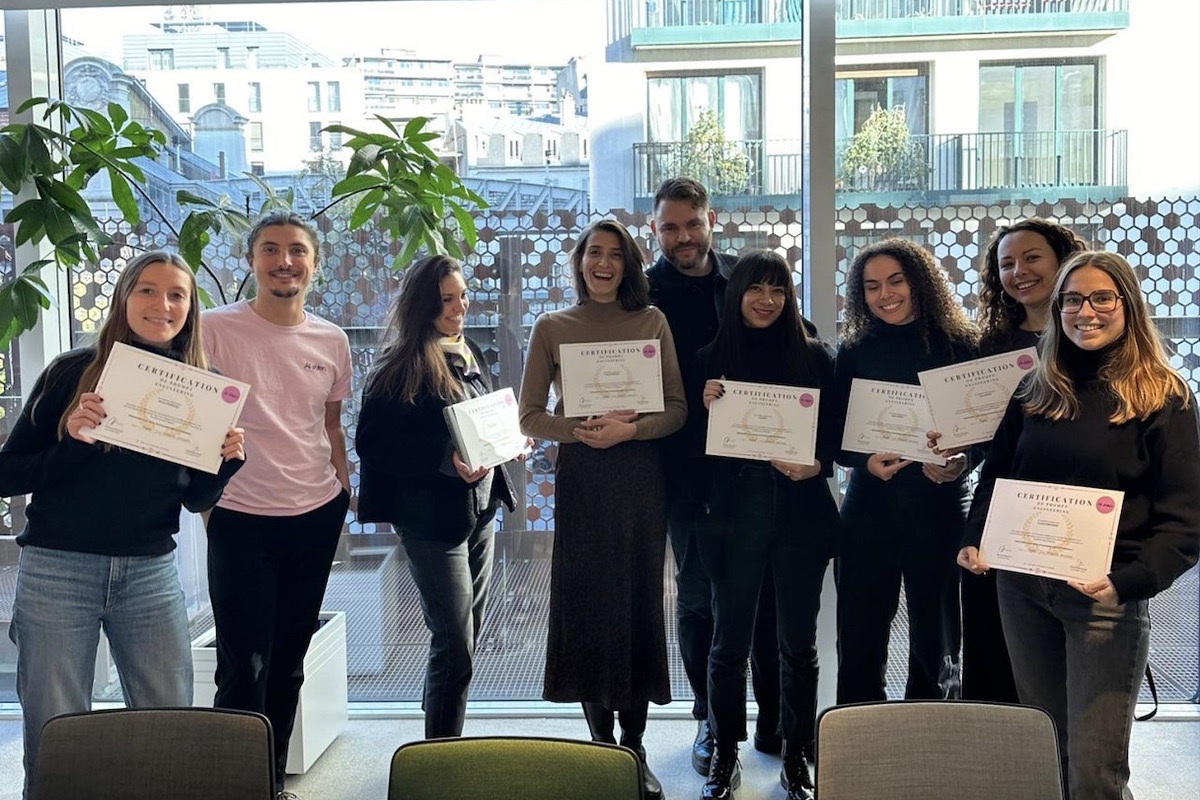
AI Editorial Workshop: Prisma's Upload team integrates AI into its content production
Prisma Media is a leading media group in France with strong brands like Capital, Gala, and Femme Actuelle. The Upload team manages editorial production in a sector where responsiveness and content quality are crucial.
Media / Advertising / Audiovisual
AI training for media: Webedia adapts AI to several content and influencer marketing roles
Webedia is the French leader in digital content production, known for its network of influential sites such as Allociné, PurePeople and Jeuxvideo.com. The company is also a key player in influencer marketing and entertainment, working with the biggest YouTube stars.
AI training for IT departments: JCDecaux rolls out generative AI to its teams
JCDecaux is the world leader in outdoor advertising. Its IT department develops and runs the technology platforms that support the group's entire business worldwide.

Banking / Private Equity / M&A
AI training for private equity: Initiative & Finance trains 25 investors
Initiative & Finance is a key player in French private equity. The fund invests in growing companies and supports their leaders in their strategic development projects.
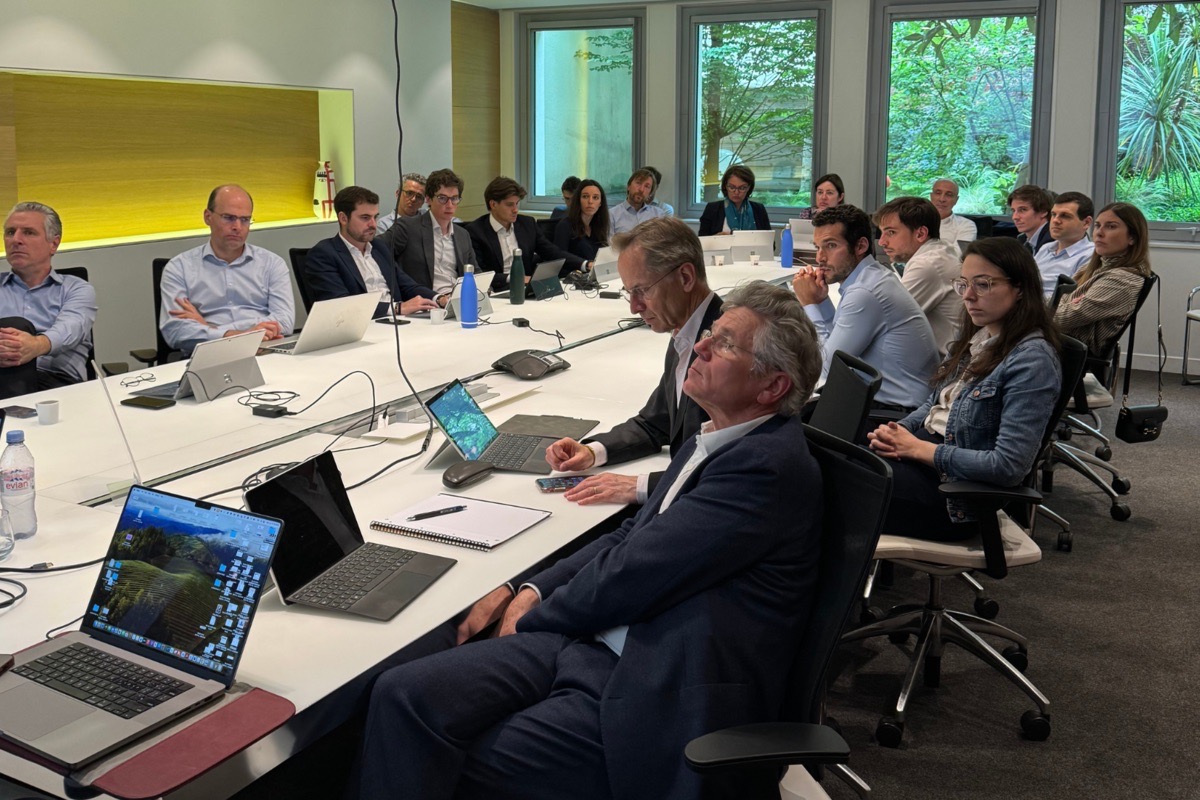

Hospitality
AI training for hospitality: Accor's Innovation Lab builds its teams' generative AI skills
Accor is the world leader in hospitality. The group's Innovation Lab explores emerging technology uses and their potential for integration into the group's hotel operations.
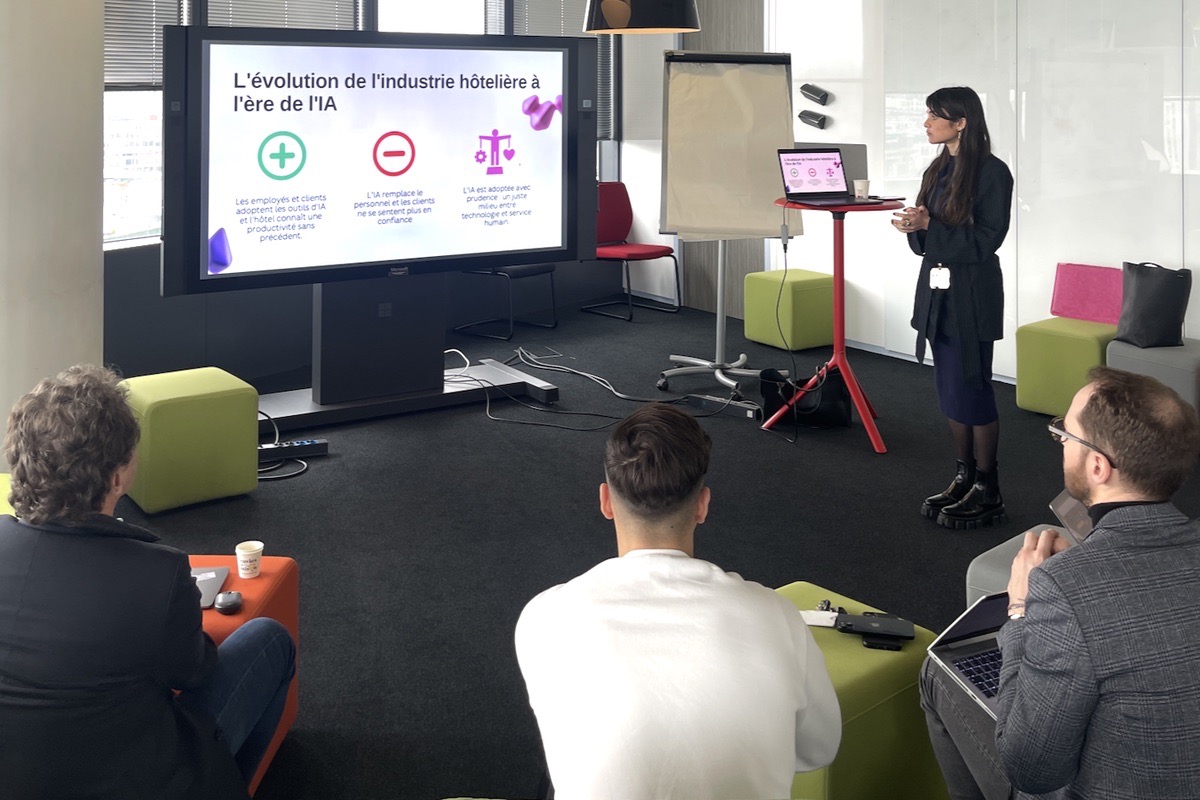
AI training for developers: JCDecaux trains 60 devs in AI-assisted coding
JCDecaux is the world leader in outdoor advertising. Its teams develop cutting-edge digital advertising solutions and work in a fast-moving technology environment.
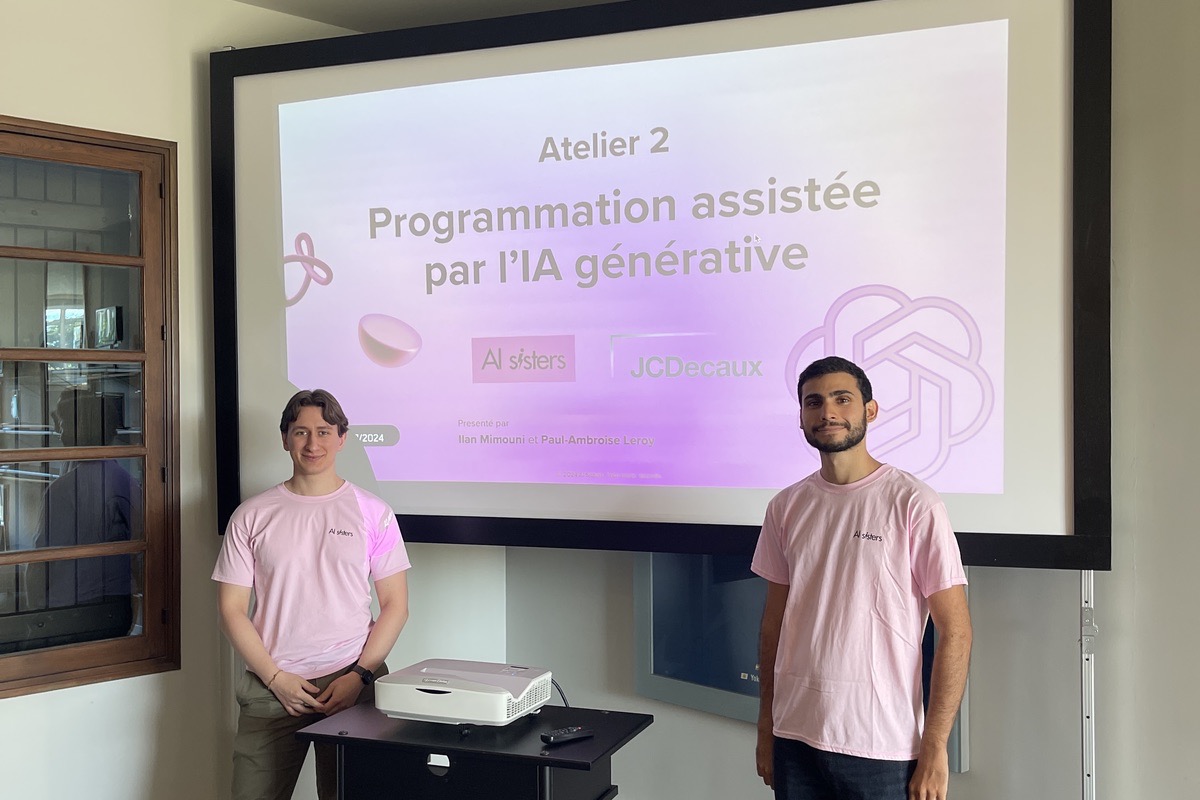
Hospitality
AI training for hospitality: The Hoxton trains its Directors of Sales
The Hoxton is part of Ennismore, Accor's lifestyle division, which runs the group's most creative addresses around the world (Mama Shelter, 25hours, The Hoxton). International lifestyle hospitality, with sales teams used to selling hotel spaces to large companies for seminars, product launches and corporate events.
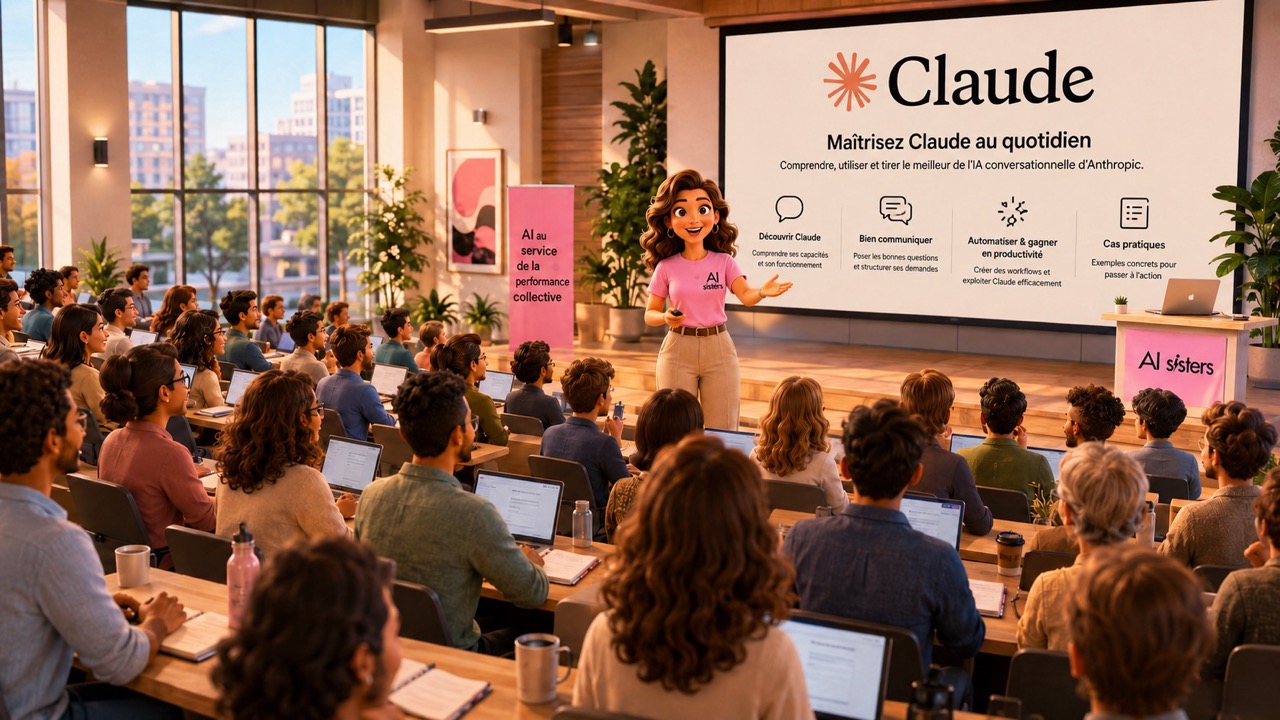

Industry
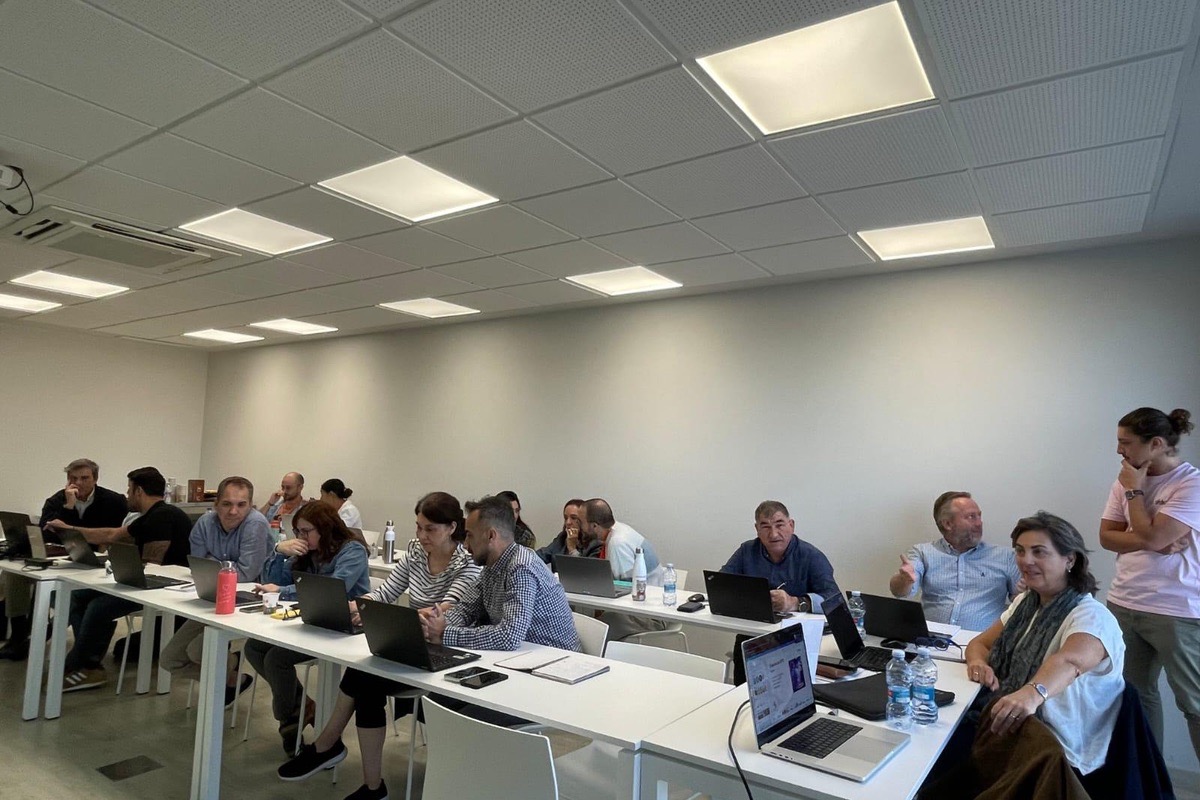
International AI training: CFS Brands supports its teams in Spain
CFS Brands is an international group recognised for its expertise in designing and distributing innovative solutions for foodservice professionals, product design and commercial equipment. As part of its international expansion, CFS Brands is helping its teams build their skills in using generative AI.
Banking / Private Equity / M&A
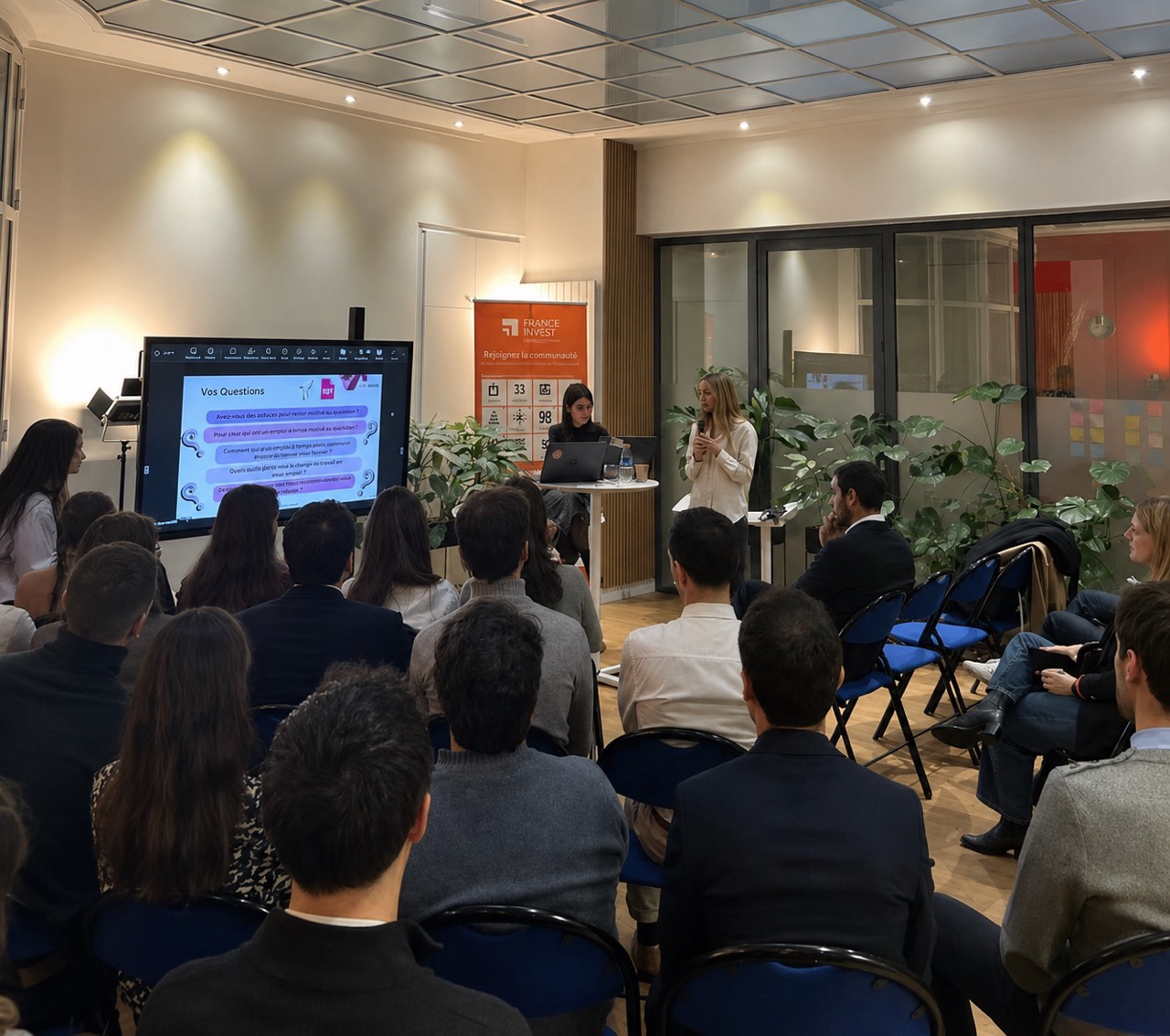
AI training for Private Equity: France Invest trains 130 industry professionals in generative AI
France Invest brings together Private Equity players and supports SMEs and investment funds in their operational and strategic activities. The teams in these organisations face challenges around performance and project management, as well as the need to produce clear, readable materials quickly.

Insurance & Mutuals
AI training for healthcare: Mutualité Française trains 120 employees in generative AI
Mutualité Française brings together most health mutual insurers in France. A long-standing, strategic player in social protection, it works every day to guarantee fair access to care, defend a solidarity-based model and support its members with their health, prevention and service needs.


Hospitality
AI training for luxury hospitality: Airelles trains all its staff in generative AI
Airelles is one of the most prestigious French hotel collections, bringing together exceptional properties: winter hotels, summer addresses, heritage sites and international establishments such as Airelles Venezia. Renowned for its high standards, attention to detail and unrivalled hospitality, the group embodies the highest level of service in luxury hospitality.


Hospitality
AI training for luxury hospitality: Le Coucou Méribel brings its teams on board
Maisons Pariente is an independent French hotel group, known for its five-star properties combining high standards, elegance and hotels with character. Le Coucou Méribel, an iconic 5-star hotel nestled in the heart of the Alps, embodies this vision perfectly: an exceptional place where every detail matters, including financial management.


Banking / Private Equity / M&A
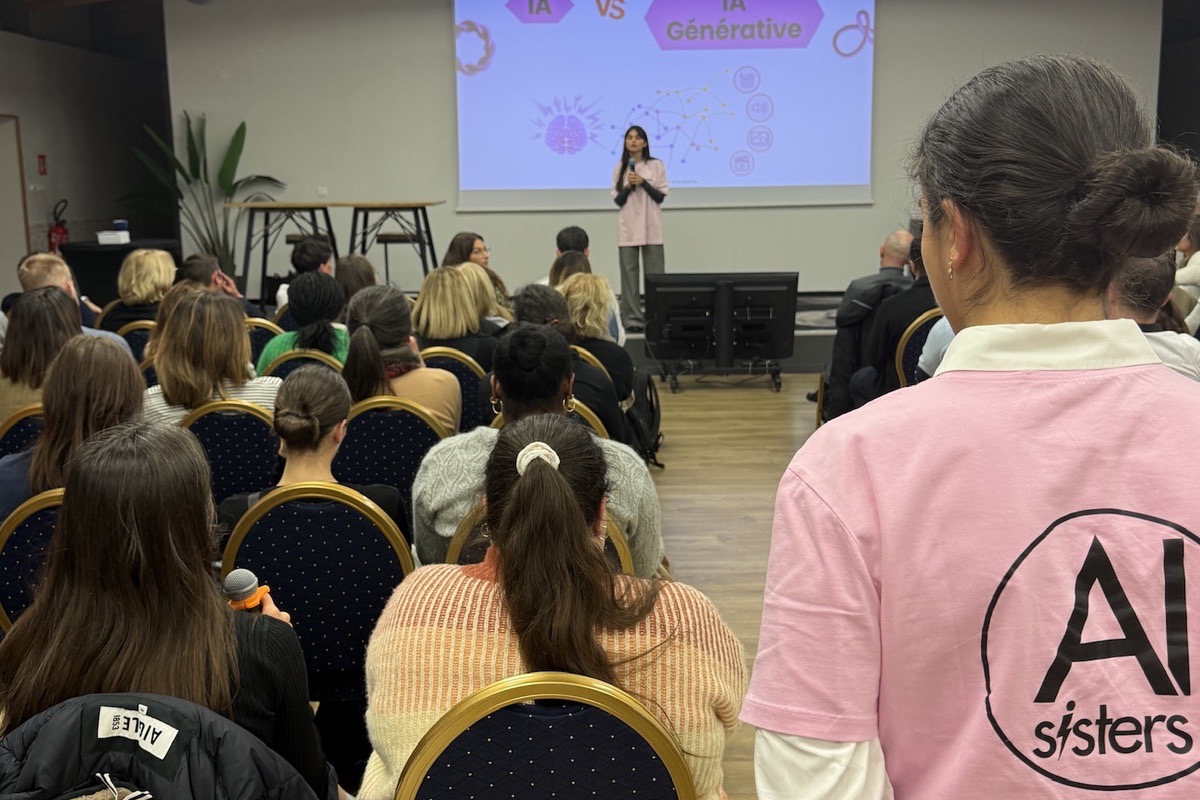
AI training for accounting: BDO rolls out AI to its staff
BDO is one of the French and international leaders in accounting, audit and advisory.
Its reputation rests on high technical standards, impeccable rigour and exemplary closeness to its clients.

Banking / Private Equity / M&A
AI conference for business leaders: Turenne raises AI awareness among 220 business owners
Turenne Groupe is a well-known independent small-cap private equity firm in France, specialising in supporting SMEs and mid-sized companies at every stage of their development. Founded more than 20 years ago, the group makes equity investments in companies that are growing, changing hands or transforming, and supports their leaders in their strategic, people and organisational projects.


Media / Advertising / Audiovisual
AI training for media: Molotov.TV trains 130 employees
Molotov.TV is a leading French TV streaming and multimedia content platform. The company operates in a constantly changing sector that demands ongoing adaptation and innovation.

Government Agencies
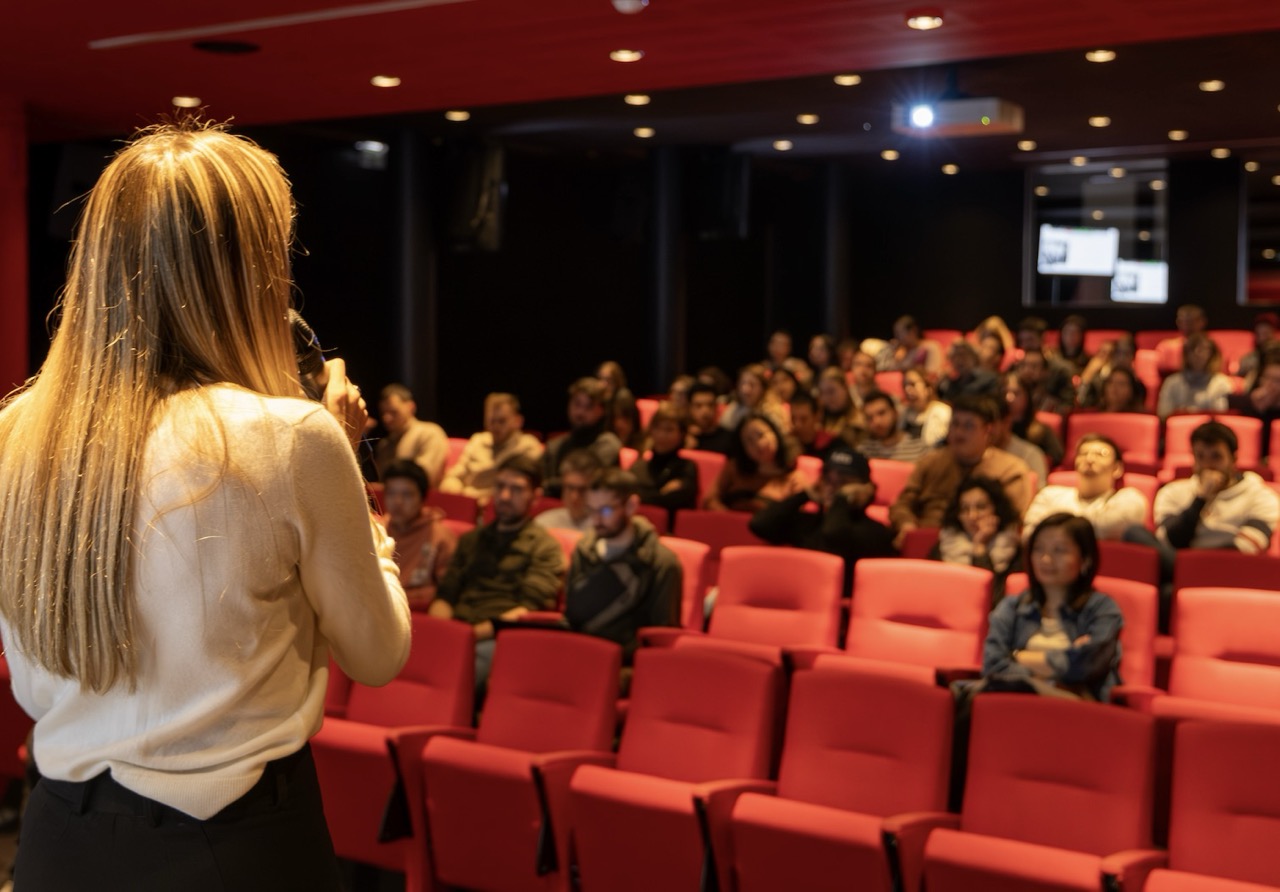
AI training for the cultural sector: the CNC trains its teams in generative AI
The CNC (Centre National du Cinéma et de l'Image Animée) is the public body responsible for supporting the creation, production and distribution of film and audiovisual content in France. Its leadership steers public policy for the sector in a fast-changing environment.

Media / Advertising / Audiovisual
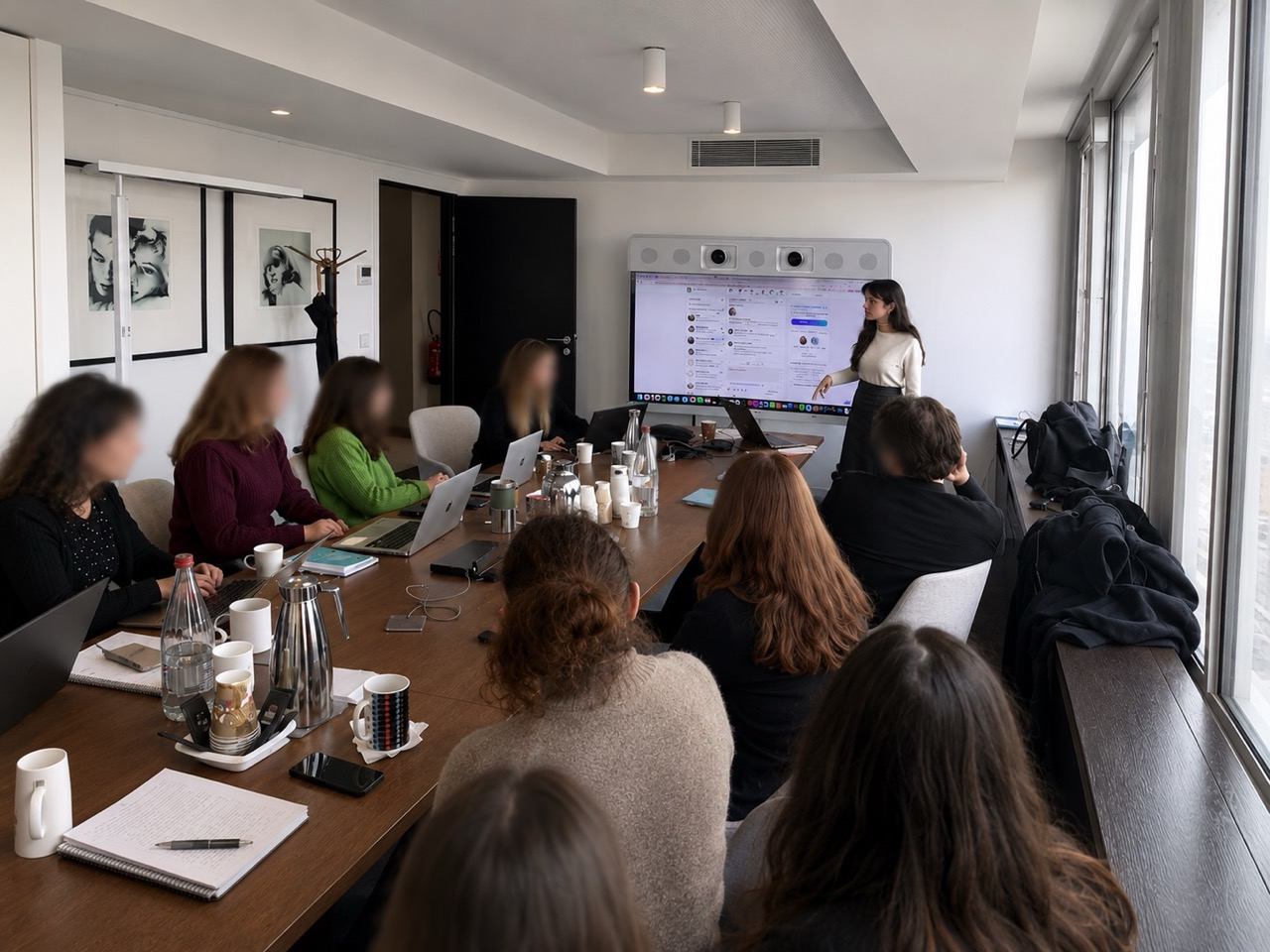
AI marketing workshops: Molotov.TV rolls out AI across its teams
Molotov.TV is a French TV streaming and multimedia content platform. The company operates in a constantly changing sector, where marketing and editorial teams must keep innovating to stay relevant.
Government Agencies
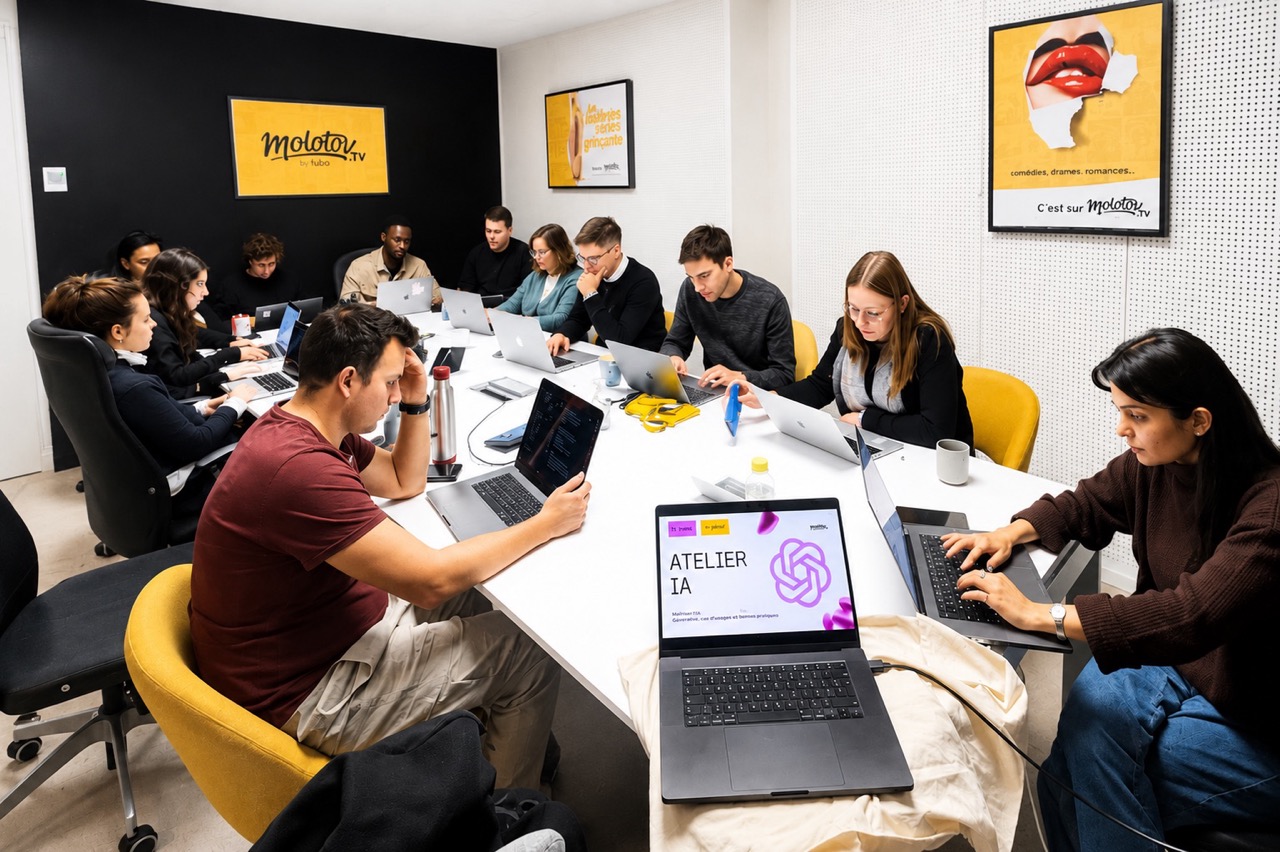
AI Promptathon for the Ministry of Foreign Affairs
The Ministry for Europe and Foreign Affairs leads the France's foreign policy. The Directorate for Cultural, Social and Educational Diplomacy leads the cultural and educational projects supported by France abroad.

Communication · Luxury
Agency AI Training: We Are Influence boosts its creative teams
We Are Influence is a leading agency in the influencer and luxury sectors. In an industry where responsiveness, creativity, and client precision are decisive, the agency supports major brands with a high standard for writing, strategy, and the elegance of its output.

Consulting Agencies
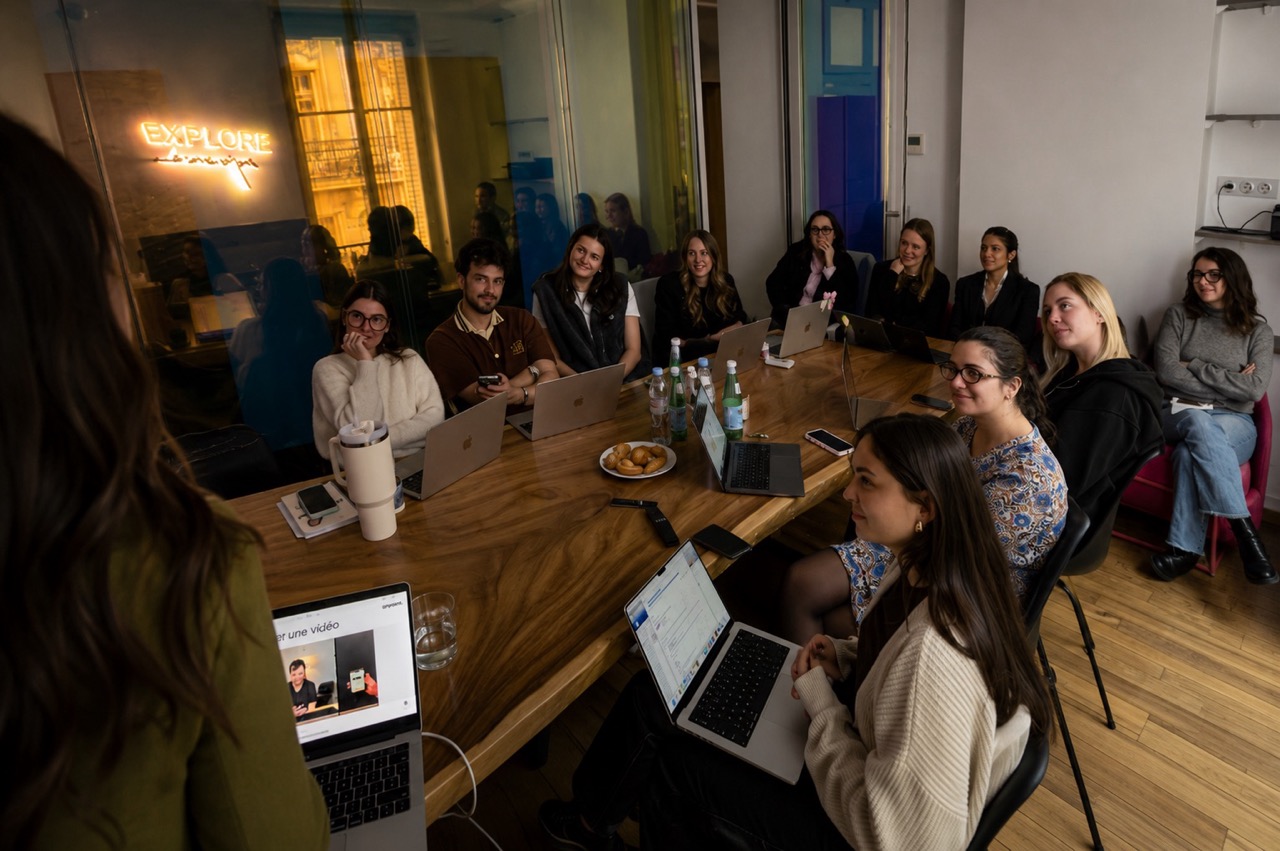
AI training for IT consultancies: MoOngy trains 90 consultants
MoOngy is a European consulting and engineering group that supports companies with their technology, digital and industrial transformation projects through a network of expert firms and specialist consultants.

Hospitality
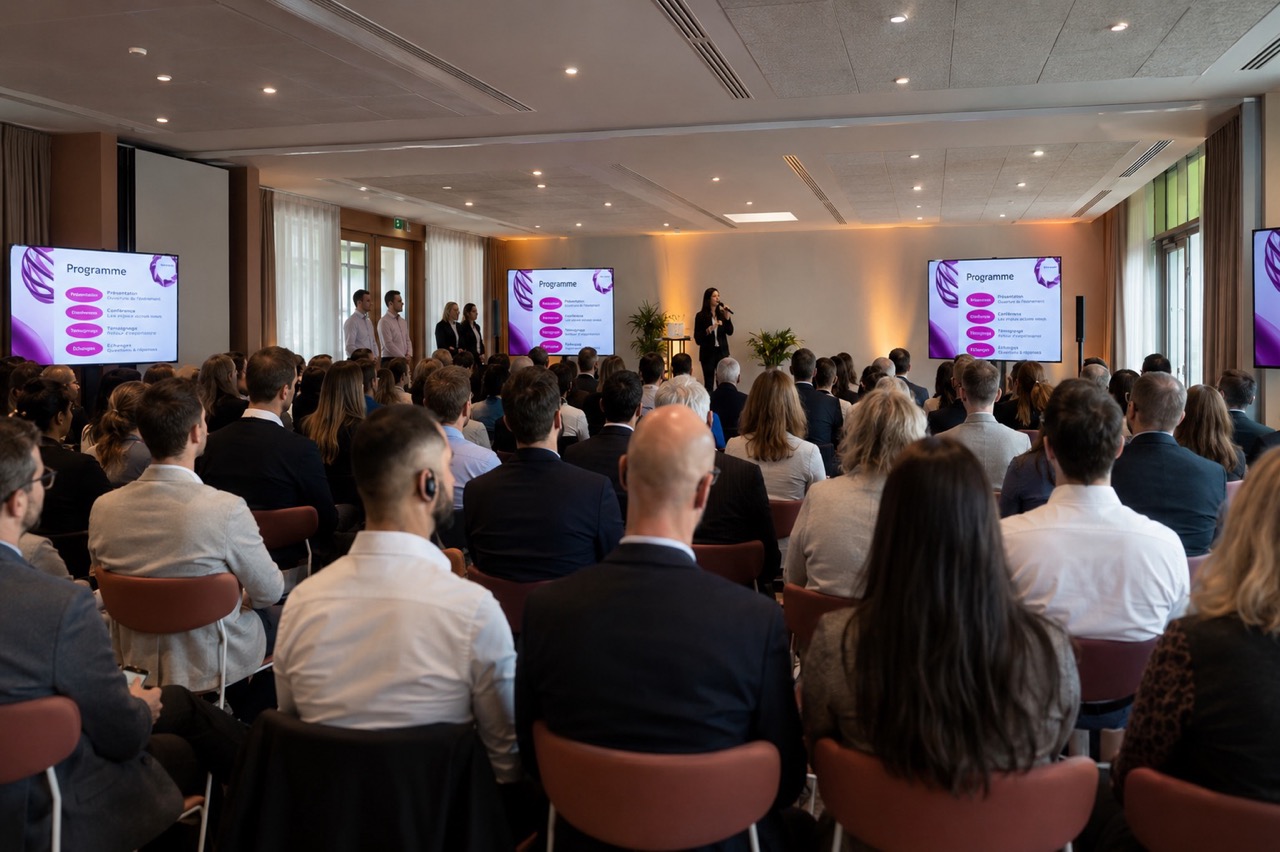
AI training for hospitality: Hively trains 100+ employees
Hively is an upscale hotel group operating more than 80 properties in France and Europe. Known for its sense of service, the quality of its facilities and its operational standards, the group is continuously modernising to deliver a flawless guest experience.
.png)
Hospitality
Luxury Hospitality AI Training: the Plaza Athénée trains its teams in AI
The Plaza Athénée, an iconic palace located on Avenue Montaigne in Paris, is a global symbol of French elegance.
From haute couture to gastronomy and the art of hospitality, every moment is crafted to offer an exceptional experience. A demanding, premium, sensory DNA.
.jpeg)

Banking / Private Equity / M&A
AI Private Equity Training: Florac trains its investment teams
Florac is a recognized player in Private Equity, supporting business development through strategic investments and a financial analysis rigorous. In an environment where speed of execution, quality of analysis, and decision-making are essential, the teams daily handle investment notes, financial reports, Information Memorandums, and market studies.
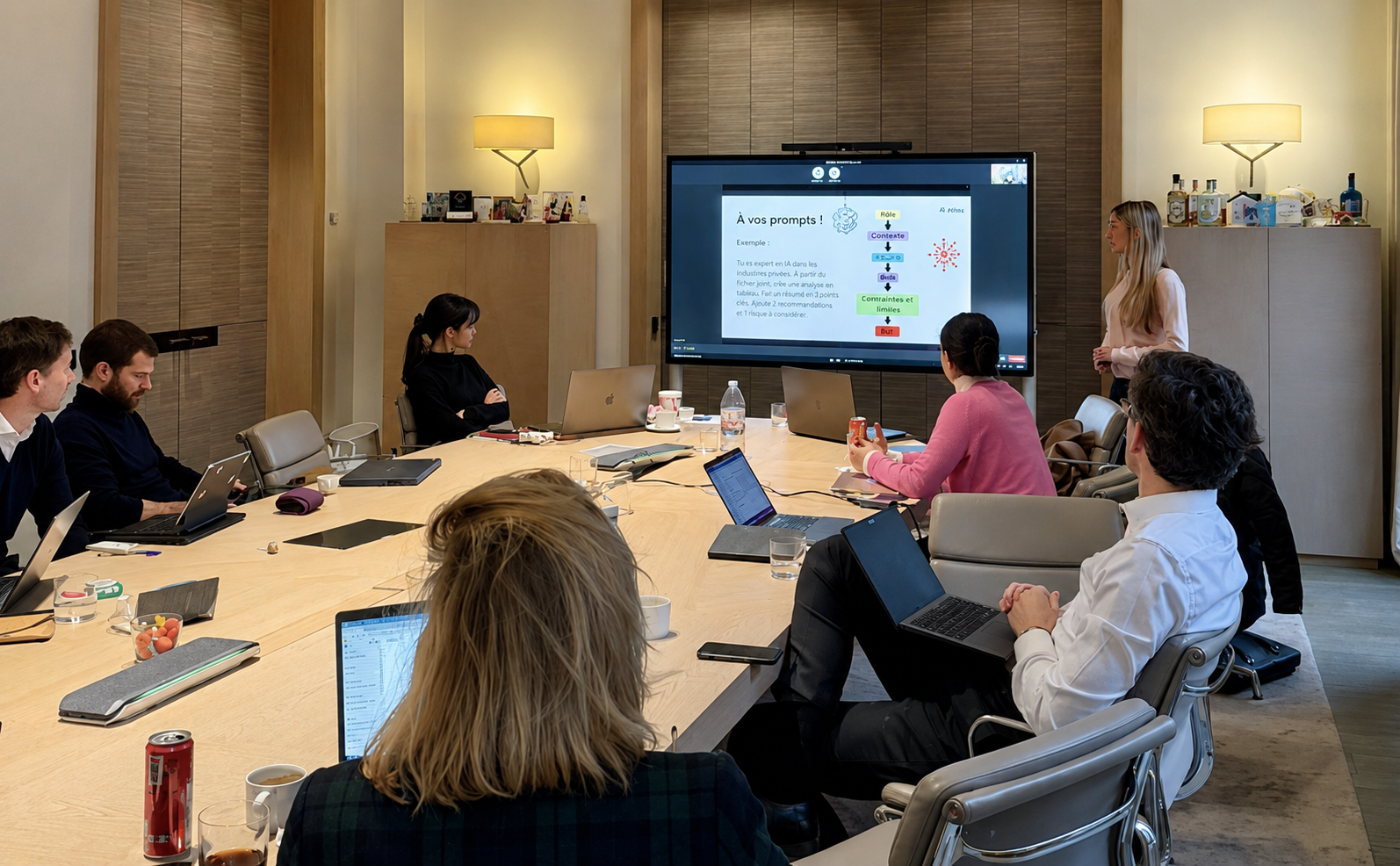
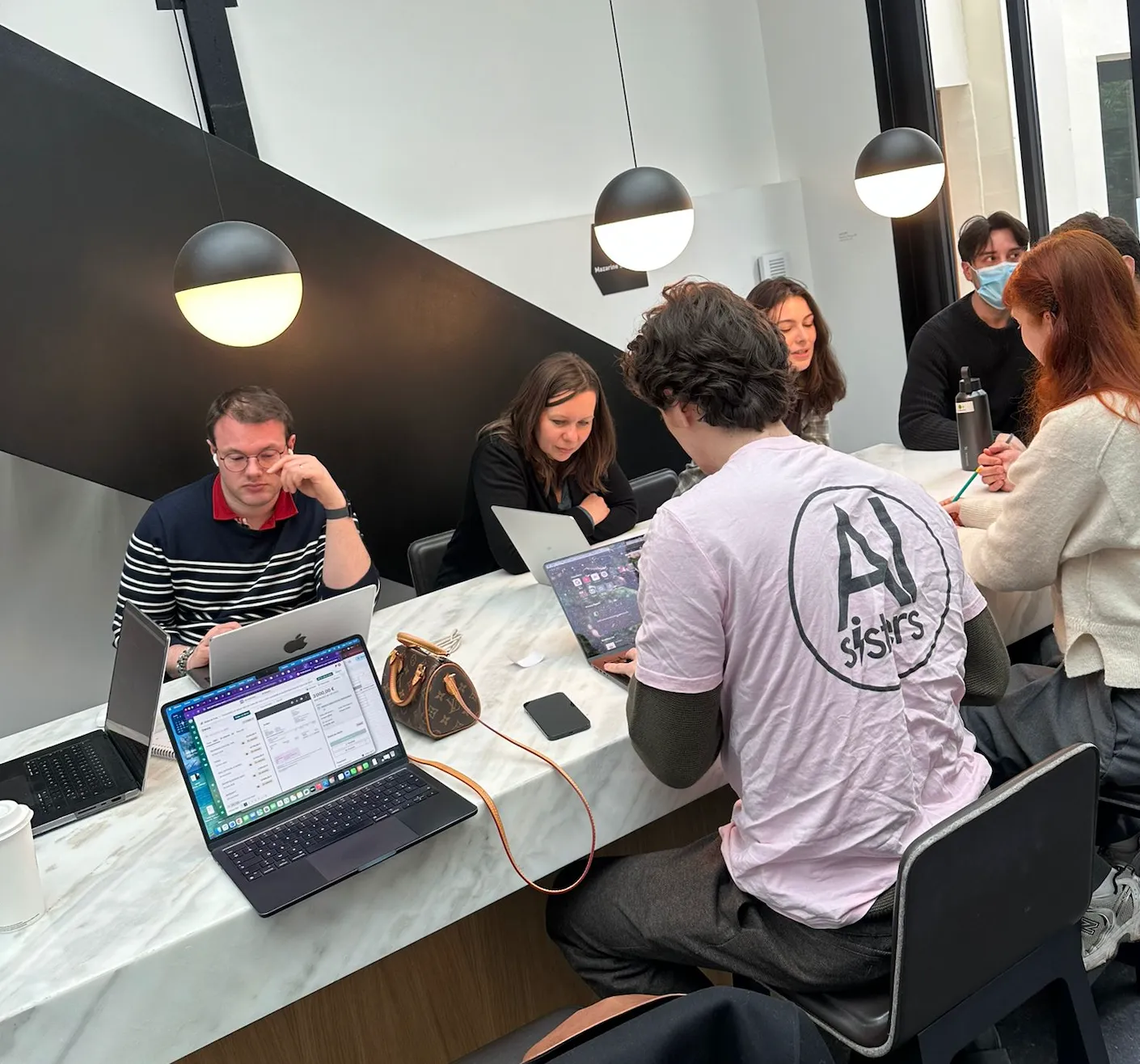
AI Training for Developers: Mazarine trains 30 tech professionals
Mazarine is one of the largest communication agencies dedicated to luxury, fashion, and culture.
Cartier, Louis Vuitton, Dior, Gucci, Prada: behind the Mazarine name are some of the best creative and technical teams in the market.
Their developers and project managers design the digital experiences for the world's leading brands.
They already possess a very high technical skill level, adhere to demanding production standards, and maintain impeccable code quality.
Other
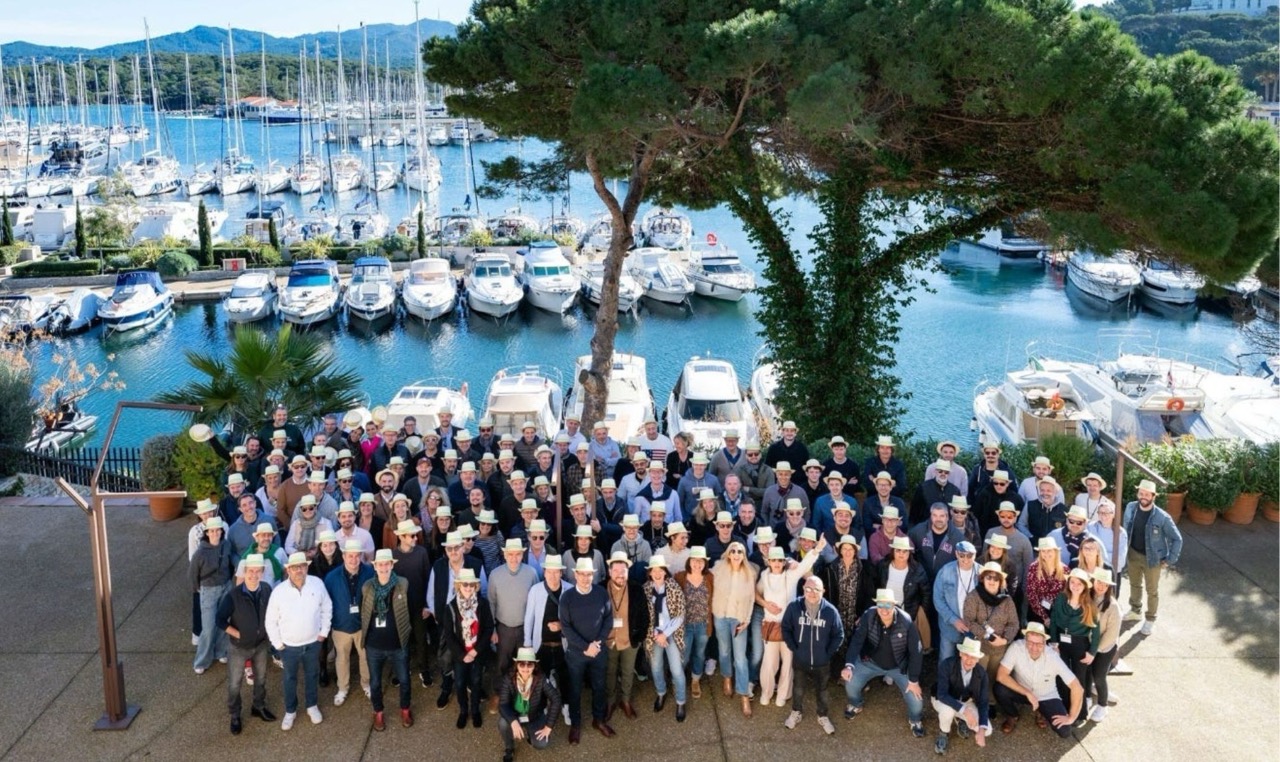
Executive AI Training: 3 Days for 130 SMEs with DICA
The DICA brings together SMEs and distribution networks in the leisure vehicle sector. Primarily VSEs and SMEs, its members face concrete challenges related to performance, project management, professional efficiency, and adapting to changes in the professional world.
Banking / Private Equity / M&A
AI finance training: Infranity familiarizes its Generali teams
Infranity is a European asset manager specializing in infrastructure debt and equity, affiliated with Generali Investments.
Founded in 2018 by Philippe Benaroya, Alban de La Selle, and Gilles Lengaigne, the fund manages over 11 billion euros in assets and has established itself as one of the European leaders in sustainable infrastructure investment.
Core/Core+ positioning, a discipline focused on essential assets (energy transition, green mobility, digital infra, social infra), and ESG requirements rooted in SFDR standards.


Industry
Microsoft Copilot AI Training: VINCI Facilities structures its uses
A subsidiary of the VINCI group, VINCI Facilities is a leading player in facility management and building services.
The company supports its clients in the operation and maintenance of their infrastructure, with strong focuses on energy performance, service quality and operationalefficiency.
Industry
AI Training for Industry: 130 Daher managers create their AI agent
Daher is a global player in aeronautics and industrial logistics. In a demanding multi-site environment, operational, logistics, and support teams must gain efficiency while adhering to high standards of quality and safety.
The challenge of digital transformation is central to staying at the forefront given the competitiveness challenges in the aeronautics sector.

Energy
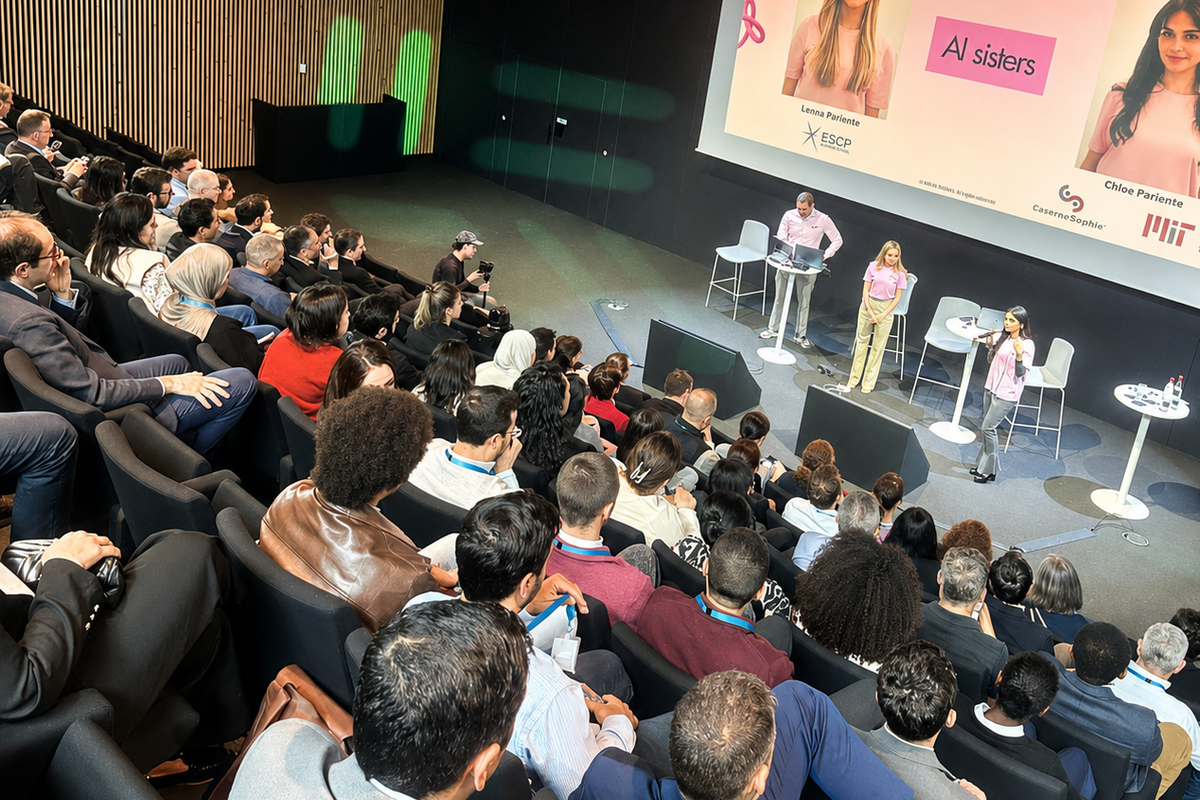
AI Agents for Energy: ENGIE Industrializes Its Digital Transformation with AI Sisters
ENGIE is one of the leaders in energy and services worldwide, operating in over 30 countries.
Committed to the energy transition, the group develops low-carbon solutions, infrastructure, and services for businesses, local authorities, and individuals.
In a constantly evolving environment, ENGIE leverages innovation and digital transformation as key drivers to accelerate its performance and support its businesses.
Industry
AI Training for Industry: Monnoyeur gathers 120 managers in Budapest
The Monnoyeur Group is a family group founded in 1906, and a long-standing Caterpillar dealer since 1929.
Present in 23 countries across 5 continents, it has over 9,000 employees and operates through 6 business units with very different activities: Bergerat Monnoyeur (construction), Aprolis (materials handling), Eneria (energy), Arkance (digitalization), Chronoflex (hydraulic maintenance), Ipso (agriculture).
A group multi-activity, multi-country, multi-functional, with processes and data that vary greatly from one subsidiary to another.

Media / Advertising / Audiovisual
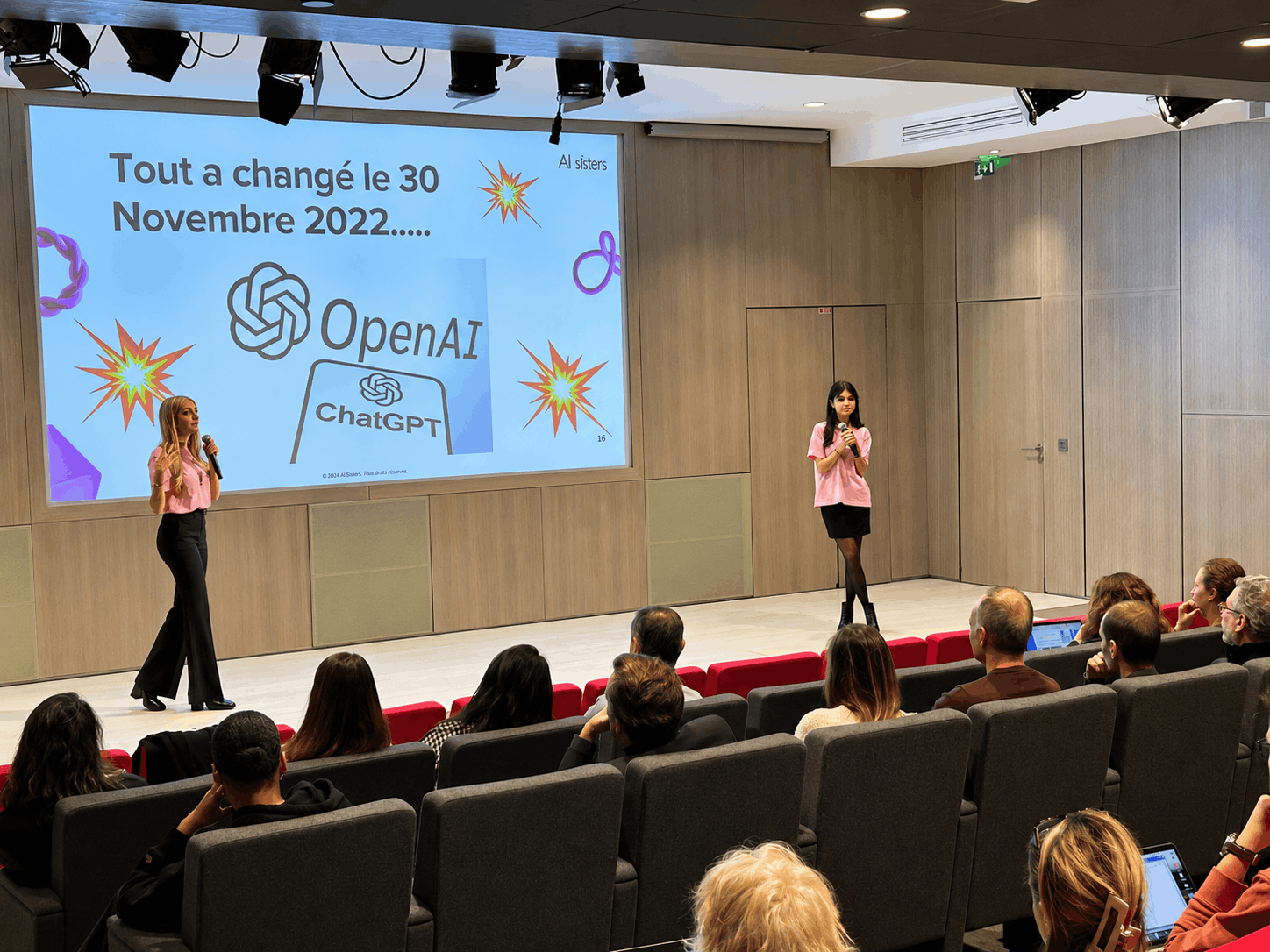
AI Sales Training: Prisma trains 60 sales representatives in generative AI
Prisma Media is a major player in the French media sector. Amidst continuous innovation and evolving practices, its sales teams must constantly train themselves on the new opportunities offered by digital tools to support their advertisers.
Government Agencies
AI training for leaders: La Poste introduces its leadership team to AI
La Poste is a major national player in public service and regional transformation. Present throughout France, it supports millions of citizens and businesses every day and is an essential pillar of the country's economic and social cohesion.


Industry
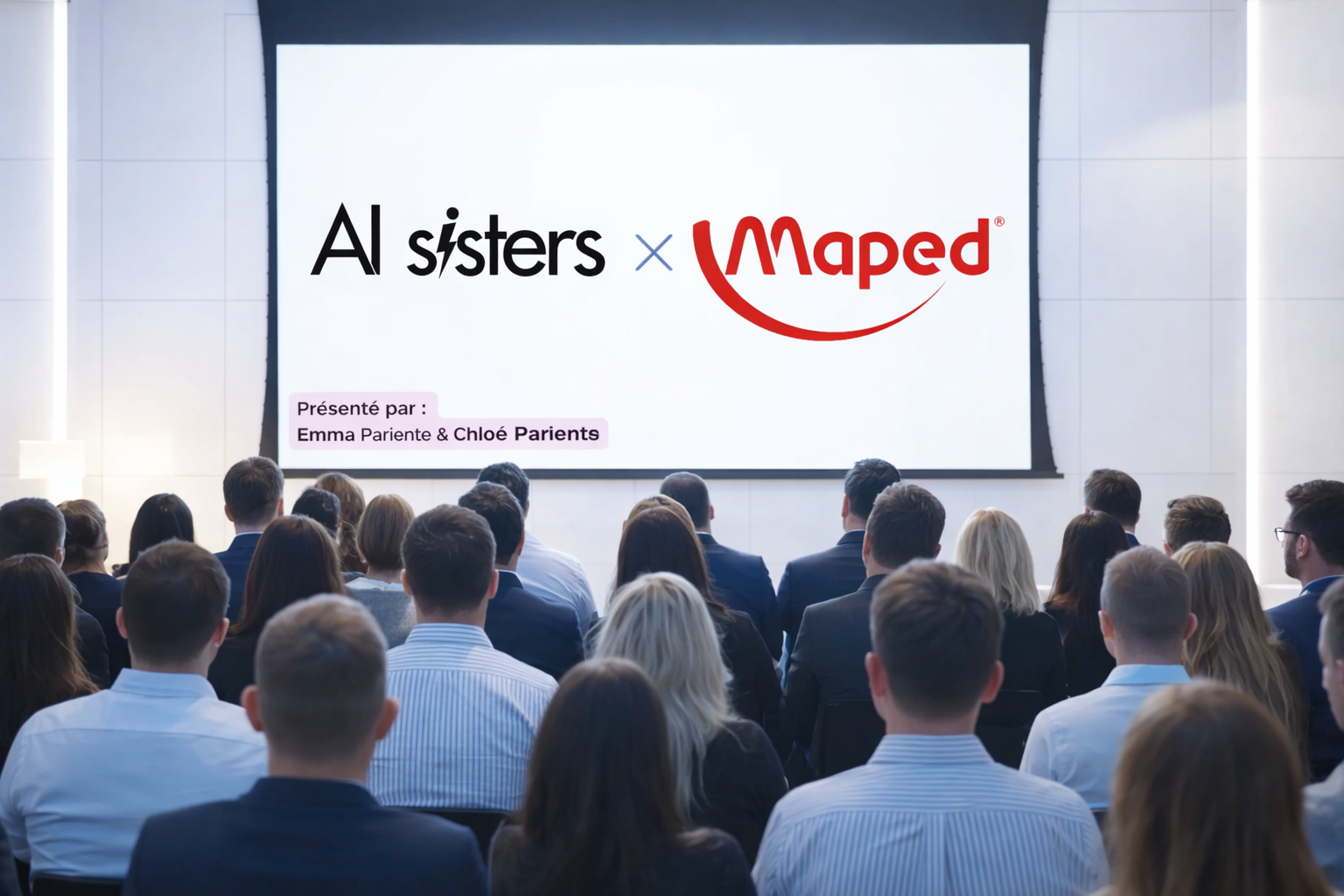
AI Marketing Training: MAPED reaches expert level in 2 days
MAPED is an international industrial group recognized for its innovations in the field of school, office, and creative hobby supplies.
Operating in many countries, MAPED places marketing, understanding user needs, and product innovation at the heart of its development strategy.

Hospitality
AI Training for Hospitality: Hyatt Paris brings its departments together around AI
Hyatt Hotels Corporation is one of the most recognized international hotel groups in the world, with a presence in 1,300 properties spread across more than 70 countries.
In Paris, the Hyatt Regency Paris Étoile, the capital's only skyscraper converted into a 4-star hotel, welcomes thousands of international visitors each year.
Over 1,000 rooms, and a service standard where sophistication, efficiency, and excellent hospitality come together daily.


Banking / Private Equity / M&A
AI Finance Training: Ardian boosts its teams' skills
Ardian is a leading international investment firm , renowned for its excellence, rigor, and global influence.
Operating in France, Germany, and Italy, the group embodies performance and innovation for the benefit of its investors.
Its teams handle sensitive data daily and produce high-value strategic analyses in an environment where confidentiality is non-negotiable.
Industry
AI Training for Industry: Liebot brings 4,000 employees and 13 subsidiaries into a Group AI program
Founded in Herbiers in Vendée, the Liebot Group designs, manufactures, and markets windows, glazed doors, entrance doors and aluminum facades, PVC, wood and wood-aluminum.
The group comprises 13 companies and 4,000 employees around brands well-known throughout the construction industry: K-LINE (French leader in aluminum windows), MéO (leading French manufacturer of wood-aluminum joinery since 1983), Ouest Alu, Wibaie, BIPA, Vetrex, PaX.
Liebot operates in two areas: industrial windows and facades, and across all distribution channels: installer craftsmen, merchants, DIY superstores, builders, and design offices.
With €860 million in revenue and a presence in five European countries, the group represents exactly the type of organization where generic AI training doesn't work: too many different professions, too many subsidiaries, too many confidentiality concerns.
AI Sisters
Phone: +33 7 80 96 07 26
Address: 255 Boulevard Pereire, 75017 Paris
Email: contact@aisisters.ai

.avif)
