🎙️ Webinar on Wednesday 18 November, 11am (Paris): Claude Duet vs OpenAI Dots, meet your new AI right hand
Save my seat
★★★★★
4,9/5 sur Google
📘 Corporate AI training: our free roadmap for a successful rollout
Download our AI roadmap★★★★★
4,9/5 sur Google


Copilot training for companies: productive teams on Microsoft 365
100% tailor-made training that teaches your teams to use Microsoft 365 Copilot and its agents on their real work: Word, Excel, Outlook, Teams and Copilot Studio.

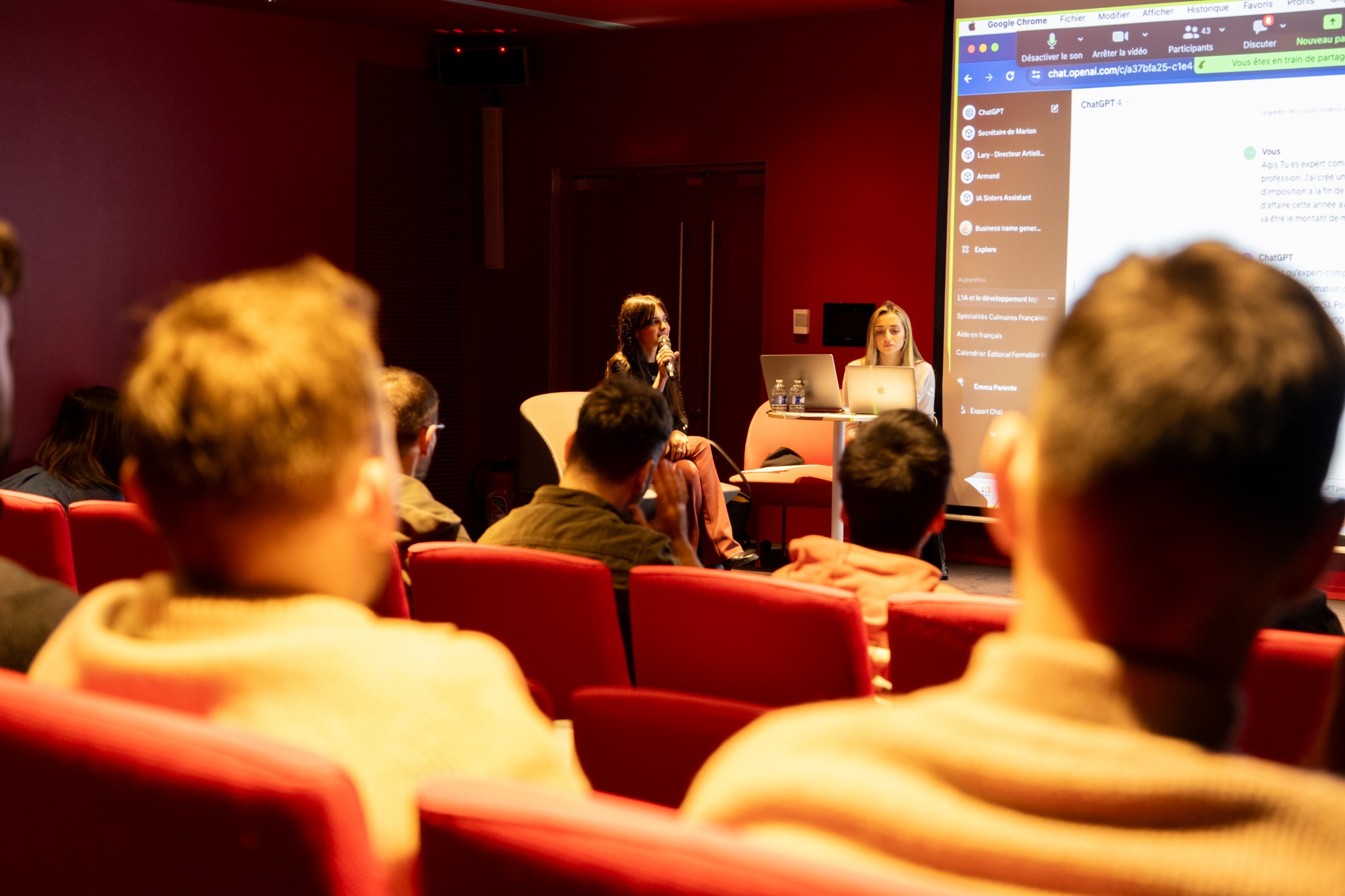

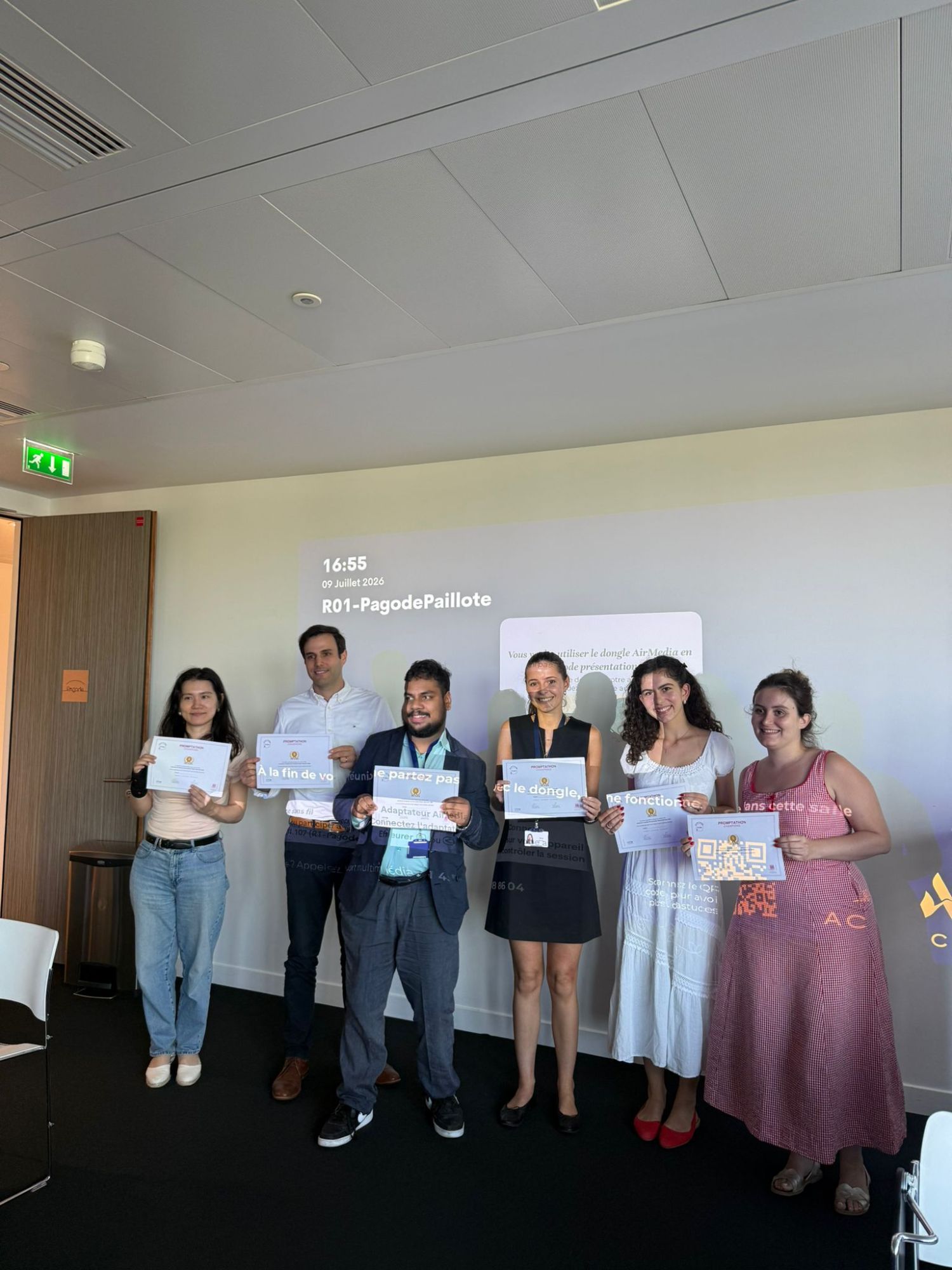
They train their teams in AI with AI Sisters












AI Sisters is an agency specialising in generative artificial intelligence for businesses. We support organisations through AI training, strategic consulting and the AI Sisters Lab, which designs and deploys practical AI solutions.
The teams we have trained tell their story
Leaders from large groups talk about our AI training.
My goal wasn't to learn how to use yet another tool. I needed to understand what AI really changes for an organisation like ours. That is exactly what this training gave me.


I needed a strategic view of the subject. The discussions helped me better identify the opportunities, risks and priorities for supporting our company's development.

A lot of content, but above all a lot of practical substance. I appreciated being able to talk about our real challenges and leaving with a clearer view of what AI can bring to a company like ours.

Your teams may already have Copilot. The question is whether they get results from it.
Source: Section 2026 study of 5,000 white-collar workers, including a panel of C-suite executives (reported by the Wall Street Journal)
Without Copilot training, these figures stay theoretical. At AI Sisters, we make them real with 100% tailor-made programmes for all your teams.
2 Copilot formats suited to your teams
From an intensive day to a programme over several weeks, each one is built on your documents, your tools and your use cases.

Intensive Copilot training (1 day)
Your teams work on their own documents, processes and data, not on made-up cases.


Copilot programme over 6 to 12 weeks
Several sessions to embed new habits, go as far as Copilot agents and measure ROI at every stage.
A 100% tailor-made approach
No generic programme. Every Copilot training course is built around your real use cases.

Pre-audit
Interviews with your teams to map current AI usage, the tools in place and priority use cases.

Design
A programme built on your documents and processes, by function: HR, finance, legal, marketing, IT.

Delivery
Sessions led by our trainers. 80% hands-on practice in Microsoft 365 and your tools.

Follow-up
A library of prompts and agents is delivered, followed by check-ins at 30, 60 and 90 days to embed new habits.
5 concrete results for your teams

Master Copilot in Microsoft 365
Use Copilot in Word, Excel, PowerPoint, Outlook and Teams, on the company's own documents.

Write prompts that work
A prompting method designed for non-technical staff, applied to your own documents.

Build Copilot agents
Turn repetitive tasks into agents, as Ipsen employees did during their Copilot Agentathon.

Prepare meetings and emails
Summarise Teams meetings, sort and draft emails in Outlook, while keeping control of your data and complying with the AI Act.

Secure usage across the company
Set the rules of use: which data to share, which access rights to check, how to review the answers.
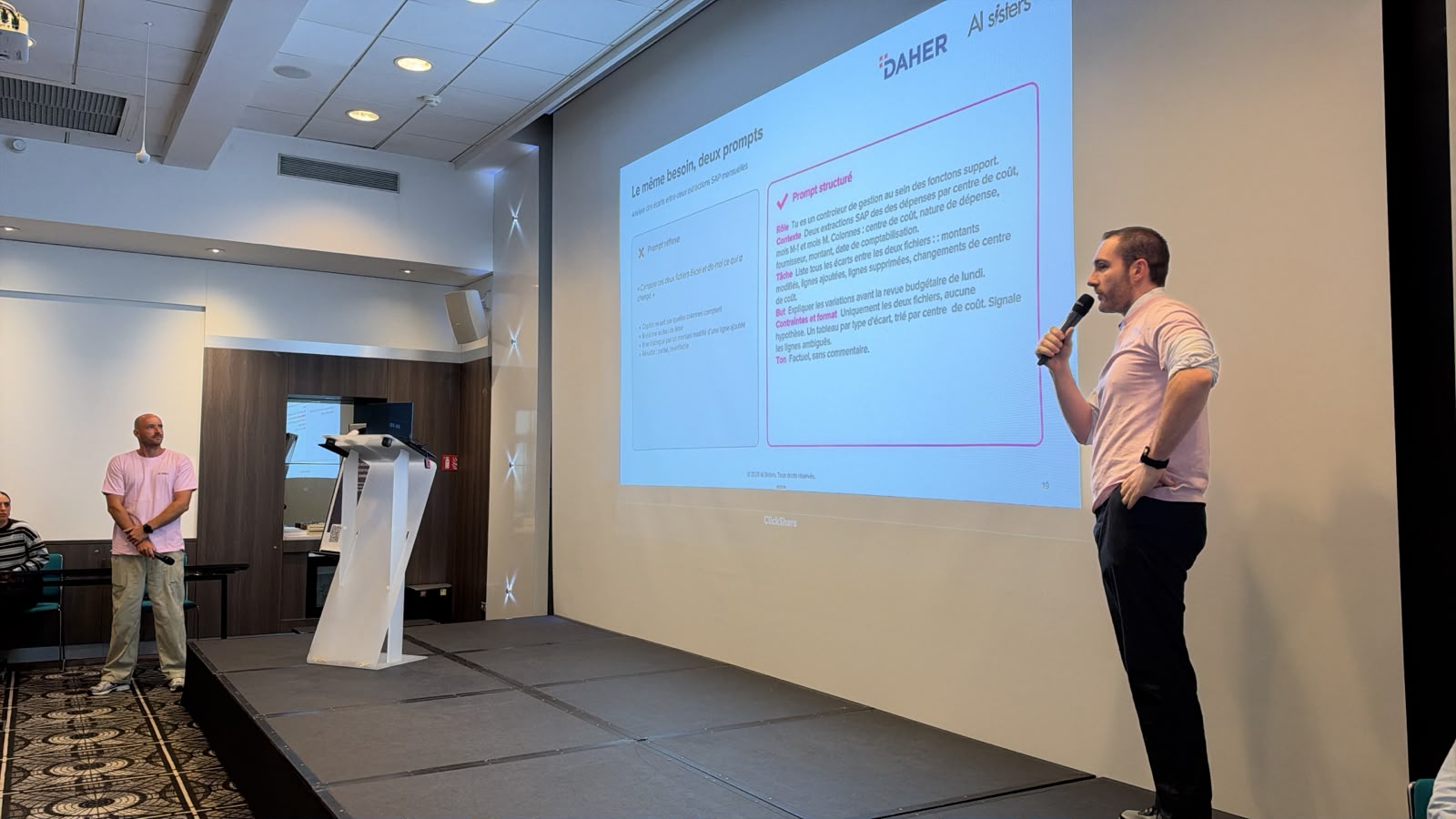
Our AI training in action


The results in figures
Three examples of AI Sisters AI training. Data measured at the end of the training.

Before
- Only 15% of the leadership team had ever used an AI tool
- No shared set of good practices
- 10+ hours a week spent on manual analysis and reporting
- Up to 2 hours a day writing emails

After
- 100% of executives use AI every day
- 35+ concrete use cases identified and tested
- 6 hours saved per week on average
- 85% of managers “comfortable” with AI
Before
- 8 out of 10 executives did not know where to start
- No shared AI strategy at executive committee level
- Fragmented local initiatives with no overall vision
After
- 80 executives trained in one session
- 35+ use cases mapped, 5 GPT assistants built live
- 98% immediate satisfaction
- AI roadmap approved by the executive committee
Before
- 65% of executives had doubts about the reliability of AI
- Highly manual processes: 12+ hours a week lost per employee
- No inventory of AI use cases in the Finance function
After
- 30+ concrete use cases identified
- +65% LLM usage measured internally the following month
- 70% of participants less reluctant about AI
- 8 hours saved per week through automation
Nos formations IA dans toute la France
Nos formatrices se déplacent dans vos locaux, partout en France. Découvrez nos formations IA près de chez vous.
Nos formations IA en présentiel dans vos locaux, à Paris et partout en France, ou à distance pour vos équipes multi-sites.
À Toulouse, 130 managers de Daher ont par exemple construit leur propre agent IA en une journée.


Paris

Lyon

Marseille

Nantes

Lille

Toulouse

Bordeaux

Strasbourg

Rennes

Grenoble

Aix-en-Provence
Frequently asked questions about Copilot training
Microsoft 365 Copilot, agents, licences, OPCO funding: answers to the questions we are asked most often. Weighing it against ChatGPT or Claude? Compare our training by AI tool
Want your teams to build agents with Copilot Studio? See our AI agents training
What is AI Sisters' Microsoft 365 Copilot training?
It is a fully tailored Copilot training for companies, built on your documents, your processes and your real use cases. Your teams learn to use Copilot in Word, Excel, PowerPoint, Outlook and Teams, as well as agents, with 80% hands-on practice in Microsoft 365.
How does the training cover Copilot in Excel, Outlook and Teams?
The training takes place directly in your Microsoft 365 tools: working on your files in Excel, sorting and drafting emails in Outlook, summarising Teams meetings. Every exercise starts from your teams' documents and processes.
Can we learn to build agents with Copilot Studio?
Yes. The programme includes modules on agents and Copilot Studio to turn repetitive tasks into agents. Ipsen employees, for example, built their own agents during a Copilot Agentathon.
Which Copilot licence is needed for the training?
The training adapts to the licences already in place in your company, whether Copilot Chat or Microsoft 365 Copilot. The pre-audit reviews your tools and access rights to build a programme suited to what your teams can actually use.
Are there any prerequisites for the Copilot training?
No technical prerequisites are required. The prompting method we teach is adapted to non-technical people and applies directly to your own documents.
How long does a Copilot training last?
There are two formats: a one-day intensive training, on-site or remote, or a 6 to 12 week programme to embed new habits and go as far as Copilot agents. The programme includes follow-up at 30, 60 and 90 days.
Can the Copilot training be funded by an OPCO?
Yes. AI Sisters is a Qualiopi-certified training organisation, which makes the Copilot training eligible for funding by your OPCO. The level of funding depends on your skills operator and the scheme used.
How can Copilot be used securely?
The training dedicates time to usage rules: which data to share, which access rights to check, how to review answers. The goal is to use Copilot on company documents while keeping control of data and AI Act compliance.
Let's build the training
that fits your
teams
30 minutes to scope your needs and propose a Copilot programme matched to your teams' level.
AI Sisters
Phone: +33 7 80 96 07 26
Address: 255 Boulevard Pereire, 75017 Paris
Email: contact@aisisters.ai


🎙️ Online webinar · Rated 4.9/5 on Google
Claude Duet and OpenAI Dots no longer just answer: they remind you of what is slipping, suggest the next step and prepare it in your tools. We compare them live.




4.9/5
from 265 reviews
🎁 Free · Online · No replay