🎙️ Thursday 17 December, 11am (Paris), free live webinar: an AI agent team for your IT department (bugs, support, monitoring). No replay.

Save my seat

★★★★★

4,9/5 sur Google

📘 Corporate AI training: our free roadmap for a successful rollout

Download our AI roadmap

★★★★★

4,9/5 sur Google

Free webinar · Live

What if your IT department had a team of AI agents?

Bugs, support, monitoring: find out how to build an AI agent system that moves your projects forward, even when you are busy elsewhere.

Jeudi 17 décembrePlus que 21 jours
De 11h à 12h30
Save my place
Emma ParienteChloé Pariente

Hosted by Emma and Chloé Pariente, co-founders of AI Sisters

Online webinar · Technical demos · Q&A

Une équipe issue du MIT et de l’ESCPMITESCP Business School
Une DSI réfléchit devant un mur de post-it, un projet par post-it

Free registration

Save your place for 17 December

Engie
Havas
Samsung

We show you systems already in place in large groups, from CAC 40 companies to multinationals.

It takes one minute to register. The joining link arrives by email.

The live session starts in

0
1
2
3
4
5
6
7
8
9
0
0
1
2
3
4
5
6
7
8
9
0
0
1
2
3
4
5
6
7
8
9
0

hours

:
0
1
2
3
4
5
6
7
8
9
0
0
1
2
3
4
5
6
7
8
9
0

minutes

:
0
1
2
3
4
5
6
7
8
9
0
0
1
2
3
4
5
6
7
8
9
0

seconds

I would also like to receive the AI Sisters newsletter (weekly, unsubscribe in one click)

You're registered! The joining link is on its way by email. Block out the slot in your diary now 💗

Free · Live · Nothing to install

CIO

Who approves what the agent pushes to production?

Head of support

Can level 1 really run without us?

?

CISO

What can the agents see of our information system?

?

IT project manager

How does the agent know where each project stands?

Head of application development

Do we keep Jira, or change everything?

CIO

Which agent should we start with?

Chapter 01 · 8:45

The day hasn’t started. The emergencies have.

A bug in production. An employee who is stuck. A new vulnerability to analyse. Three projects to move forward.

And you haven’t even opened your laptop yet.

Des collaborateurs dans un ascenseur, en route vers le bureau
“Do we still have the CRM issue?”
“Did you see the ticket I sent you?”
“Are we still going live tonight?”
Une DSI au téléphone, stylo à la main, dans un open space
Chapter 02 · 10:32

You run IT. You are not a one-person support centre.

Your teams spend their time qualifying incidents, answering the same questions, analysing logs and updating tickets.

Meanwhile, strategic projects are left waiting.

Bugs
Analyse, reproduce, fix.
Support
Qualify, answer, escalate.
Monitoring

Monitor, analyse, summarise.
Chapter 03 · The turning point

What if you stopped handling everything by hand?

Not just another chatbot.

A real system of specialised AI agents, connected to your tools, able to work together, carry out tasks and come to you when a human decision is needed.

“I don’t need an assistant that tells me what to do. I need agents that get the work done.”

Emma Pariente face caméra, à son bureau
The Bugs agent in action

One incident, one agent, no chasing.

From the first message to the fix in production: here is what the agent does with a ticket while your team gets on with its projects.

↑
A bug has been blocking the CRM export since yesterday
I’m on it. Do you have the logs?
Drop a file here
LOG
logs-crm.txt
logs-crm.txt
New incident · CRM export
Analysing logs…
Reproducing the bug…
Looking for the cause…
✓
Logs analysed
✓
Bug reproduced
✓
Cause identified
C
Code review
T
Regression tests
R
CISO approval
✓
✓
Approve
Deploy to production
Fix prepared by the agent
PR #482 · CRM export
Files changed
3
Tests passed
128 of 128
Human review
Approved
- return row.company.name
+ return row.company?.name ?? ""
✓
Fix in production
CRM export restored · ticket closed

Example scenario.

The agents in action

Three agents, three jobs, one system.

Bugs agent

From incident ticket to pull request.

The agent analyses the logs, finds the cause, reproduces the bug, suggests a fix and runs regression tests before submitting a PR to your team.

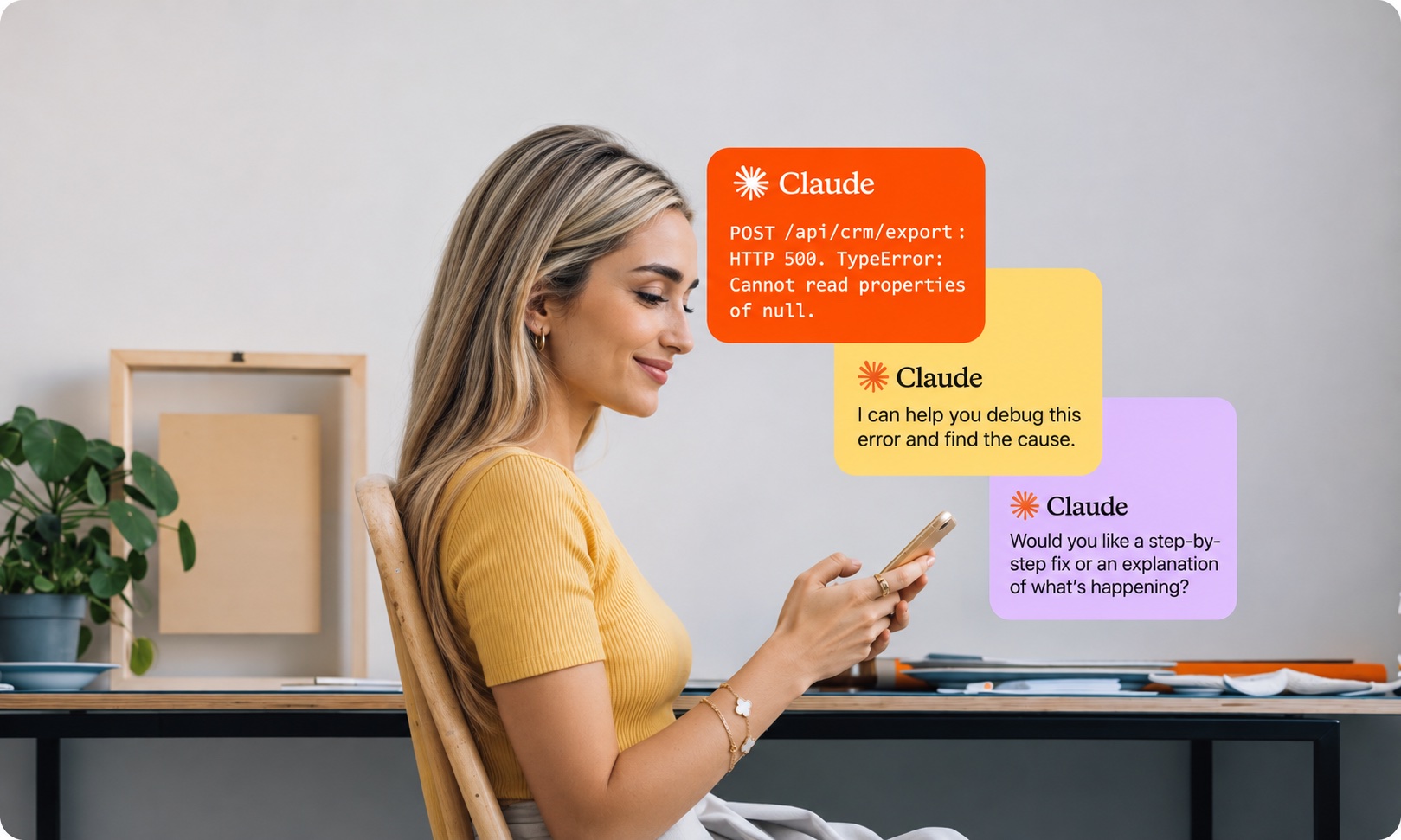
Before · Monitoring alert

POST /api/crm/export : HTTP 500. TypeError: Cannot read properties of null.
After · Bugs agent
Cause identified. Fix submitted as a PR. Regression tests passed. Awaiting your review.
Une DSI sourit en lisant sur son téléphone les messages de Claude qui analyse une erreur
Chloé Pariente à son bureau, une tasse à la main
IT-142
VPN incident, diagnosis
To do
IT-143
SSO error, log analysis
In progress
IT-144
SharePoint access restored
Resolved
Support agent

Tickets that move forward without tying up the whole IT team.

The agent qualifies incoming requests, checks your internal documentation, suggests a solution and updates the tickets. Complex incidents go to the right person.

Monitoring agent

Stop searching for information. Get the information that matters.

The agent tracks releases, vulnerabilities, API changes and technical news. It cross-checks them against your environment and spots the projects affected.

Emma Pariente sur un canapé, ordinateur ouvert
Claude · Monitoring agent

2 vulnerabilities to analyse · 3 new releases
Impact on your stack analysed · Action plan ready
Save my place

Example scenes and notifications.

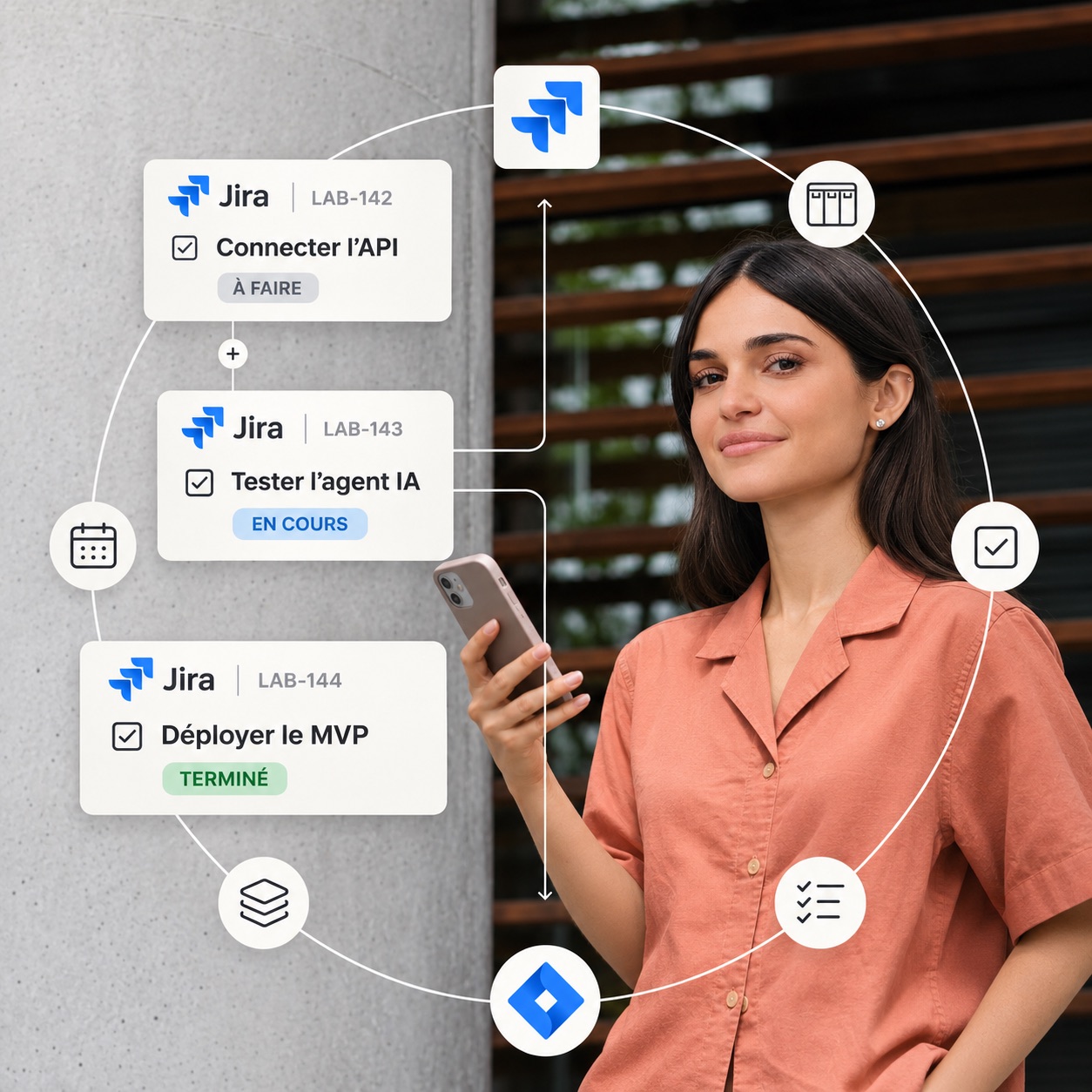
Chloé Pariente entourée de tickets Jira qui avancent
Chapter 04 · Behind the scenes

The real power? Agents that work together.

An incident spotted by your monitoring agent can trigger a technical analysis, create a Jira ticket and bring in your development agent.

Each agent has its own role, tools, permissions and execution rules.

How it works

One orchestrator, three agents, and you stay in charge.

You set the rules. The orchestrator shares the work between the Bugs, Support and Monitoring agents, which act in your tools. Every result comes back to you before going any further.

Head of IT
Sets the rules
Bugs · Support · Monitoring

Orchestrator
Claude
GitHub · Jira
Teams · API · Documentation
Permissions and human approval

You set the rules. Your agents carry them out. You stay in control.

Your tools

The agents work in the tools your teams already use.

Outlook, Teams, Jira, GitHub, Slack, Notion: nothing to replace. We connect them, set the permissions, and the agent flags what needs a decision.

Outlook
Teams
Jira
Agent IA
3
GitHub
Slack
Notion
Chapter 05 · The transformation

Fewer tickets to handle. More projects to lead.

Imagine opening your laptop to find incidents already qualified, fixes ready for review and tech monitoring you can act on straight away.

Your team can finally focus on what creates value.

Emma et Chloé Pariente sur un canapé, ordinateur et café
“My agents do the work. I steer.”
Programme

Build your own AI agent system.

Move from isolated AI assistants to an agent system built into your IT department’s daily work.

Multi-agent architecture
Define the roles, interactions and workflows.
Connecting to your tools
APIs, MCP, repositories, ticketing and knowledge bases.
Technical demos
Bugs, support and monitoring: three concrete scenarios.
Security and governance
Permissions, traceability, human approval and cost control.
Taking action
Choose the first workflows to automate in your IT department.

900+ companies have already trained their teams with AI Sisters

60,000 employees trained, from mid-sized firms to large groups. On Copilot, Gemini, ChatGPT and Claude.

AccorLa PosteJCDecauxVinciEngieIpsenSamsungAccorLa PosteJCDecauxVinciEngieIpsenSamsung
Groupe Les Echos - Le ParisienGroupe BPCECMA CGMTV5MondeHavasTotalEnergiesDaherGroupe Les Echos - Le ParisienGroupe BPCECMA CGMTV5MondeHavasTotalEnergiesDaher

Hosted live by the co-founders of AI Sisters

Emma (ESCP) and Chloé (MIT) co-founded AI Sisters. They are the ones who show you the system live, agent by agent.

Emma Pariente
Emma ParienteCofondatrice et CEO

ESCP

A generative AI expert, she co-founded AI Sisters and leads its strategy. ESCP graduate.

Chloé Pariente
Chloé ParienteCofondatrice et CTO

MIT

A data scientist specialising in generative AI, she has been designing and deploying AI solutions for companies for 6 years.

900+companies supported
60,000employees trained

“What we see in training, session after session: your teams don't need more tools. They need to know what to do with them.”

Emma and Chloé

Book your place for Thursday 17 December

  • Thursday 17 December 2026
  • 11:00–12:30, Paris time
  • Online, link sent by email
  • Free, live only
Vous repartez avec :

✓ The system diagram: three agents, one shared memory

✓ The grid for framing an agent in your information system: access, actions, traceability

✓ Which agent to start with in your IT department

No replay: the demo is live only.

Register for the webinar

Your questions about the webinar

Another question? Write to us at contact@aisisters.ai

Do I need a technical background to follow?
No. We show the system running and explain each choice without jargon. Technical teams will also find the architecture.
Our teams use Copilot or ChatGPT. Is this for us?
Yes. The agents are built with the AI tools you already have, and connect to Jira, Teams or your ticketing tool.
Do we need to change our ticketing tool?
No. The agents work in your current tools. We show you what to connect first.
Will there be a replay?
No, the session is live only.
Does our data stay under control?
That is one of the three questions of the webinar: what access to give each agent, and how to trace everything.
And after the webinar?
You can book a call with the team to scope a first agent in your IT department.

Your agents do the work. You steer.

Thursday 17 December · 11:00–12:30 · Free · Live

Save my place