.svg)

ChatGPT launches its App Store with over 100 integrated applications
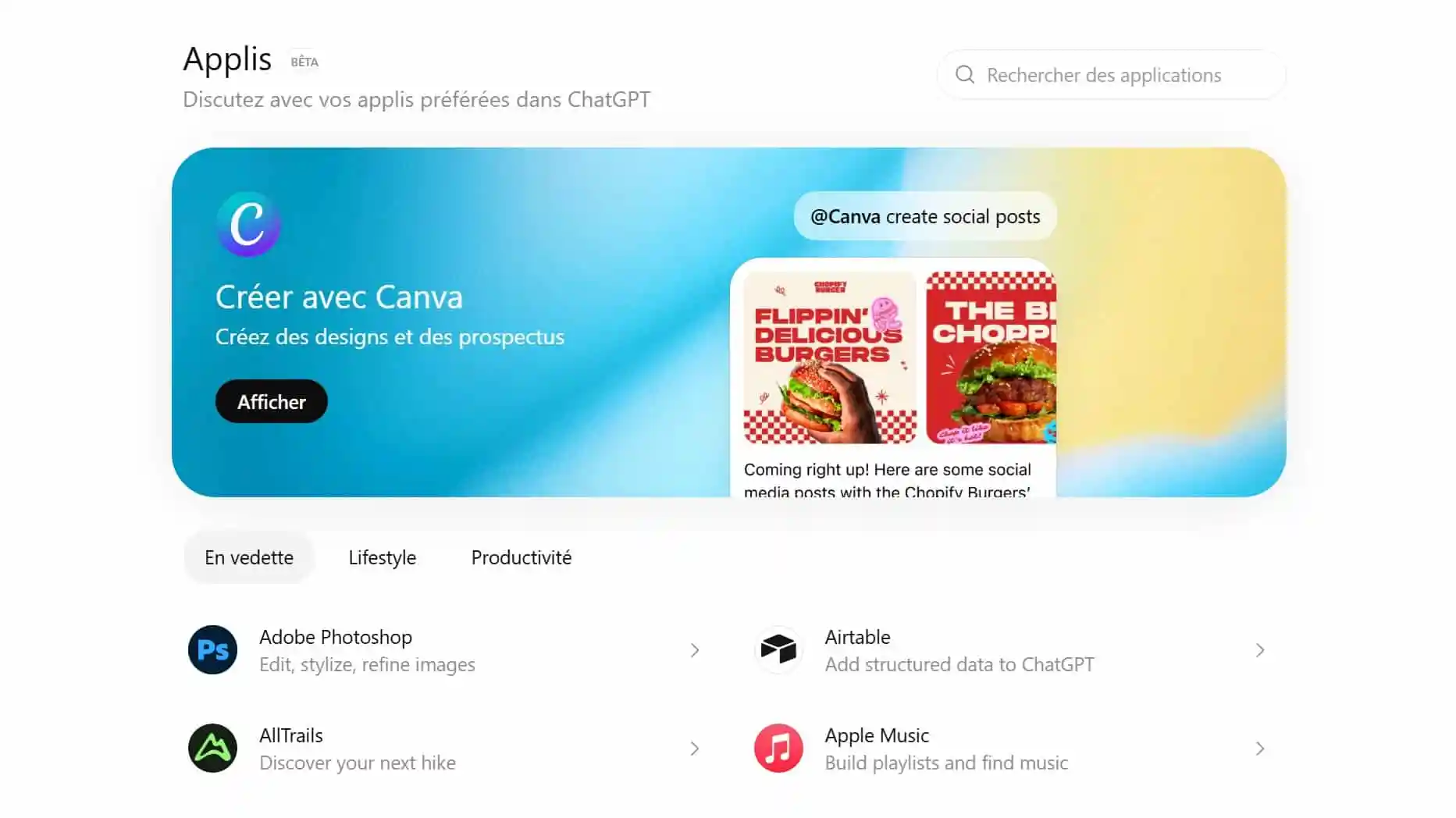
GPT chat is no longer limited to answering questions. OpenAI is deploying a App Store GPT chat, accessible via the tab Apps or directly via chatgpt.com/apps, which allows you to connect more than 100 applications directly to the chatbot.
Major services such as Canva, Spotify, Adobe, Adobe, Booking, Expedia, or OpenTable already offer native experiences. Objective: to allow users to act directly from a conversation, without leaving ChatGPT.
Explore our AI training courses & book a call
Explore our training modules and choose, together with us, the one that best meets your AI needs.
📚 See our AI training courses 📞 Book a discovery call
ChatGPT has its own application store
OpenAI presents this App Store as a directory of “native experiences.” Concretely, ChatGPT can now be linked to third-party services to book a hotel, create a playlist, edit an image or transform a map into a presentation.
The tab Apps, still in beta, categorizes apps into three main categories:
- featured
- Lifestyle
- Productivity
Each application has its own presentation page, with a button Connect to activate it.
List of the first applications available on the ChatGPT App Store
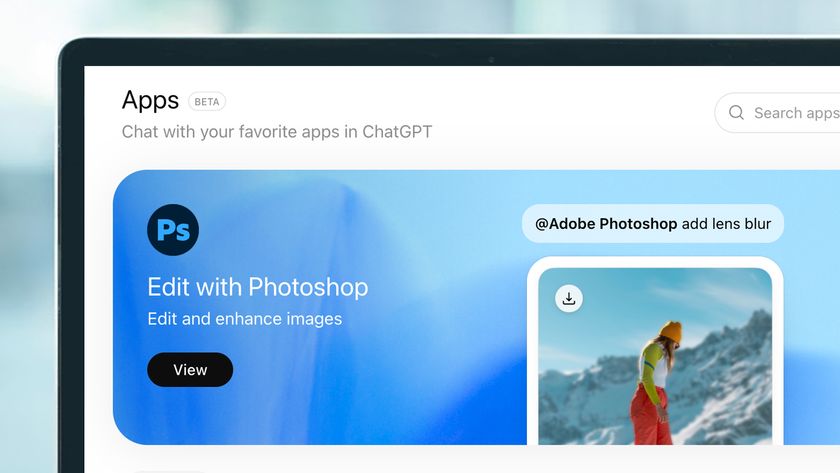
Among the first applications already proposed, we find in particular:
- Canva : creation of visuals and presentations
- Adobe Photoshop : image editing and stylization
- Spotify : playlists, music and podcasts
- Booking.com : search and book hotels
- Expedia : travel planning
- OpenTable : restaurant reservations
👉 Application summary table :
ChatGPT App Store: first apps available (examples)
| Application | What ChatGPT can do | Use case (real-life) | Category |
|---|---|---|---|
| Canva | Turn an outline into a visual or presentation, structure a deck. | Create a marketing presentation from a brief in 2 minutes. | Productivity |
| Adobe Photoshop | Edit, refine and style an image with natural-language instructions. | Improve a product photo, change a background, harmonise a style. | Productivity |
| Spotify | Create playlists, recommend tracks, discover podcasts. | Generate a “2-hour focus” or “90s party” playlist to match your mood. | Lifestyle |
| Booking.com | Search and book hotels based on criteria. | Find a hotel in Paris near a specific place, with budget and reviews. | Lifestyle |
| Expedia | Plan a trip, optimise an itinerary, compare options. | Build a 5-day itinerary in Barcelona with stops and budget. | Lifestyle |
| OpenTable | Discover and book restaurants by time and preferences. | Book an Italian restaurant tonight at 8pm for 4, in area X. | Lifestyle |
Tip: in a chat, you can call an app with @ (e.g. @Spotify, @Booking) once it is connected.
How do I install an application on ChatGPT?
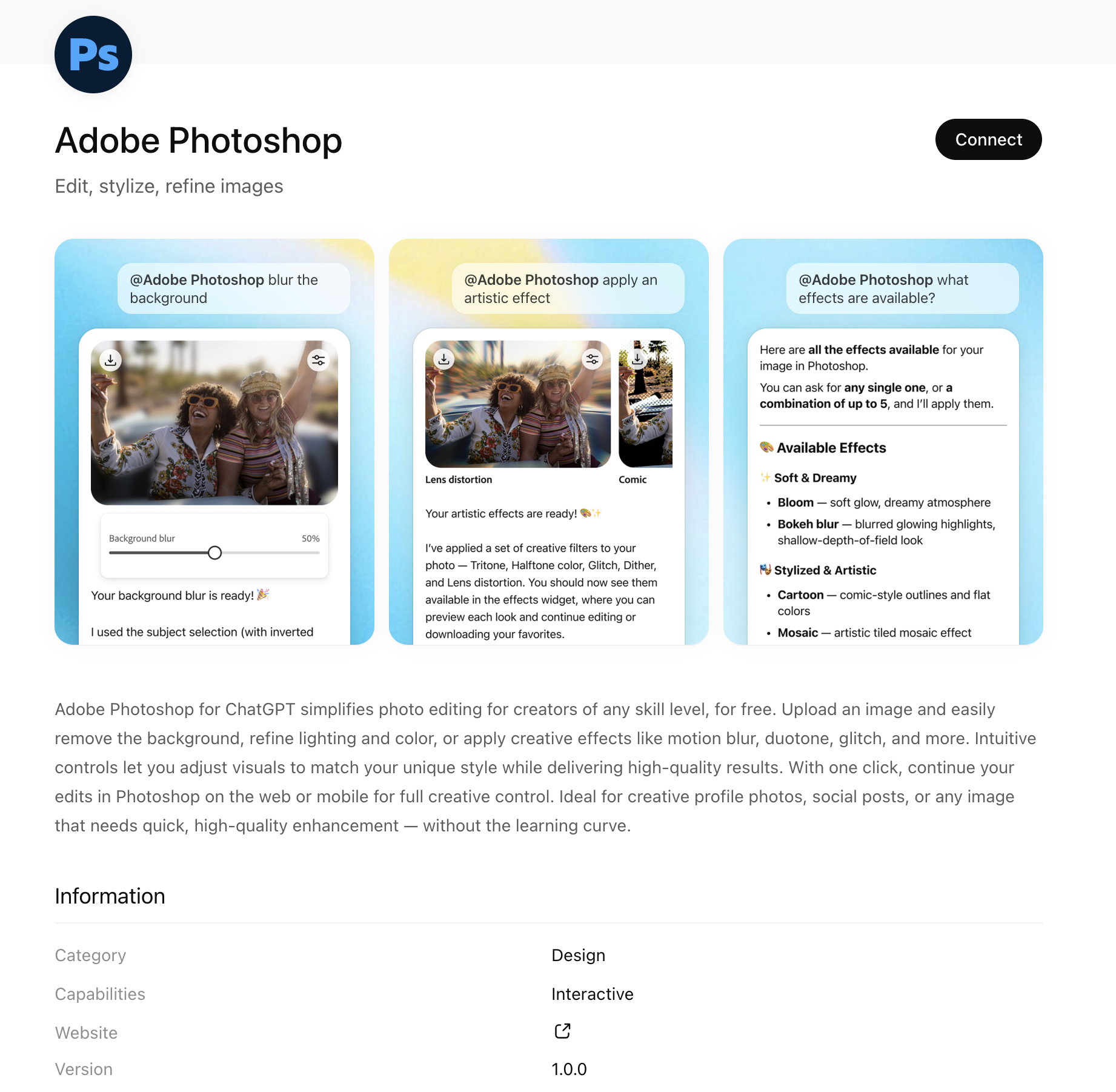
Installing an application is easy:
- Open the tab Apps or go to chatgpt.com/apps
- Select an application
- Click on Connect
- Validate the requested authorizations
Before each connection, OpenAI specifies What data can be shared with the third party application (IP address, approximate location, account data).
Users are in control: an application can be Disconnected at any time.
How do I use an app in a conversation?
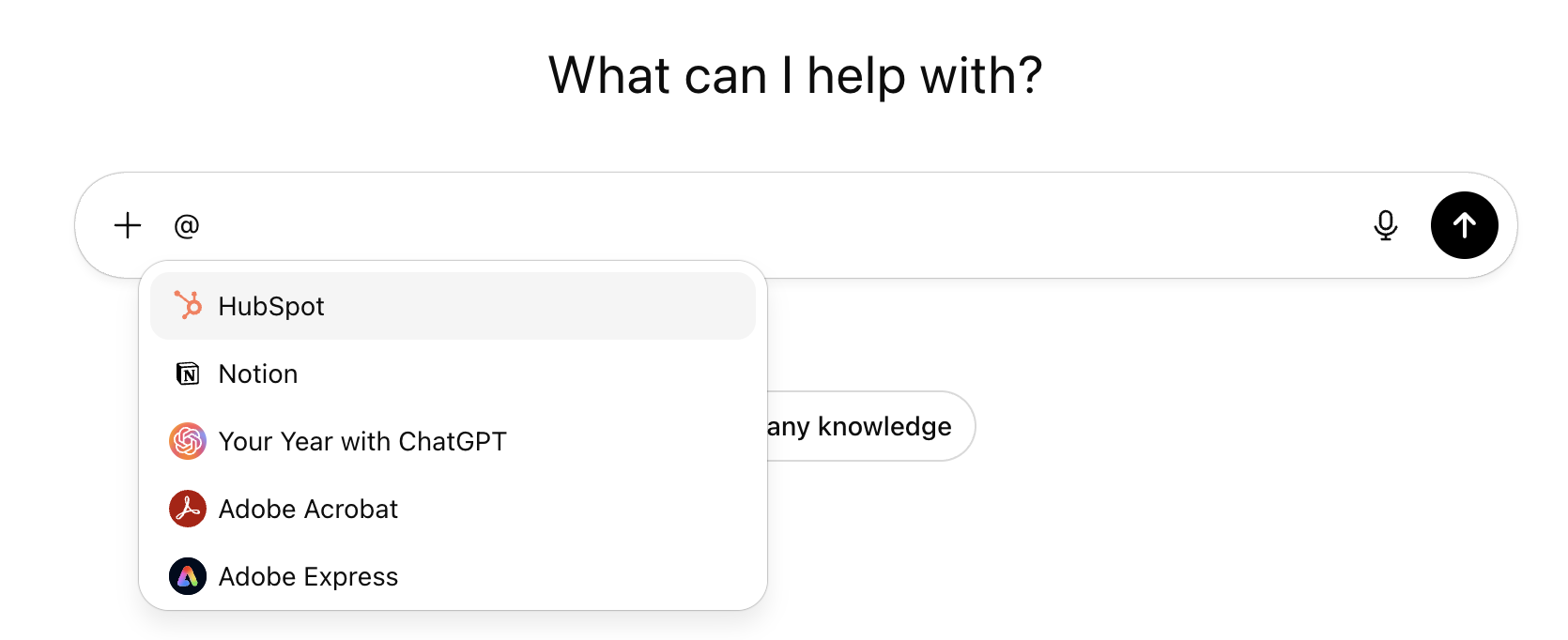
Once installed, an application can be used directly in a chat:
- by mentioning it with @ (ex.
@Spotify,@Booking) - or via the button Start the chat on his page
OpenAI is also testing automatic application recommendations based on the context of the conversation and user preferences.
Why this innovation is strategic
Until now, ChatGPT was mainly used as a tool for generating text, analysis, or images. With the launch of its App Store, the tool takes a new step and becomes a hub capable of orchestrating concrete actions through third party applications.
The user no longer needs to leave the conversation: they express an intention (“book”, “organize”, “create”, “edit”) and ChatGPT relies on the connected application to perform the task. This logic brings ChatGPT closer to a real intelligent action-oriented assistant.
This evolution is strategic for OpenAI. By building an ecosystem of applications, the company is transforming ChatGPT into central interface for many uses: productivity, travel, entertainment, visual creation or reservations.
Explore our AI training courses & book a call
Explore our training modules and choose, together with us, the one that best meets your AI needs.
📚 See our AI training courses 📞 Book a discovery call
How do I develop an application for ChatGPT?
To enable developers to create these new experiences, OpenAI provides a SDK apps, announced in preview in October and now deployed in beta.
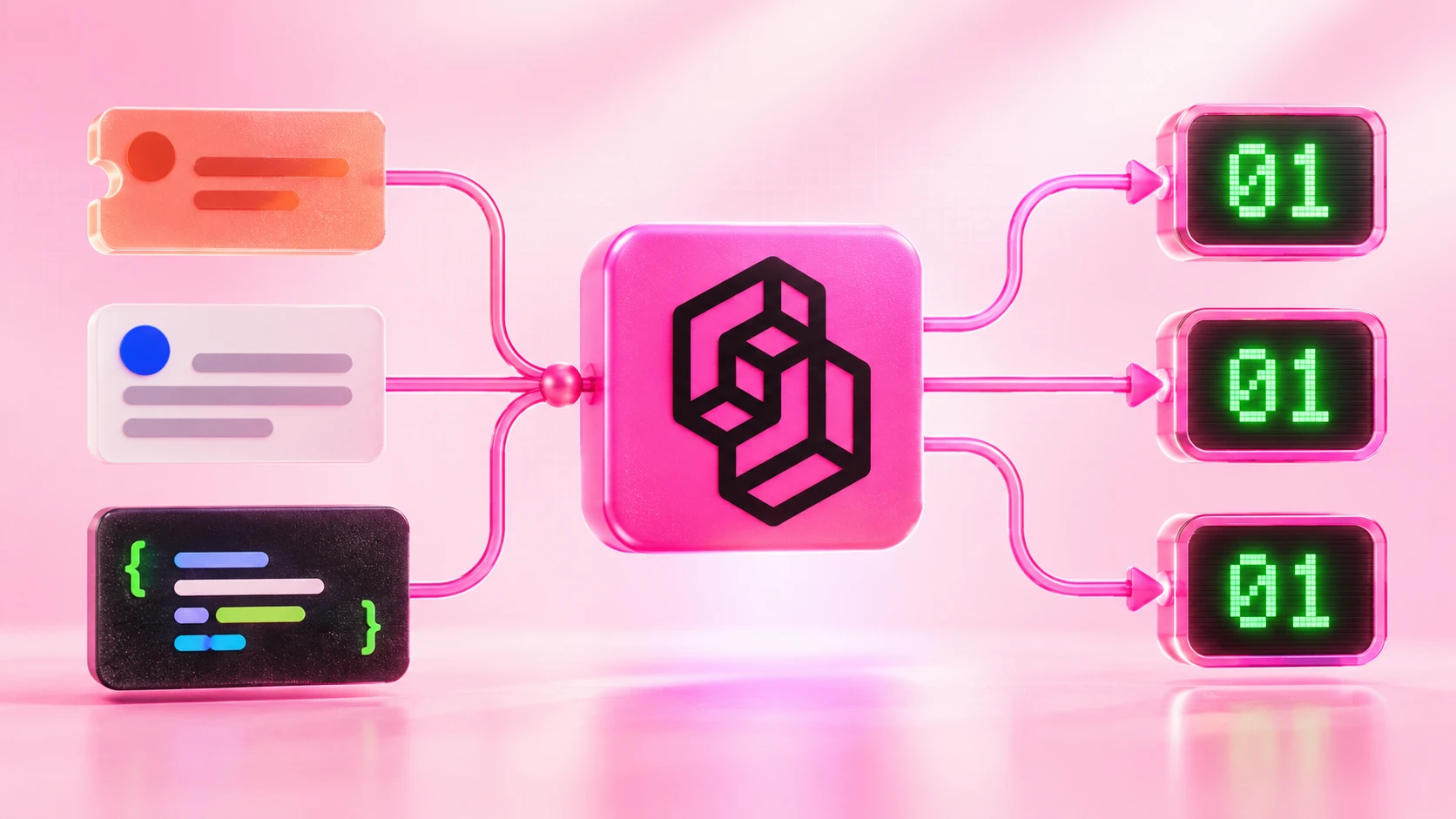
This development kit is Open source and is based on the Model Context Protocol (MCP), a standard designed to allow AI models to connect to external tools and different data sources.
OpenAI also provides comprehensive documentation with coding tips, sample applications, and best practices. Any finalized application that respects the established rules can be subject to validation in order to be referenced in the ChatGPT App Store.
Also worth reading
Read our other articles to go further with ChatGPT and its new features:
What are the rules for publishing an application in the ChatGPT App Store?
OpenAI states that applications should:
- respect OpenAI usage policies
- be appropriate for all audiences
- respect the terms of use of third party services when accessing their content
This framework aims to ensure an application store reliable, secure, and usable at scale, without excesses related to the use or sharing of data.
Explore our AI training courses & book a call
Explore our training modules and choose, together with us, the one that best meets your AI needs.
📚 See our AI training courses 📞 Book a discovery call
What to remember on the ChatGPT App Store
- ChatGPT launches a App Store integrated accessible via the Applications tab and chatgpt.com/apps
- More than 100 apps are available from launch
- Early partners include Canva, Spotify, Adobe, Adobe, Booking, Booking, Expedia, and OpenTable
- Applications can be installed in one click via Connect, with transparency on shared data
- An application can be used directly in a conversation via @NomDeLApp
- Developers can create and submit apps through theSDK apps based on the MCP
Book your 30-minute call now
A no-commitment conversation to build your AI training around ChatGPT.
👉 Tell us about your AI project 👈
FAQ
ChatGPT App Store: apps, installation and how it works
Quick answers to the most common questions: the ChatGPT App Store, available apps, connecting, shared data, using @ and development (Apps SDK / MCP).
What is the ChatGPT App Store?
The ChatGPT App Store is a directory of built-in apps available from the Apps tab (or via chatgpt.com/apps). It connects ChatGPT to third-party services so you can take actions directly in a conversation (book, create, edit, organise).
Which apps are available in the ChatGPT App Store?
The store already offers more than 100 apps, including major services such as Canva, Adobe, Spotify, Booking, Expedia and OpenTable. The catalogue is evolving and new apps may be added over time.
How do I install (connect) an app in ChatGPT?
To connect an app, open the Apps tab, select the app, then click Connect. Before connecting, ChatGPT shows which types of data may be shared with the third-party service. You can then use the app in your conversations.
What data is shared when you connect an app?
Before installation, OpenAI displays the information that may be shared with the third-party app (for example IP address, approximate location and some account-related data, such as conversation history). Users stay in control and can disconnect an app at any time.
How do I use an app in a conversation (@ command)?
Once connected, you can call an app by mentioning it with @AppName in the chat (e.g. @Spotify, @Booking), or start a conversation from the app’s page via Start chat. It is the fastest way to trigger actions from ChatGPT.
How do I build an app for the ChatGPT App Store?
Developers can build apps with ChatGPT’s Apps SDK, based on the Model Context Protocol (MCP). Once finished, the app can be submitted for review to be listed in the App Store, provided it follows the guidelines and usage policies.
Is the ChatGPT App Store useful for businesses?
Yes, because it makes it easier to integrate ChatGPT into workflows: creating materials, organising tasks, research, travel, productivity. The key is to define use cases, check data permissions and standardise practices (accounts, access, compliance).



.avif)