.svg)
You generate an image.
You like the result, but you want to change one small detail.
You ask for an edit… and several elements change along the way.
This is precisely the problem ChatGPT Images 2.5 aims to reduce.
“Over extended ChatGPT conversations, Images 2.5 follows precise instructions more faithfully across multiple edits. Earlier changes stay consistent more easily, and each new edit builds on the work already done without progressively degrading image quality,” says OpenAI.
OpenAI already made this promise in December 2025. This time, an independent leaderboard puts ChatGPT Images 2.5 in first place for image editing. Early tests also reveal a limitation: the model regenerates the whole image with every request. This article brings together the published measurements and the rules for using it without damaging your visuals.
In brief
- Available since 8 September 2026 on all ChatGPT plans, including the free one, and in the API in two versions: Flare, the default choice, and Sunburst, more precise but slower.
- The promise is not new. In December 2025, OpenAI was already announcing edits that change “only what you ask for”.
- First in the Artificial Analysis editing leaderboard, based on blind votes, ahead of Microsoft, Meta and Google.
- The image is still regenerated in full. Even a mask only serves as a guide for the model, OpenAI's documentation states.
- Grain in skies and plain backgrounds, reported on Reddit and confirmed by TechRadar.
- In the API, $0.21 per square image at maximum quality, the same as GPT Image 2 cost at high quality.
ChatGPT Images 2.5 regenerates the whole image with every edit
A targeted edit changes a single element of an image, such as the colour of a garment or the text on a poster. A multi-step edit chains these requests in the same conversation, with each version serving as the basis for the next.
The risk is called drift, and OpenAI itself uses the word (drift) in its prompting guide. With each pass, details that nobody asked to touch shift slightly: a reflection moves, the texture of a label changes.
This drift comes from the way the model works. Traditional editing software changes the pixels in the selected area and leaves the rest intact. A generative model produces a complete new image with every request, trying to look like the previous one. OpenAI's developer documentation puts it in its own way: when you supply a mask to mark out the area to change, the model uses it as a guide and may not follow its shape exactly.
An edit therefore holds up when what was not requested stays in place from one version to the next.
To understand. Editing in traditional software means scraping off one area of the canvas and repainting it. Editing with a generative model means asking a copyist to redo the whole canvas while changing one detail. The better the copyist, the less the rest moves, but they still repaint the entire canvas.
From GPT Image 1.5 to Images 2.5: the same promise, two versions later
OpenAI brought image generation into ChatGPT in March 2025, with GPT-4o. On 16 December 2025, GPT Image 1.5 was already promising the essentials: edits “changing only what you ask for”, with people's appearance consistent “across the input, the output and subsequent edits”. We drew from it a guide to 2026 greetings cards.
On 21 April 2026, Images 2.0 focused mainly on dense text and a thinking mode. In August, an editing bar appeared in ChatGPT without any official announcement, according to TechRadar.
On 8 September, Images 2.5 picks up December's promise, with an emphasis on long conversations and chained edits. OpenAI claims more than 3 billion images created every week with its tools, and latency reduced by “up to 50%” compared with Images 2.0. We found no independent measurement of either figure.
In the meantime, Google released Nano Banana 2 in February, Meta Muse Image in July and Microsoft MAI-Image-2.6 in August.

In ChatGPT: comments, Sketch and templates
For editing, the most practical change is in edit mode. You place a comment directly on the area to change (“remove this”, “make this blue”) instead of describing everything in a message. The same bar lets you erase an element with a brush, remove the background to get a transparent PNG and change the image format. According to TechRadar's test, each edit is kept as a separate version, so you can go back.
Sketch lets you show an idea by drawing it. You type “@Sketch”, outline the shape or layout you want, and ChatGPT turns it into a finished image.
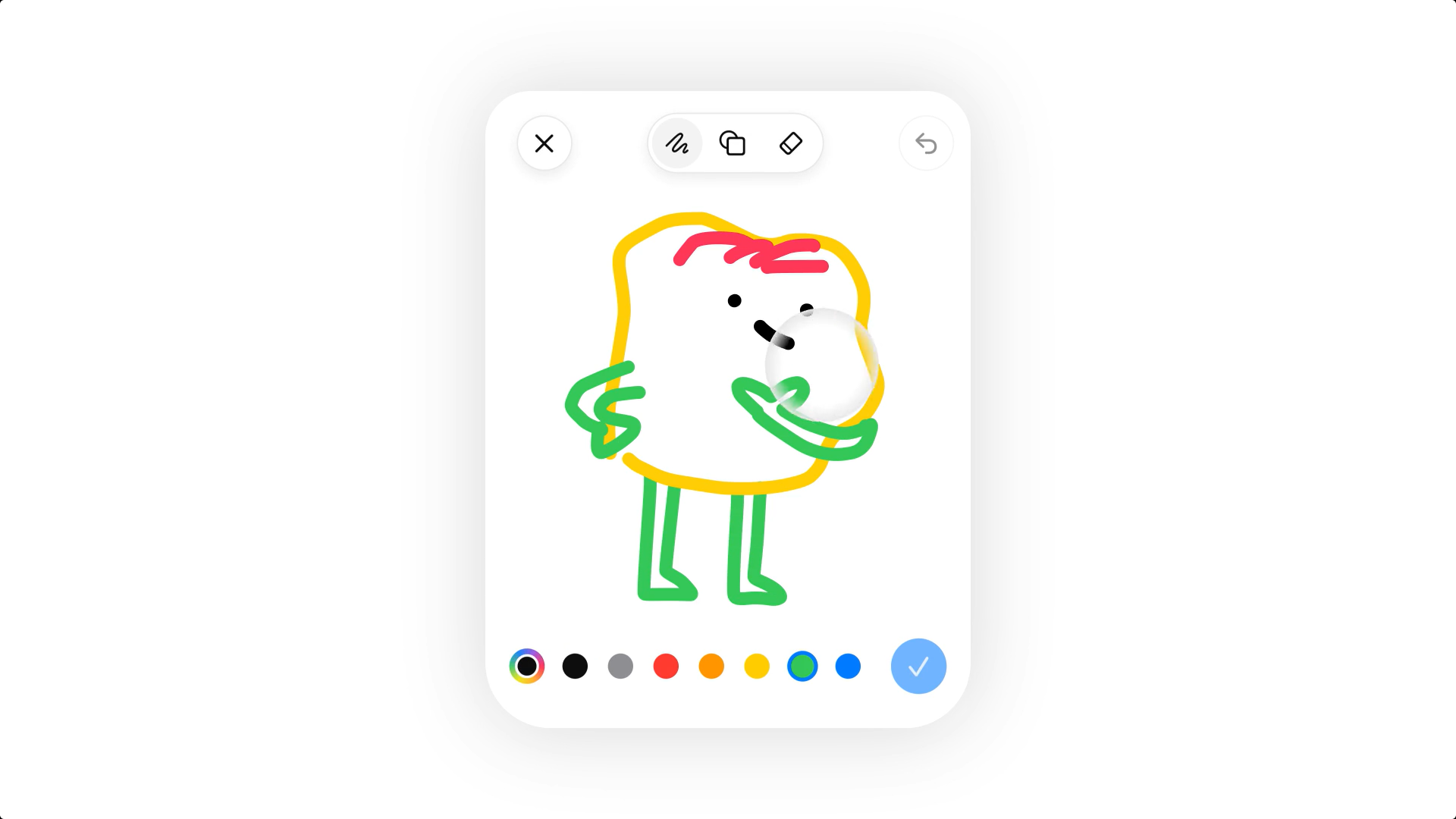
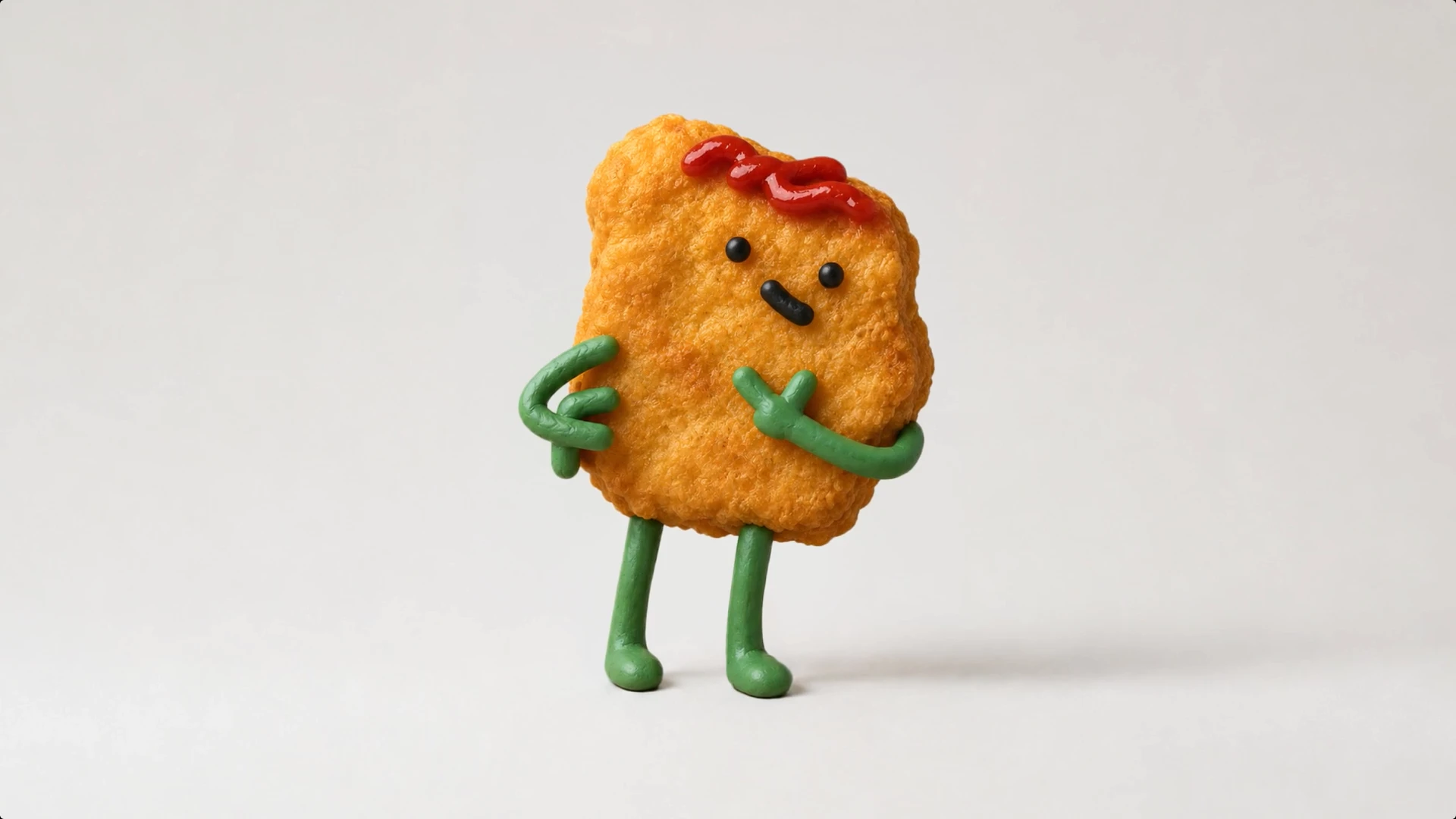
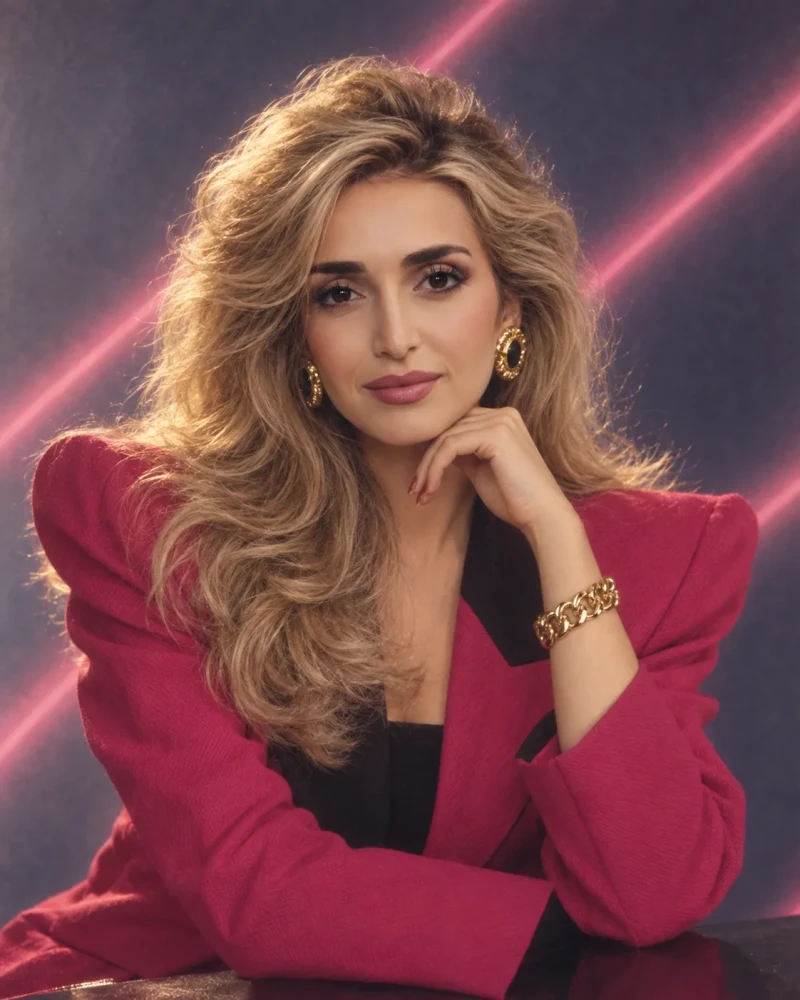
Templates also guide the most requested formats, such as posters or product photos, through a series of questions about style and setting. Finally, an image can be shared with the prompt that produced it, so others can reuse it with their own photos. OpenAI suggests, for example, finding out “what you would have looked like in the 80s”.
ChatGPT Images 2.5: what independent tests show
The blind leaderboard
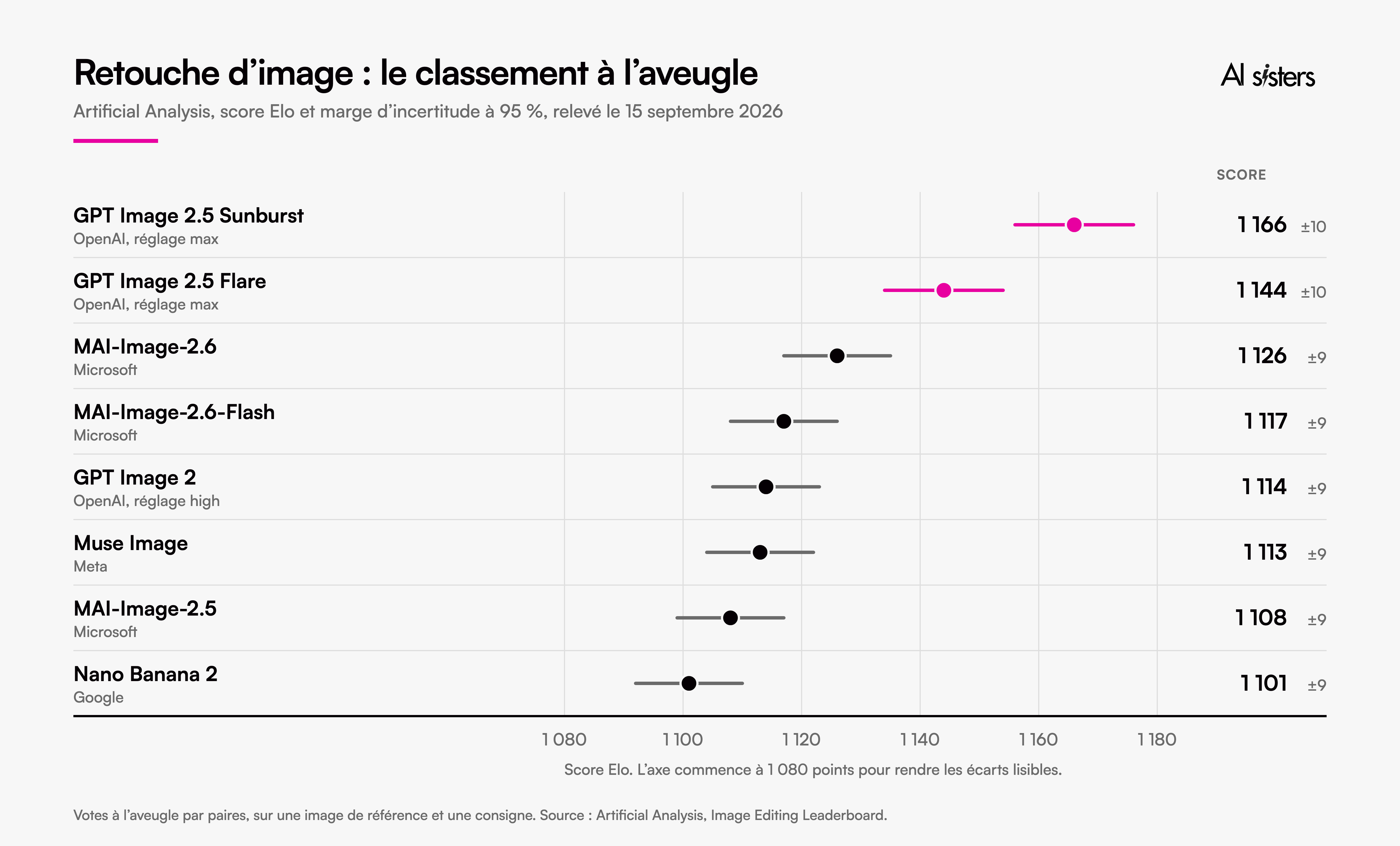
Artificial Analysis, an independent evaluator, has internet users vote blind. For each instruction, two models edit the same reference image, and the voter picks the better version without knowing which model produced it. As of 15 September 2026, GPT Image 2.5 Sunburst leads with 1,166 points, ahead of Flare (1,144), Microsoft's MAI-Image-2.6 (1,126) and GPT Image 2 (1,114). The margin of uncertainty is around 10 points.
To understand. The Elo score comes from chess: it converts a points gap into a probability of winning. The 52 points separating Sunburst from GPT Image 2 correspond to around 57 duels won out of 100. GPT Image 2 therefore still wins 43.
Arena, another blind-voting platform, added both models to its generation and editing leaderboards on launch day, and reports Sunburst in first place. We found no mention anywhere of early access granted to these evaluators.
What nobody has measured yet
Each vote covers one reference image and one instruction. The method published by Artificial Analysis does not mention chained edits, even though that is the central promise of Images 2.5.
The only test of this kind we found comes from the Polish site Promptowy. Its author asked for five successive edits on a street scene, then six on a photo of an olive oil bottle, this time compared pixel by pixel. At each step, elements that were not requested changed: the texture of the label, the reflections on the glass, the grain of the wood. He concludes that this is not a localised edit in the sense a graphic designer means, but a complete regeneration in which small details drift. He adds, however, that he cannot say for certain that ChatGPT was already using Images 2.5 during this test, published on launch day.
Reported flaws
On Reddit, users complain of visible noise in images. “They need to get rid of these noise artefacts. It makes the tool almost unusable in production,” writes one of them, quoted by TechRadar. Journalist Eric Hal Schwartz checked four images: a fine grain persists in skies, studio backgrounds and poorly lit areas.
For its part, OpenAI acknowledges, among the limitations listed in its documentation, that the model can sometimes struggle to keep recurring characters or brand elements consistent from one generation to the next. Its prompting guide, written for the previous version, advises repeating with each edit the list of what must not move, to limit drift.

Pricing
In the API, Flare and Sunburst have the same price: $30 per million image tokens generated. According to OpenAI's calculator, a square image costs $0.006 at low quality, $0.053 at high quality and $0.21 at maximum quality, not counting the original image sent as input. The maximum setting therefore costs what GPT Image 2 cost at high quality. For the “max” variants in its leaderboard, Artificial Analysis shows $210.70 per 1,000 images, compared with $38.90 for Microsoft's MAI-Image-2.6.
🧐 In practice, who it makes a difference for
Marketing leadership
You order a master visual from the agency, then twelve variants by channel. You wait for the full batch only to find that the third one does not work.
👉 Your teams create variants and make decisions upstream; the agency only receives requests that have already been settled.
Retail, e-commerce, product brands
Adapting a packshot to a seasonal setting means a photo shoot or nothing.
👉 You start from the existing photo and change the setting; the product stays strictly identical from one image to the next.
Internal communications and HR
Your internal campaigns and onboarding kits never win the budget battle against a customer campaign.
👉 They are produced in-house, cleanly, in a morning.
Leadership team (COMEX) and senior management
Your strategic materials wait for creative resources that are already stretched.
👉 You set out the visual intent yourself before decisions are made, and the studio starts from a clear direction instead of a vague brief.
⚠️ One point to anticipate: visuals will no longer come only from the communications department. HR will make their own posters, sales teams their own client materials. It is up to you to decide what they can publish on their own.
Six rules for edits that do not drift
The question of who publishes what needs settling before the first visual. The following six rules can serve as the basis for an internal policy, and for manager training.
- Keep the original outside the conversation. Export it in high definition before the first edit: it is your reference, and the only file that will not drift.
- One edit, one element. Place a comment on the area to change rather than piling several requests into one message. OpenAI's guide recommends short corrections, one change at a time.
- Say what must not move, every time. For example: “only change the background, keep the product, the label and the framing identical”. Repeat this list with every edit, not just the first.
- Compare each version with the original. Look first at text, logos, faces and plain backgrounds: that is where drift and grain show.
- Go back rather than stacking edits. If a step has degraded the image, start again from the previous version instead of correcting the correction.
- Finalise outside the AI, and disclose it. Add the final text and logo in your layout tool. If the image shows real people and could pass for authentic, Article 50 of the AI Act has required disclosure since 2 August 2026. OpenAI adds C2PA metadata and an invisible watermark, but do not rely on them: a study published on 14 September found the C2PA signature in only 31 of the 66 files from Pixiv it examined.
Key takeaways
- The promise of precise edits dates back to December 2025. Images 2.5 picks it up, this time backed by an independent leaderboard.
- Blind votes put it first for editing, with around 57 duels won out of 100 against GPT Image 2.
- No public measurement yet covers ten edits in a row, to our knowledge. Test it on your own visuals before building the tool into a process.
- Reserve it for variants and mock-ups. Text, logos and pixel-perfect edits stay in your usual tools.
- At the top of the range, the price per image does not change: $0.21 per square image in the API.
- Decide who can publish what before visuals start coming out of every department.
To help your creative and marketing teams use ChatGPT Images every day, discover our corporate ChatGPT training.
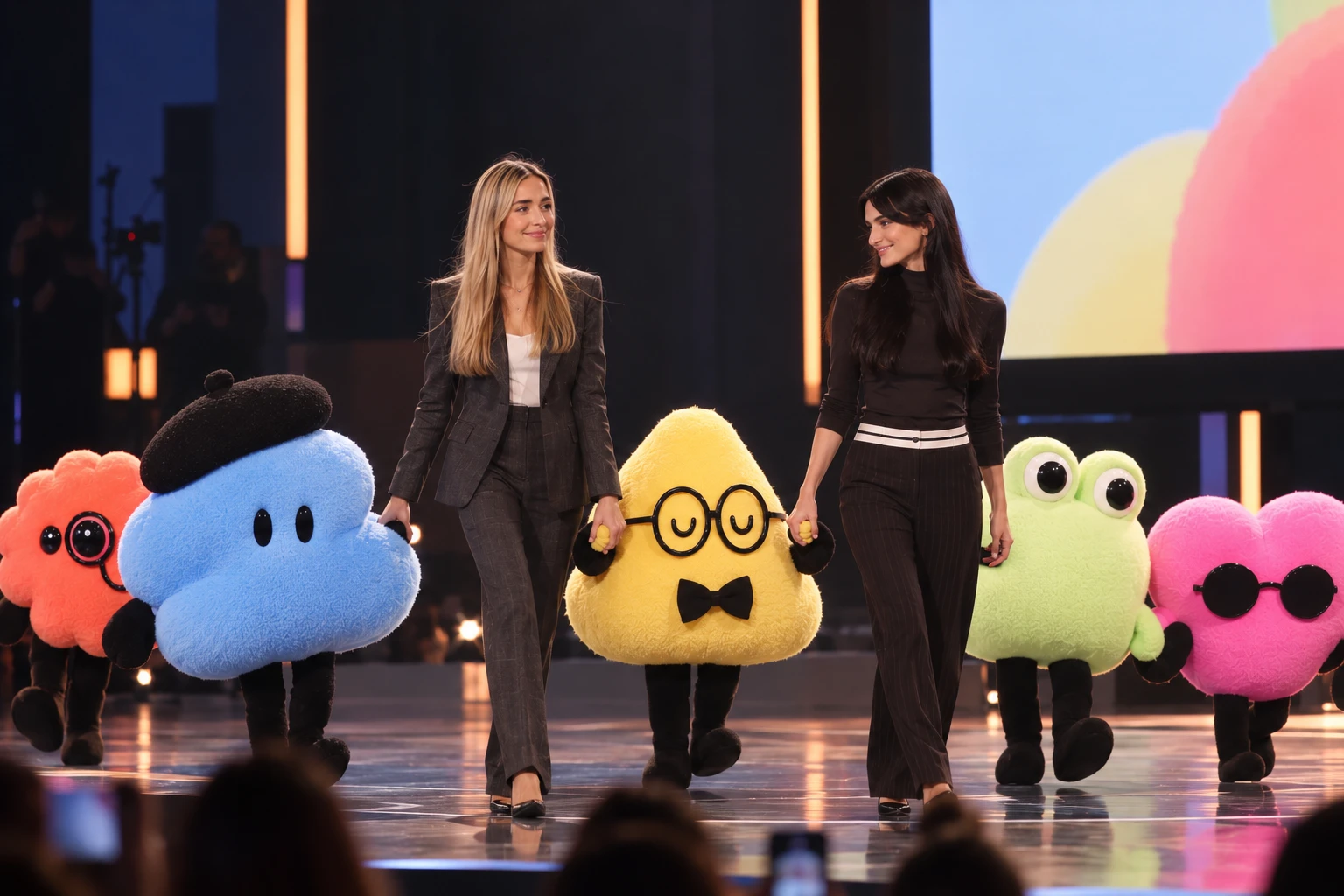
Image of the day
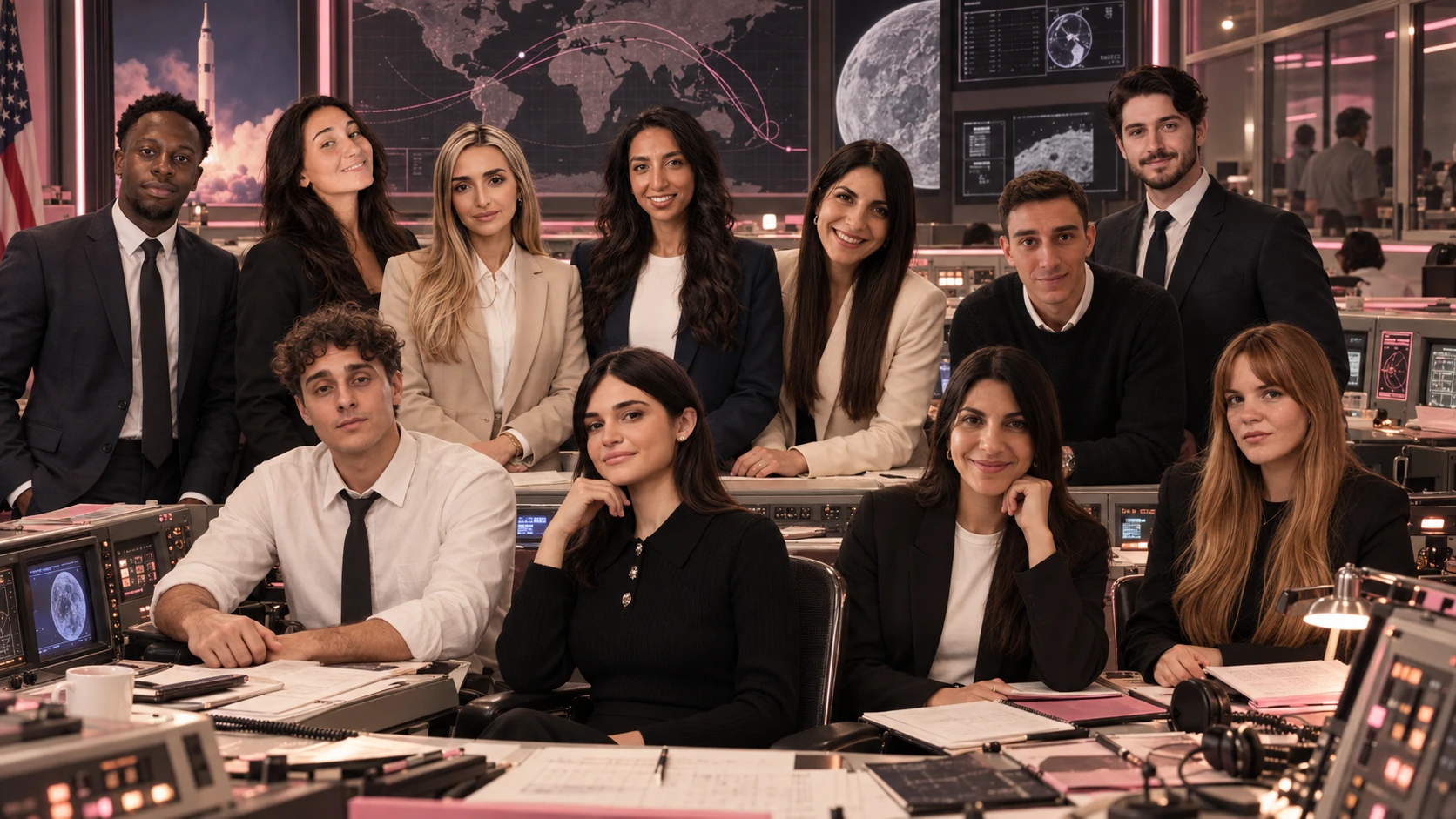
Prompt:
Create a high-end cinematic editorial team portrait for AI Sisters, using the attached reference photos to preserve each team member’s identity, facial features, hairstyle, and overall appearance.
Art direction: a fusion of 1970s NASA Mission Control and a sophisticated Swiss high-fashion editorial campaign.
Where does your company stand with AI? Take the free AI assessment in 5 minutes and receive your action priorities.
Sources
- OpenAI, Introducing ChatGPT Images 2.5, 8 September 2026.
- OpenAI, Introducing ChatGPT Images 2.5, YouTube video.
- OpenAI, The new ChatGPT Images is here, 16 December 2025.
- OpenAI, Introducing 4o Image Generation, 25 March 2025.
- OpenAI, ChatGPT Images 2.0 System Card, 21 April 2026.
- OpenAI, Image generation, documentation and cost calculator, accessed 15 September 2026.
- OpenAI, GPT Image Generation Models Prompting Guide.
- Artificial Analysis, Image Editing Leaderboard and methodology, accessed 15 September 2026.
- Arena, Leaderboard Changelog, entry of 8 September 2026.
- Promptowy, Edycja obrazu w ChatGPT: test jedenastu kolejnych poprawek, 8 September 2026.
- TechRadar, Eric Hal Schwartz, “The noise patterns are awful”, 10 September 2026.
- TechRadar, Graham Barlow, ChatGPT Images 2.5 is out, 8 September 2026.
- Scam.ai, ChatGPT Images 2.5 in the Wild, arXiv, 14 September 2026.
- European Commission, Transparency obligations under Article 50 of the AI Act.



.avif)
