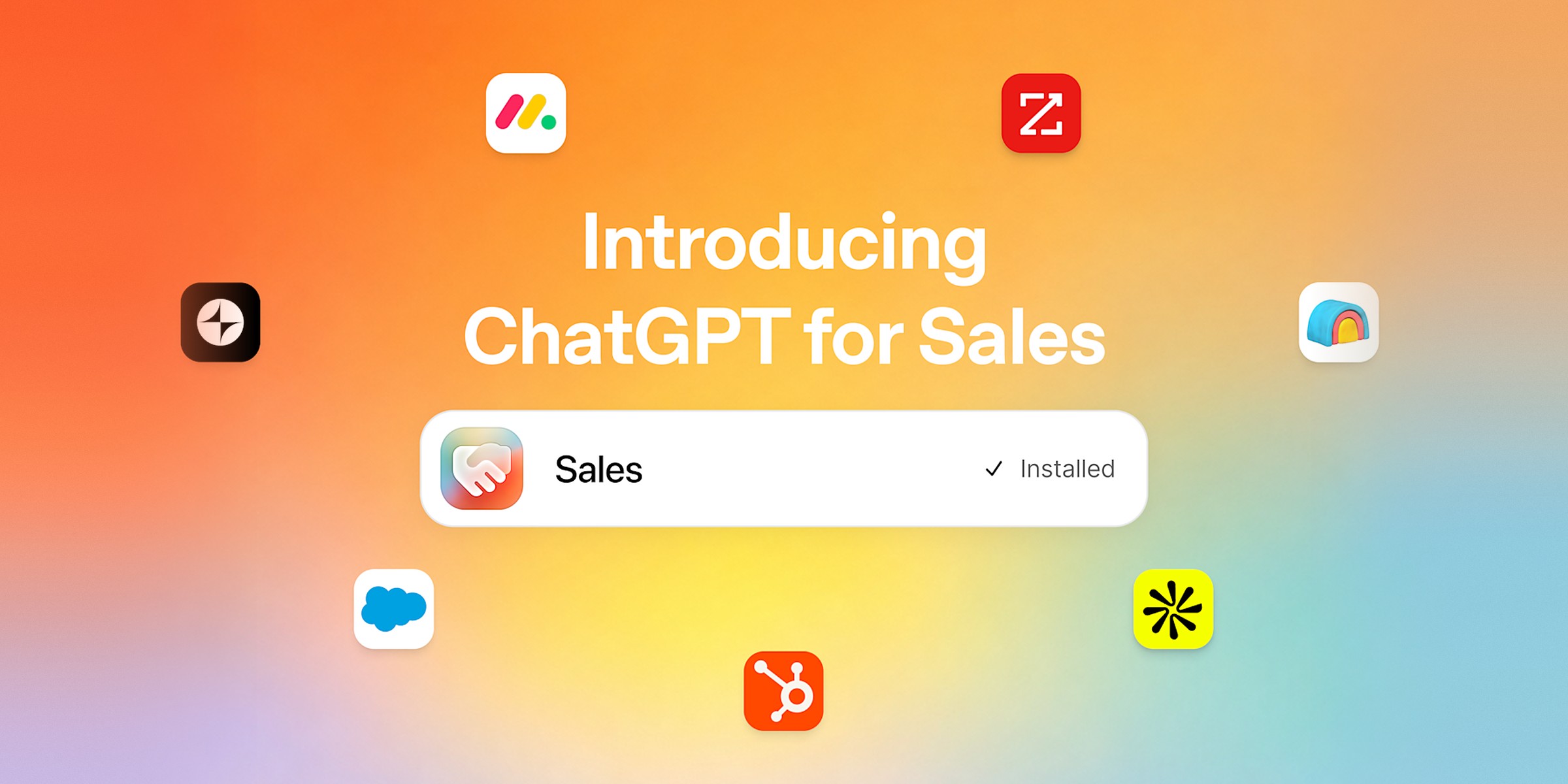
Short answer: ChatGPT for Sales is a set of plugins that lets a salesperson ask ChatGPT to prepare a meeting, rank accounts and draft a follow-up, using their CRM. It was announced by OpenAI on 17 November 2026.
For years, salespeople have switched tools constantly: the CRM to take notes, email to follow up, the spreadsheet to prioritise, a search engine to prepare a meeting. ChatGPT for Sales aims to bring these pieces together in a single conversation. The product relies on a new Sales plugin built by OpenAI and on more than thirty partner plugins. The bet is simple: the salesperson asks, and ChatGPT fetches the information wherever it sits.
In brief
- ChatGPT for Sales connects ChatGPT to the CRM, prospecting tools and call notes of sales teams.
- The Sales plugin offers ready-made workflows: choosing accounts, preparing a call, drafting a follow-up, tracking a pipeline.
- Always-on agents, called "dots", can prepare briefs and suggest next steps. OpenAI states that they can make mistakes.
- Access depends on the plan, the region and admin settings. Pricing does not appear in the sources we consulted.
- Before handing anything to the product, start with a read-only task, and review every CRM update.
What ChatGPT for Sales is
ChatGPT for Sales is not a new model. It is a work layer on top of ChatGPT: connectors to the company's tools and guided workflows for the most common sales tasks. The Sales plugin provides the workflows. The partner plugins provide access to the tools.
The announced workflows cover the full sales cycle: building a prioritised list of accounts from CRM data and prospect research, preparing a meeting with a brief and a tailored proposal, drafting the follow-up, logging next steps, then suggesting account plans and pipeline reviews that flag deals at risk.
To see the official presentation, OpenAI publishes a launch demo and a demo from partner HubSpot on its page: the official ChatGPT for Sales page.
To put it simply. Think of an assistant with access to your team's binder. You do not ask it to remember what you already know. You ask it to look through the binder, summarise what matters, then suggest an action. The quality of the answer therefore depends mostly on the quality of the binder: a poorly kept CRM produces poorly informed briefs.

What happened
The November 2026 announcement did not come out of nowhere. It extends a series of CRM integrations already in place:
- HubSpot was one of the first CRMs to connect deeply to ChatGPT, with a deep research connector for CRM data.
- Salesforce followed in January 2026, with an Agentforce Sales app that links ChatGPT conversations to a company's Salesforce instance.
- On 17 November 2026, OpenAI unveiled ChatGPT for Sales: the Sales plugin, the partner plugins and the "dots" agents.
The change lies less in the connectors than in the ambition. Until now, ChatGPT answered a question. With dots, the product prepares work and presents it for approval, continuously, without the user prompting it again.
The official page lists the following tools. CRM: Salesforce, HubSpot, Close CRM, monday CRM and Attio. Prospecting: Apollo, Clay, Common Room, ZoomInfo, Outreach and Salesloft. Call notes: Gong, Otter.ai and Granola. Pipeline and analytics: Backstory, Hex and Rox. Quotes and contracts: Docusign, Ironclad, PandaDoc and ServiceNow CPQ. Internal knowledge: Confluence, Guru and Seismic. Presentations: Gamma, Figma and Canva. The full list depends on your plan and settings.
What it changes, role by role
The cases below are based on the workflows announced by OpenAI and described in the press. We have not tested them with our clients: they help identify where the tool can save time, and where a human eye is still needed.
Prospecting: a list of accounts, not a list of names
The task today. A salesperson starting a quarter often spends several half-days sorting accounts, checking websites, cross-referencing the CRM and buying signals.
What the tool adds. A ranked list of accounts, with the reason to follow each one and the missing information. The result is a reasoned proposal that the salesperson can challenge line by line.
How to start. Ask for twenty accounts from a segment you know well. Compare the list with your intuition: the differences are the useful part.
What it costs. Quality depends on CRM data. A database full of duplicates produces a wrong list with great confidence.

Meeting preparation: arriving knowing what the client said
The task today. Rereading previous call notes, the email thread and the prospect company's web pages, often the night before.
What the tool adds. A brief that brings together past exchanges, commitments made and open questions, with a suggested opening for the meeting.
How to start. Choose a renewal meeting whose answer you already know. Check that the brief cites no information you did not have.
What it costs. A brief that misses a verbal commitment is worse than no brief at all. Keep call notes up to date, and read the "commitments" section before each meeting.

Team management: seeing deals at risk before the review meeting
The task today. Every Monday, the sales manager rebuilds the state of the pipeline from CRM updates, which are often incomplete.
What the tool adds. A pipeline review that flags deals with no recent activity, stages that are stalling and close dates that have not moved.
How to start. Ask for a review of a single salesperson's pipeline, then compare it with your own analysis.
What it costs. The signal is only worth something if CRM stages are kept up to date. If everyone fills in their stages their own way, the review reflects habits, not reality.

Practical guide: taking action with ChatGPT for Sales, safely
The product touches the CRM and messages sent on your behalf. The right reflex is to start small, read-only, with a scope you can roll back.
- Check access. ChatGPT Business or Enterprise admins enable the Sales plugin from the admin console, under Plugins. Availability varies by plan, region and workspace settings: confirm it before training the team.
- Connect a single tool. Start with the CRM, read-only. Add email or call notes only after a successful first week.
- Give it a first low-stakes task. A list of twenty accounts, or the brief for a meeting that has already taken place. Compare the result with your own work.
- Set the rules for actions. The settings let you allow, require approval for, or block certain actions. Block automatic message sending until quality has been proven.
- Review every write to the CRM. Suggested updates must be approved by the person accountable for them.
- Measure for four weeks. Note the time spent on each task before and after, the number of errors spotted and the meetings prepared. This table is worth more than any published figure.
- Decide on your own figures. If the gain is real, widen the scope. If not, the problem often lies with the CRM data, not the tool.

Key takeaways
- ChatGPT for Sales brings the CRM, prospecting and call notes together in one conversation; it was announced on 17 November 2026.
- The product is relevant where work is repetitive: lists, briefs, follow-ups, pipeline reviews.
- Dots can make mistakes. Every action with consequences must be reviewed by a human.
- Start read-only, on a single tool, with a low-stakes task.