.svg)
ChatGPT launches its App Store with over 100 integrated applications
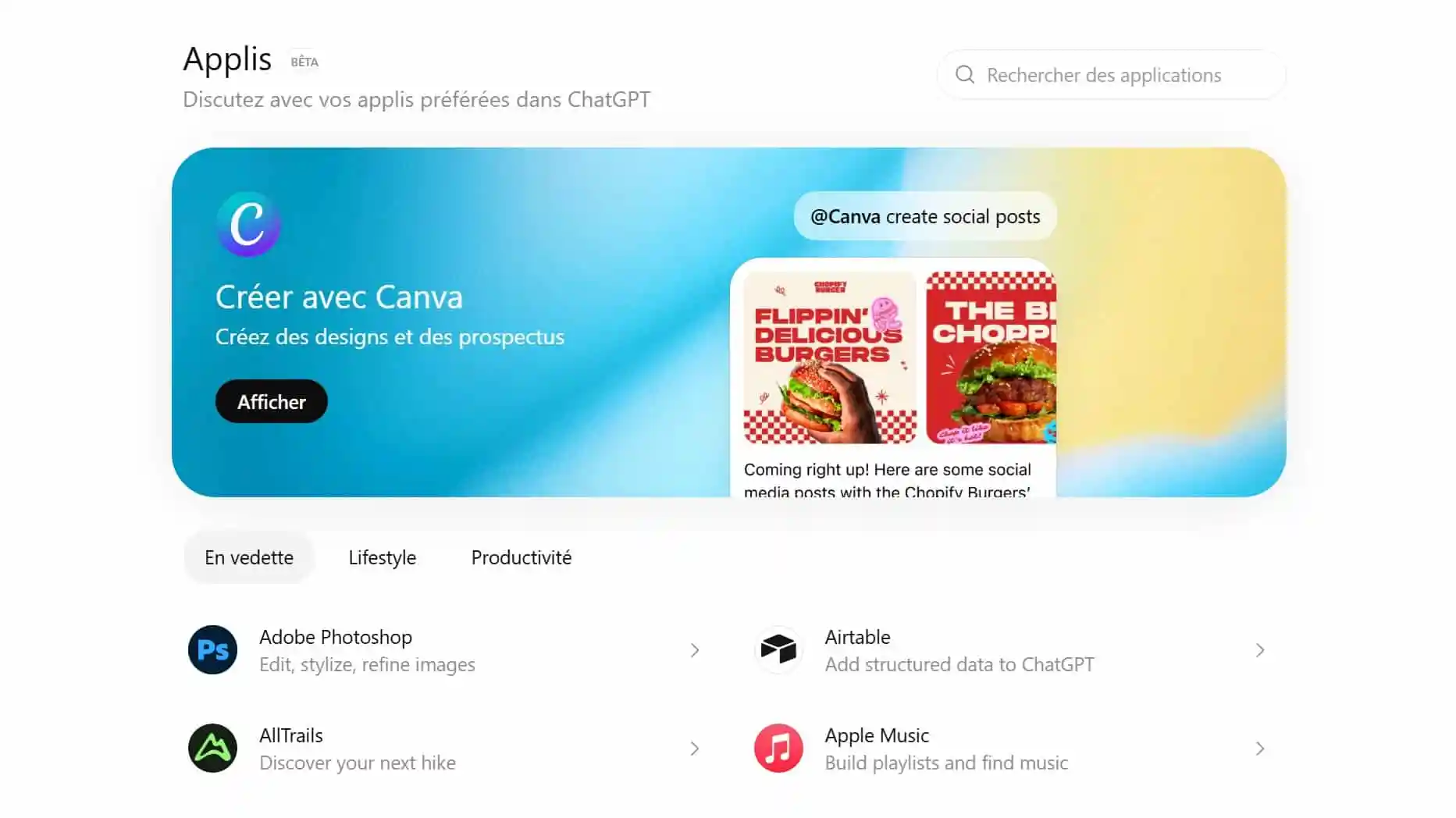
GPT chat is no longer limited to answering questions. OpenAI is deploying a App Store GPT chat, accessible via the tab Apps or directly via chatgpt.com/apps, which allows you to connect more than 100 applications directly to the chatbot.
Major services such as Canva, Spotify, Adobe, Adobe, Booking, Expedia, or OpenTable already offer native experiences. Objective: to allow users to act directly from a conversation, without leaving ChatGPT.
ChatGPT has its own application store
OpenAI presents this App Store as a directory of “native experiences.” Concretely, ChatGPT can now be linked to third-party services to book a hotel, create a playlist, edit an image or transform a map into a presentation.
The tab Apps, still in beta, categorizes apps into three main categories:
- featured
- Lifestyle
- Productivity
Each application has its own presentation page, with a button Connect to activate it.
List of the first applications available on the ChatGPT App Store
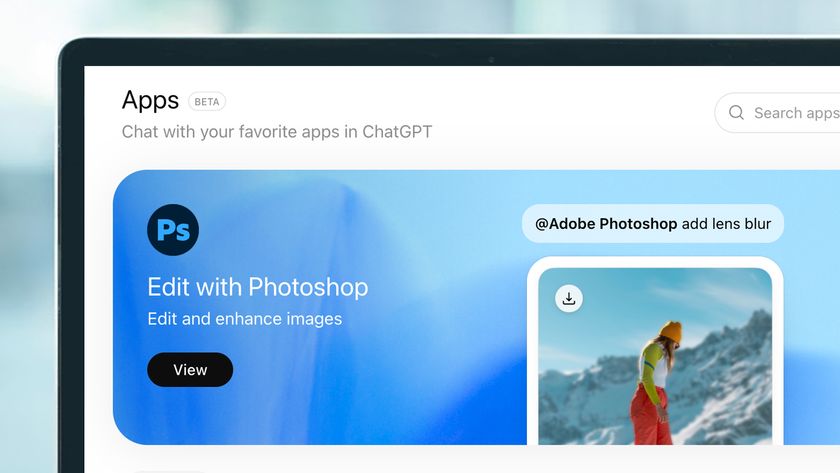
Among the first applications already proposed, we find in particular:
- Canva : creation of visuals and presentations
- Adobe Photoshop : image editing and stylization
- Spotify : playlists, music and podcasts
- Booking.com : search and book hotels
- Expedia : travel planning
- OpenTable : restaurant reservations
👉 Application summary table :
How do I install an application on ChatGPT?
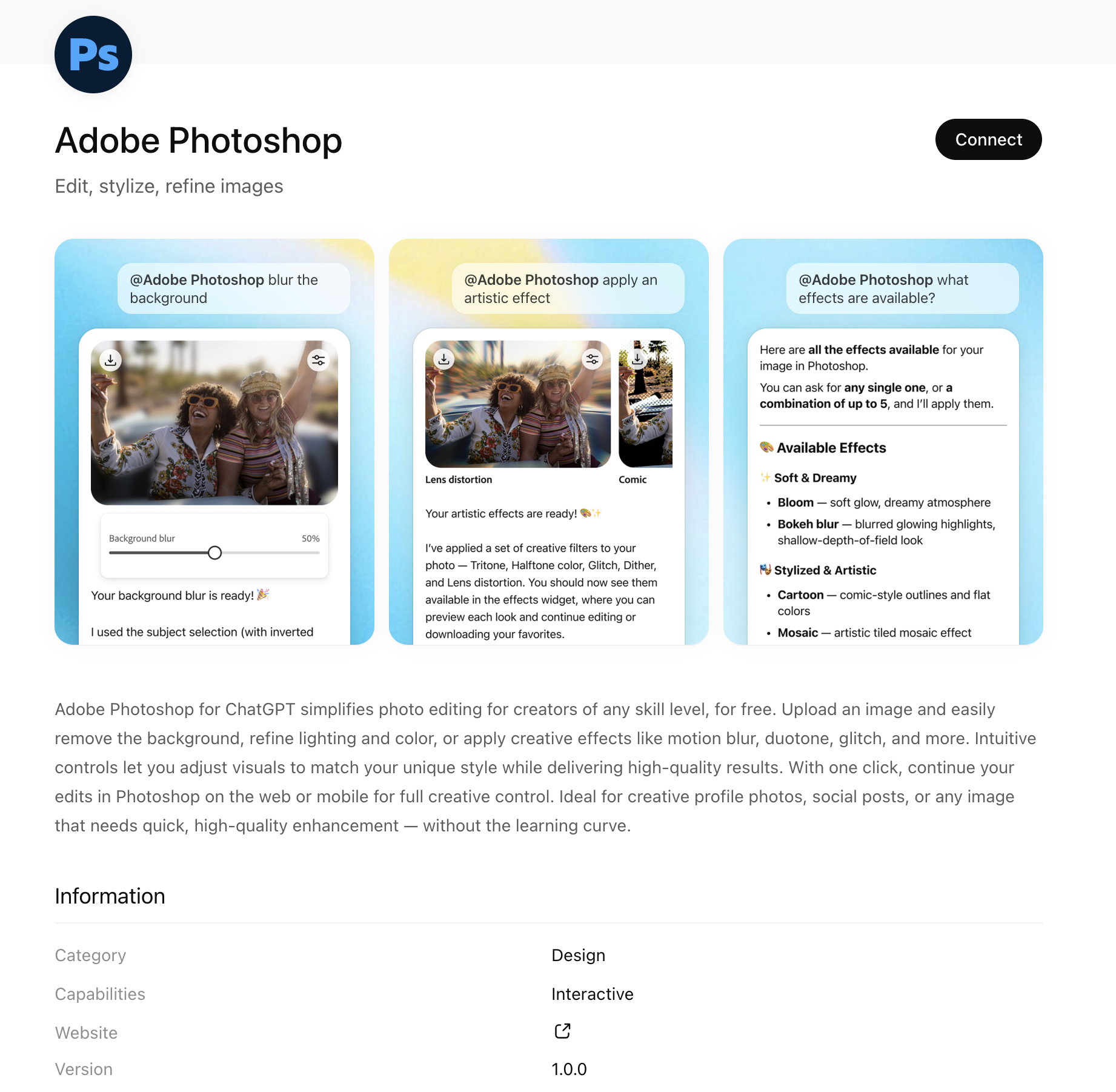
Installing an application is easy:
- Open the tab Apps or go to chatgpt.com/apps
- Select an application
- Click on Connect
- Validate the requested authorizations
Before each connection, OpenAI specifies What data can be shared with the third party application (IP address, approximate location, account data).
Users are in control: an application can be Disconnected at any time.
How do I use an app in a conversation?
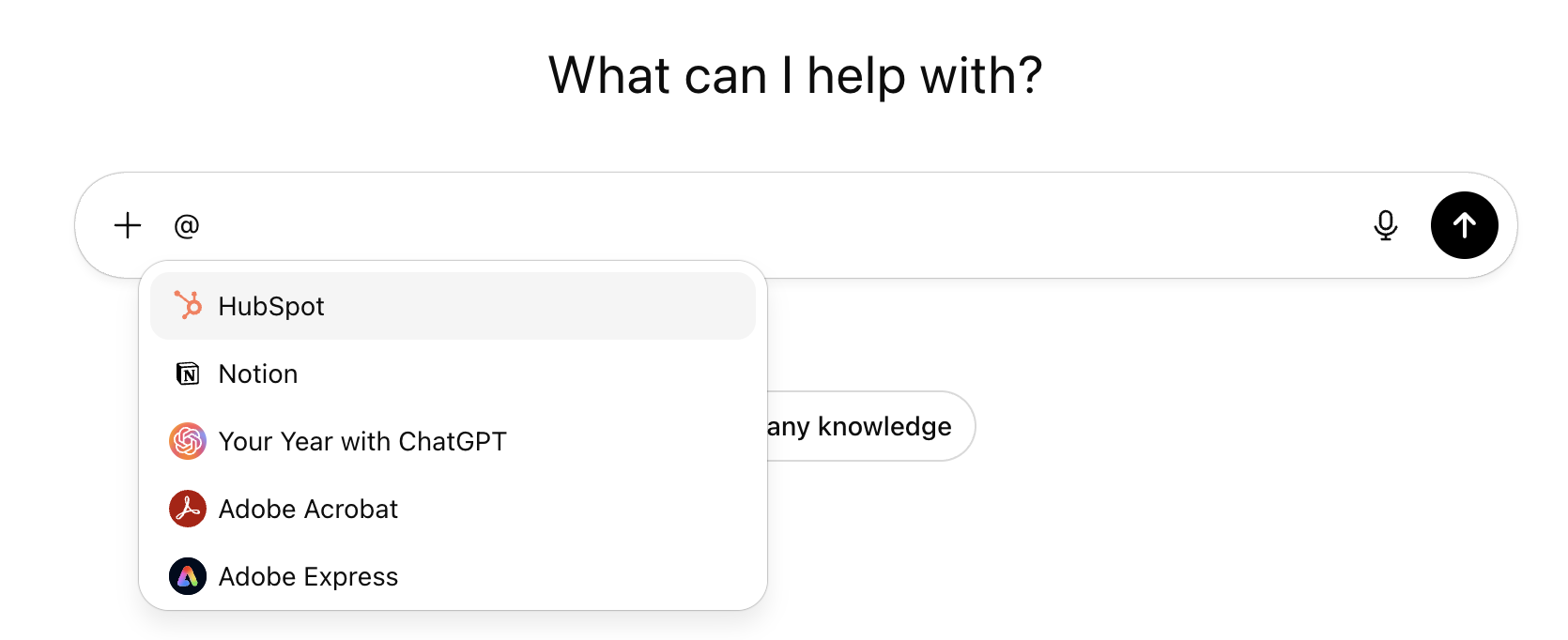
Once installed, an application can be used directly in a chat:
- by mentioning it with @ (ex.
@Spotify,@Booking) - or via the button Start the chat on his page
OpenAI is also testing automatic application recommendations based on the context of the conversation and user preferences.
Why this innovation is strategic
Until now, ChatGPT was mainly used as a tool for generating text, analysis, or images. With the launch of its App Store, the tool takes a new step and becomes a hub capable of orchestrating concrete actions through third party applications.
The user no longer needs to leave the conversation: they express an intention (“book”, “organize”, “create”, “edit”) and ChatGPT relies on the connected application to perform the task. This logic brings ChatGPT closer to a real intelligent action-oriented assistant.
This evolution is strategic for OpenAI. By building an ecosystem of applications, the company is transforming ChatGPT into central interface for many uses: productivity, travel, entertainment, visual creation or reservations.
How do I develop an application for ChatGPT?
To enable developers to create these new experiences, OpenAI provides a SDK apps, announced in preview in October and now deployed in beta.
This development kit is Open source and is based on the Model Context Protocol (MCP), a standard designed to allow AI models to connect to external tools and different data sources.
OpenAI also provides comprehensive documentation with coding tips, sample applications, and best practices. Any finalized application that respects the established rules can be subject to validation in order to be referenced in the ChatGPT App Store.
What are the rules for publishing an application in the ChatGPT App Store?
OpenAI states that applications should:
- respect OpenAI usage policies
- be appropriate for all audiences
- respect the terms of use of third party services when accessing their content
This framework aims to ensure an application store reliable, secure, and usable at scale, without excesses related to the use or sharing of data.
What to remember on the ChatGPT App Store
- ChatGPT launches a App Store integrated accessible via the Applications tab and chatgpt.com/apps
- More than 100 apps are available from launch
- Early partners include Canva, Spotify, Adobe, Adobe, Booking, Booking, Expedia, and OpenTable
- Applications can be installed in one click via Connect, with transparency on shared data
- An application can be used directly in a conversation via @NomDeLApp
- Developers can create and submit apps through theSDK apps based on the MCP


.avif)
